How to Fix Blurry or Pixelated Images After PDF to Word Conversion
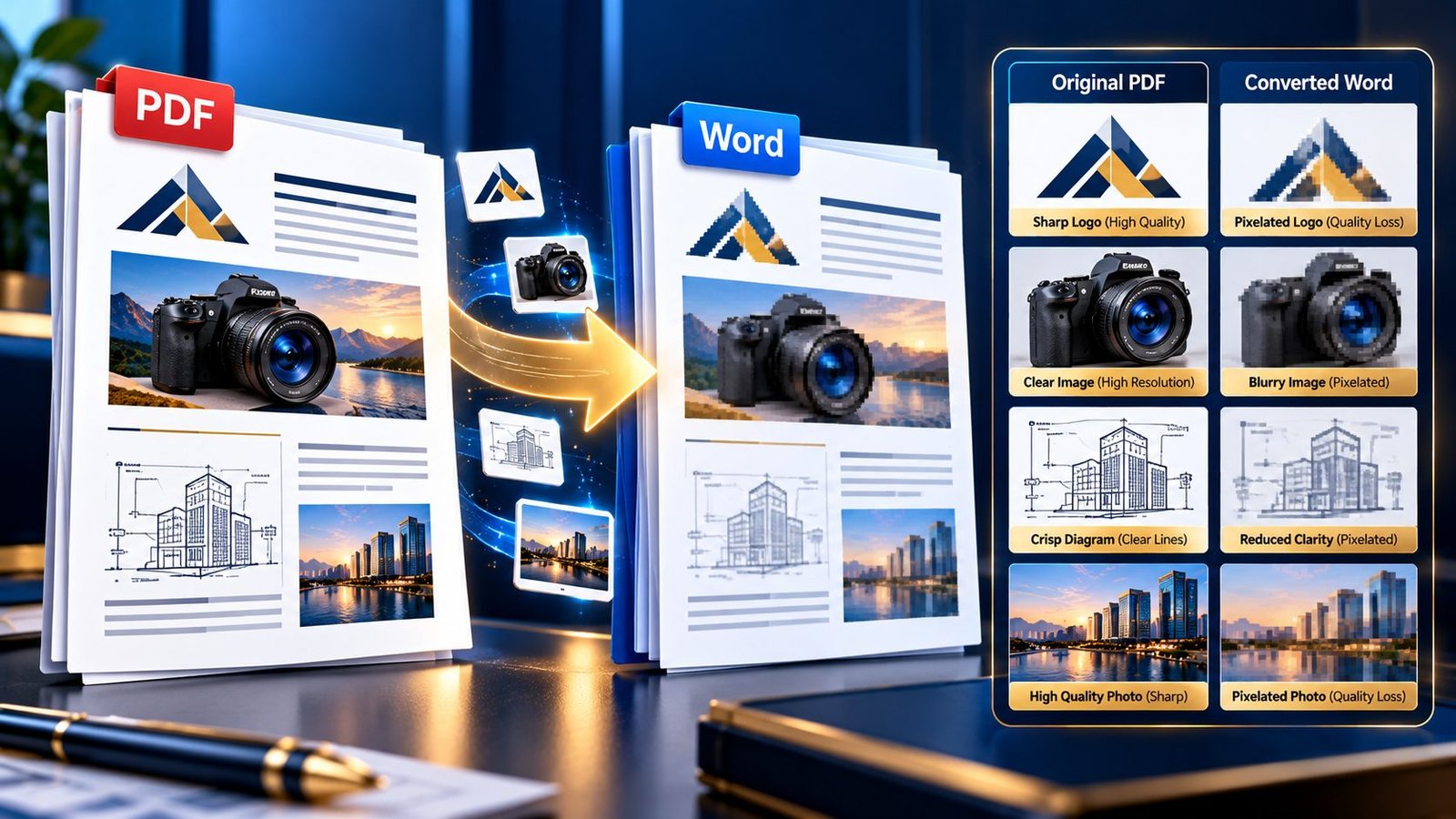
Blurry and pixelated images after PDF to Word conversion

A PDF can look perfectly sharp on screen, yet the images inside the converted Word document suddenly look soft, blurry, or pixelated. This is especially frustrating when the PDF contains a company logo, product photograph, scanned diagram, chart, screenshot, or high-resolution illustration that needs to remain usable after conversion. If images become blurry after converting … Read more
Converting Large, Book-Length PDF Files into Word Docs Seamlessly

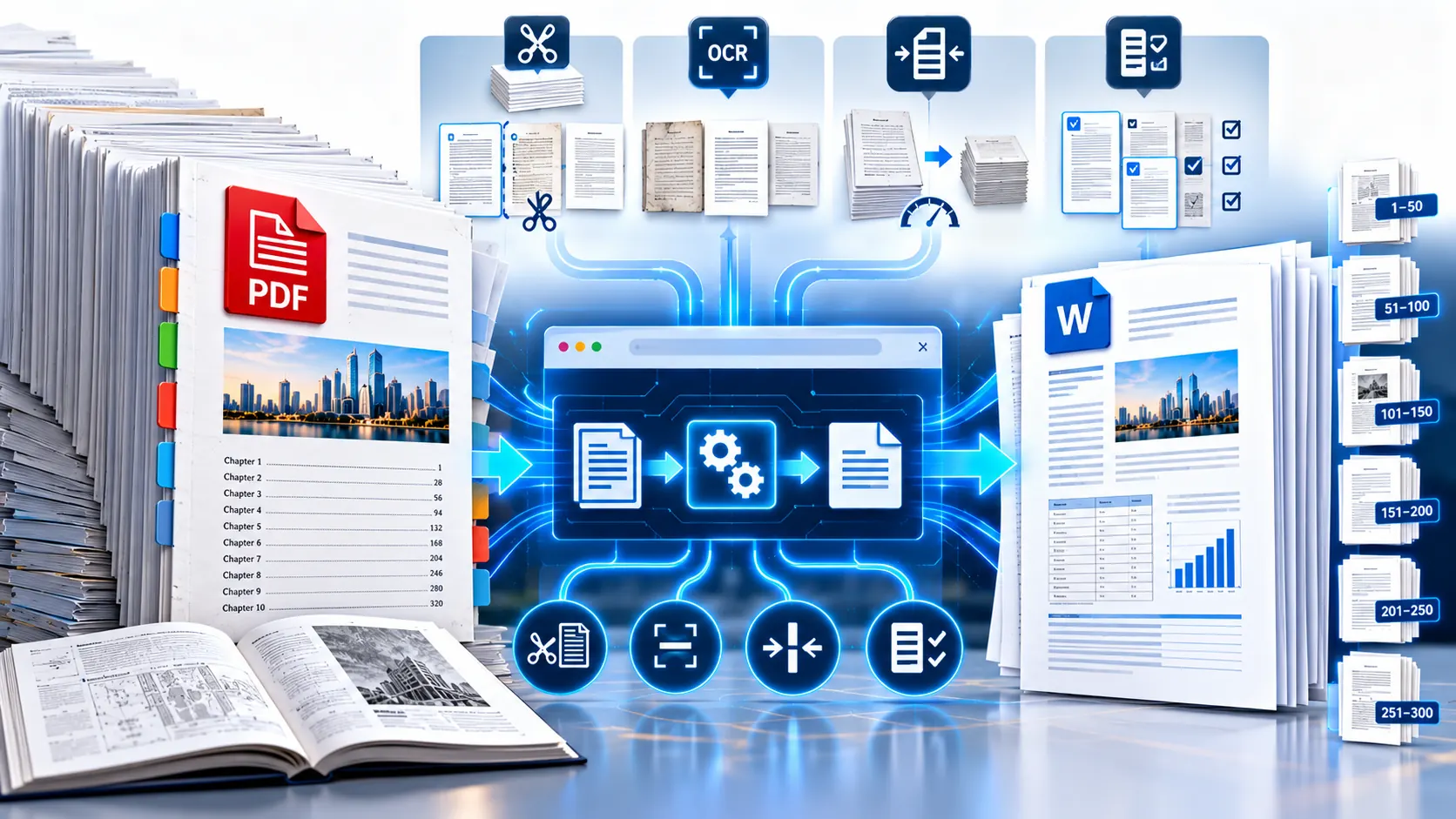
Converting a large book-length PDF into editable Word documents

Large PDF files can be difficult to convert to Word, especially when they contain hundreds of pages, scanned images, large graphics, complex tables, or multiple document layouts. Instead of trying to force an entire book-length PDF through one conversion step, a more reliable approach is to prepare the file, divide the workload when necessary, convert … Read more

How to Convert PDF to Word and Keep Hyperlinks Working

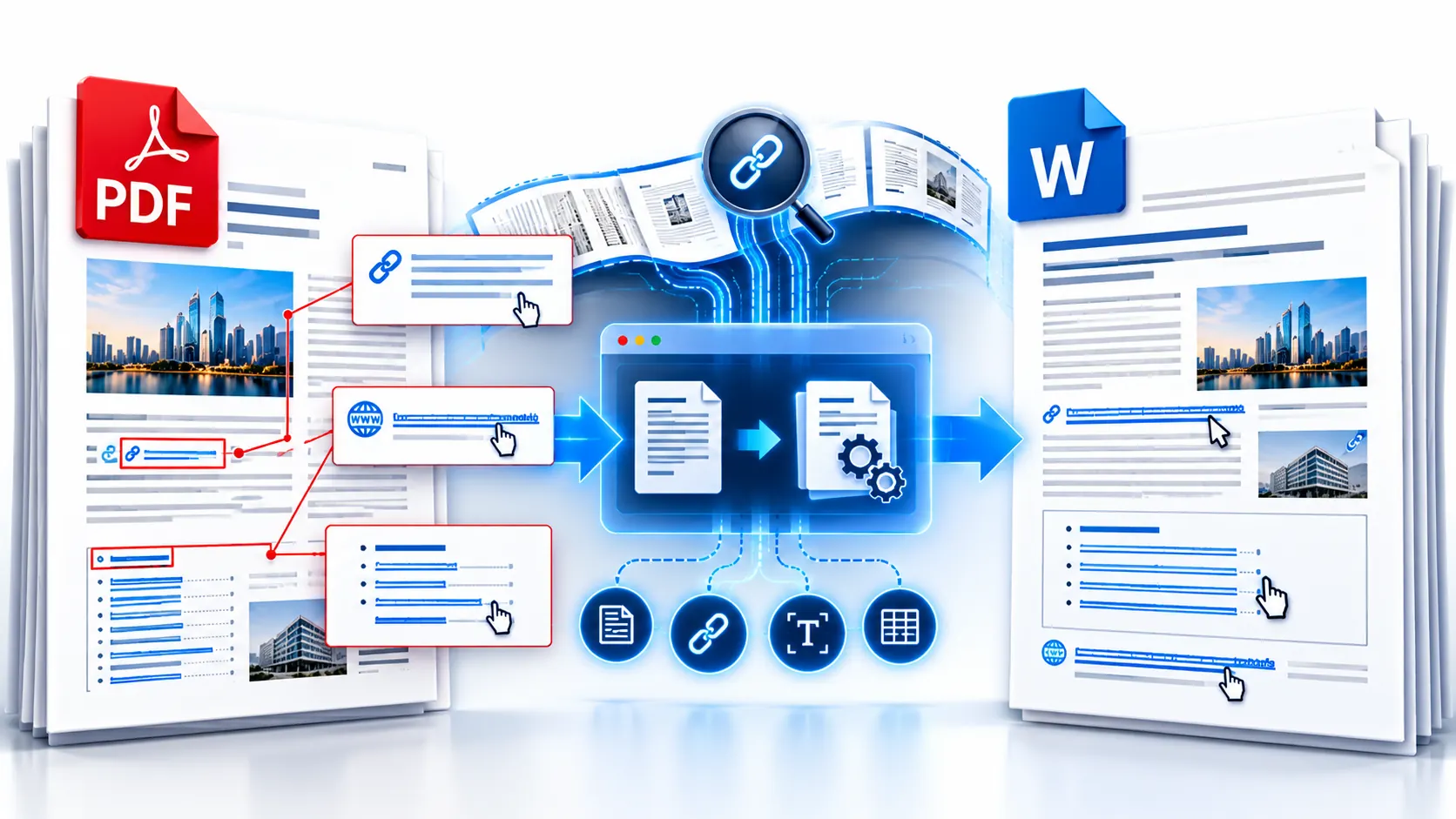
PDF converted to Word while preserving clickable hyperlinks

Converting a PDF to Word can give you editable text, but hyperlinks are a separate part of the conversion problem. A URL that looks clickable in the original PDF may not remain an active hyperlink in the resulting Word document. The safest approach is to treat hyperlink preservation as something you need to verify after … Read more

How to Convert PDF to Word on iPhone and Android Without App Installation

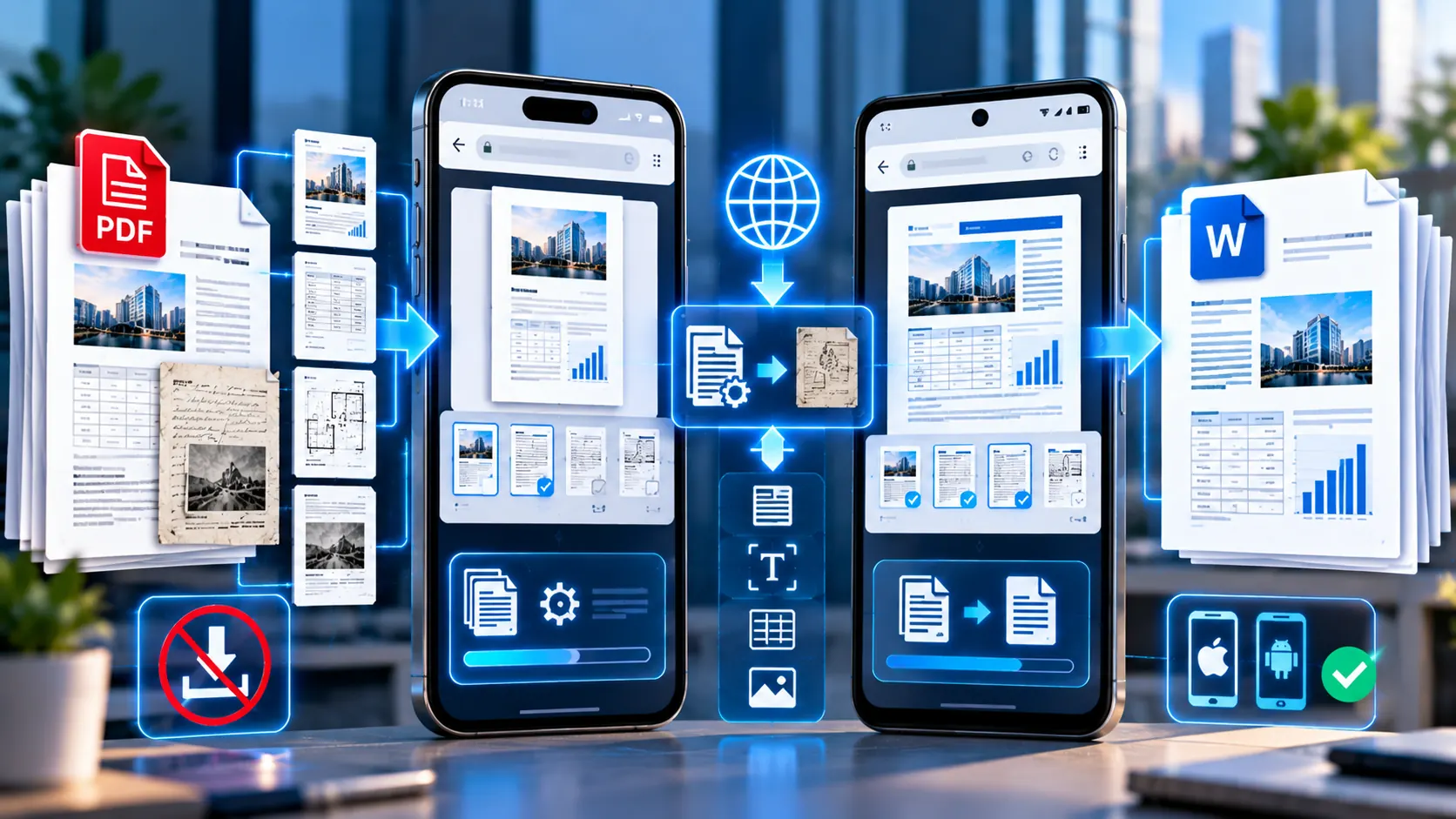
Convert PDF to editable Word document on iPhone and Android without an app

If you have a PDF on your phone and need to edit its contents in Microsoft Word, you do not necessarily need to install another PDF conversion app. A modern mobile browser can handle the workflow. On iPhone, you can open Safari, access the PDF converter, select your document from the Files app, convert it … Read more

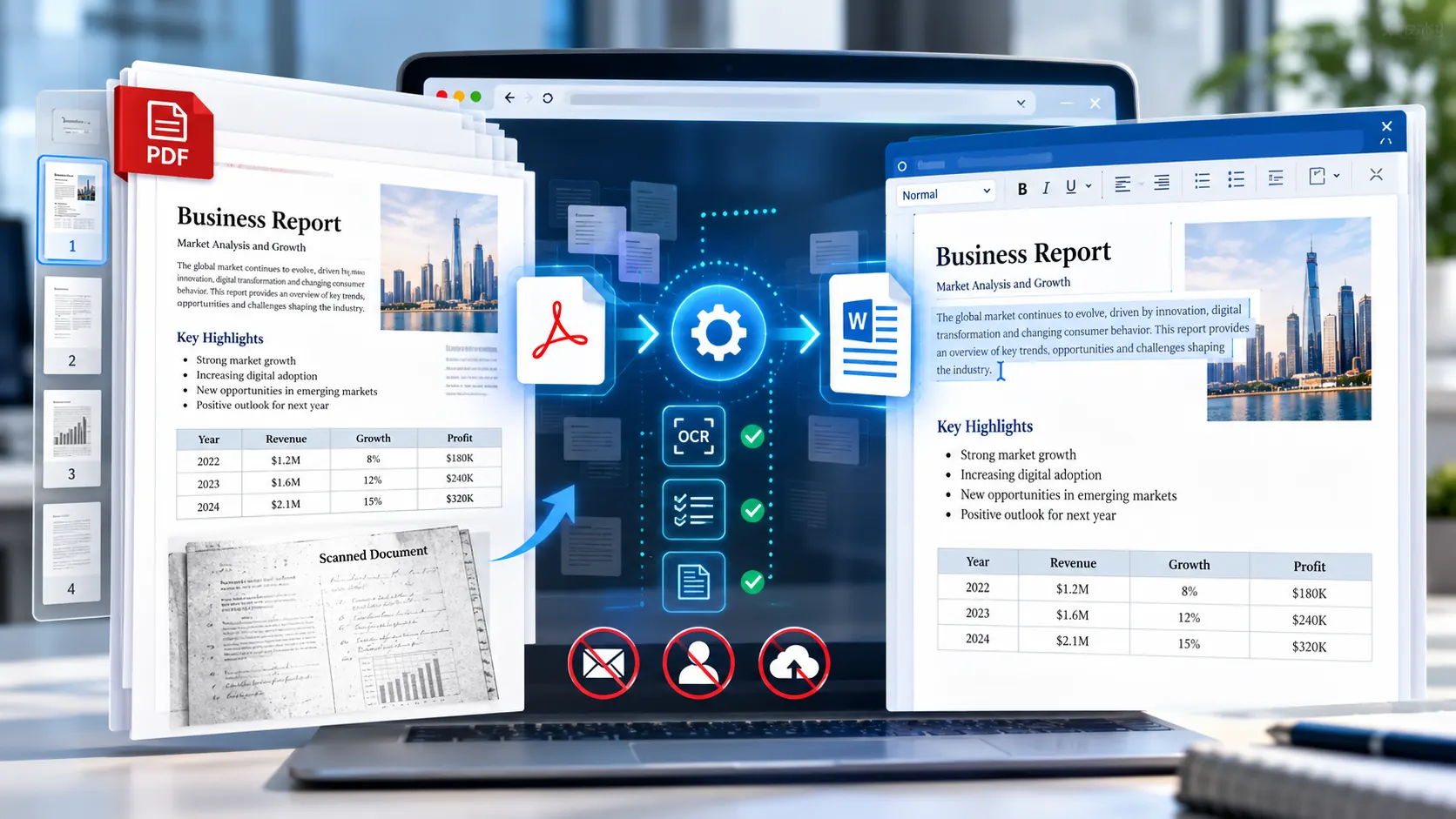
How to Convert a Scanned PDF to an Editable Word Document (OCR Guide)

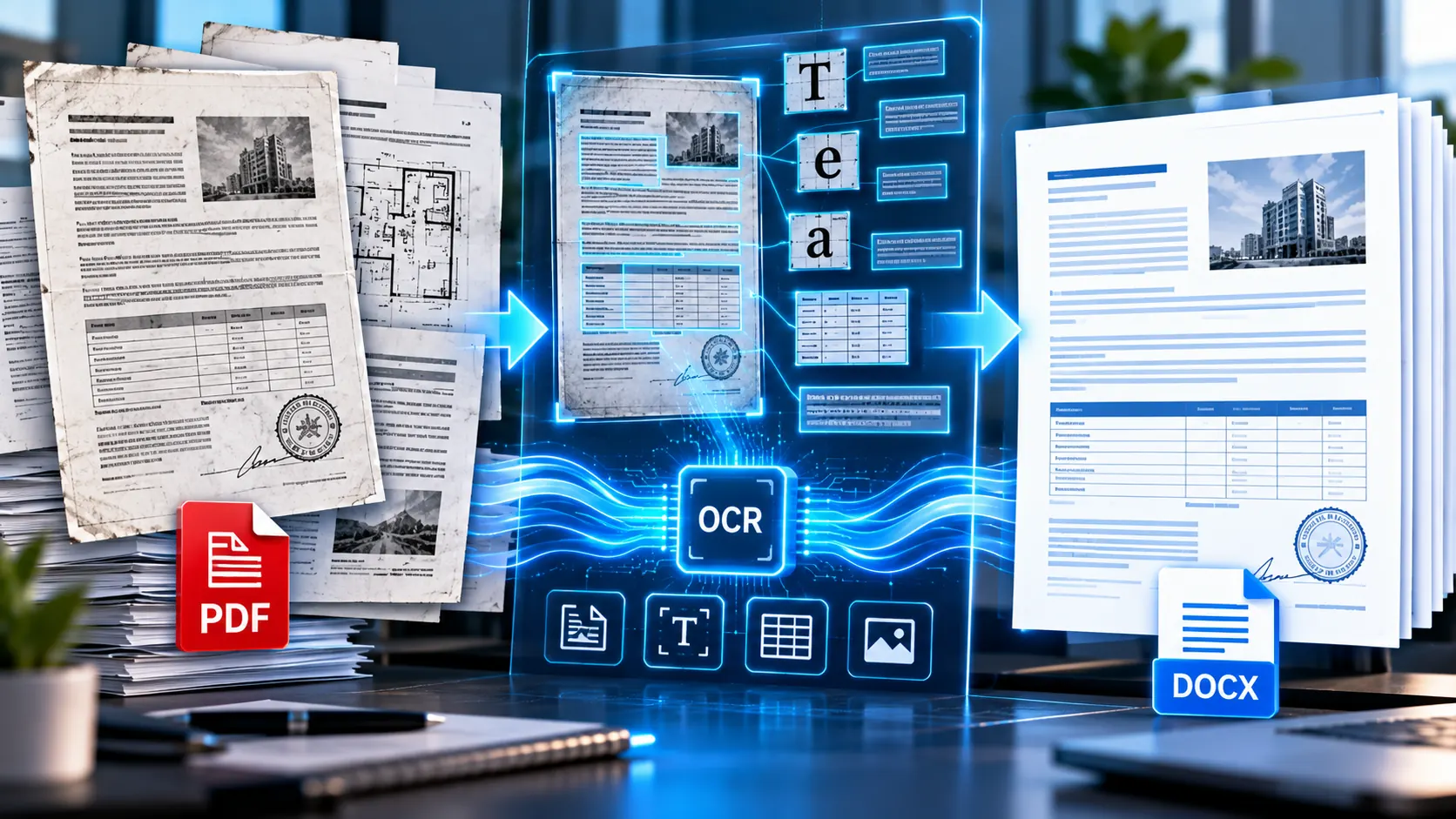
Convert scanned PDF to an editable Word document using OCR

A scanned PDF is not the same as a normal PDF If you open a scanned PDF and cannot select, copy, or search the words on the page, the document is probably image-based rather than a normal text PDF. That is why simply converting it to Word does not always produce editable text. The solution … Read more

Online vs Desktop PDF to Word Converters: Speed, Privacy, and Security Compared

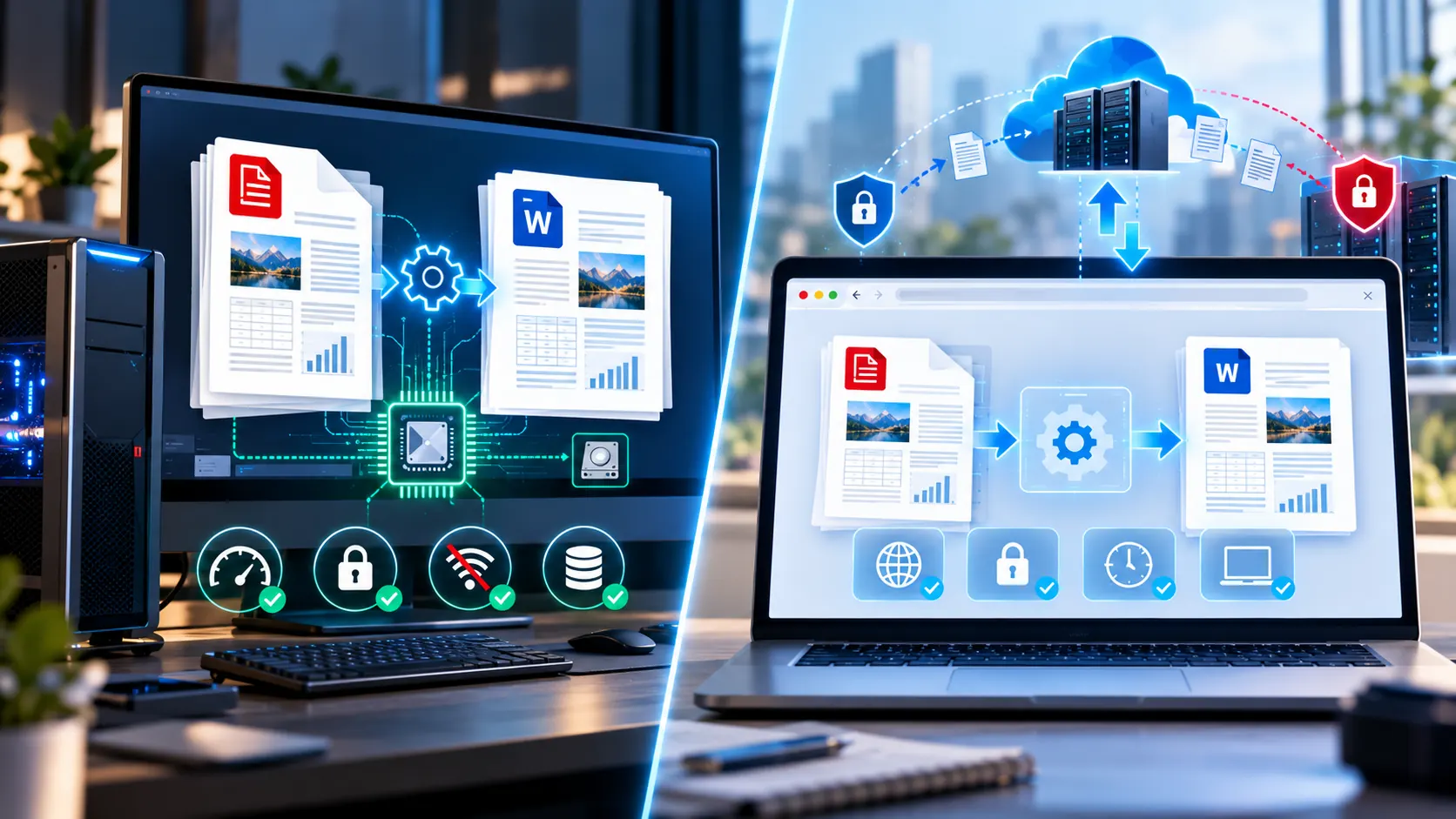
Online vs desktop PDF to Word converters for speed privacy and security

If you need to convert a PDF into an editable Word document, you have two broad choices: use a desktop application or use a browser-based converter. At first glance, the difference looks simple. Desktop = installed software.Online = website. But that distinction is no longer enough. Some online converters upload your PDF to a remote … Read more

Adobe Acrobat Pro vs Online PDF to Word Converters: Is Paid Better?

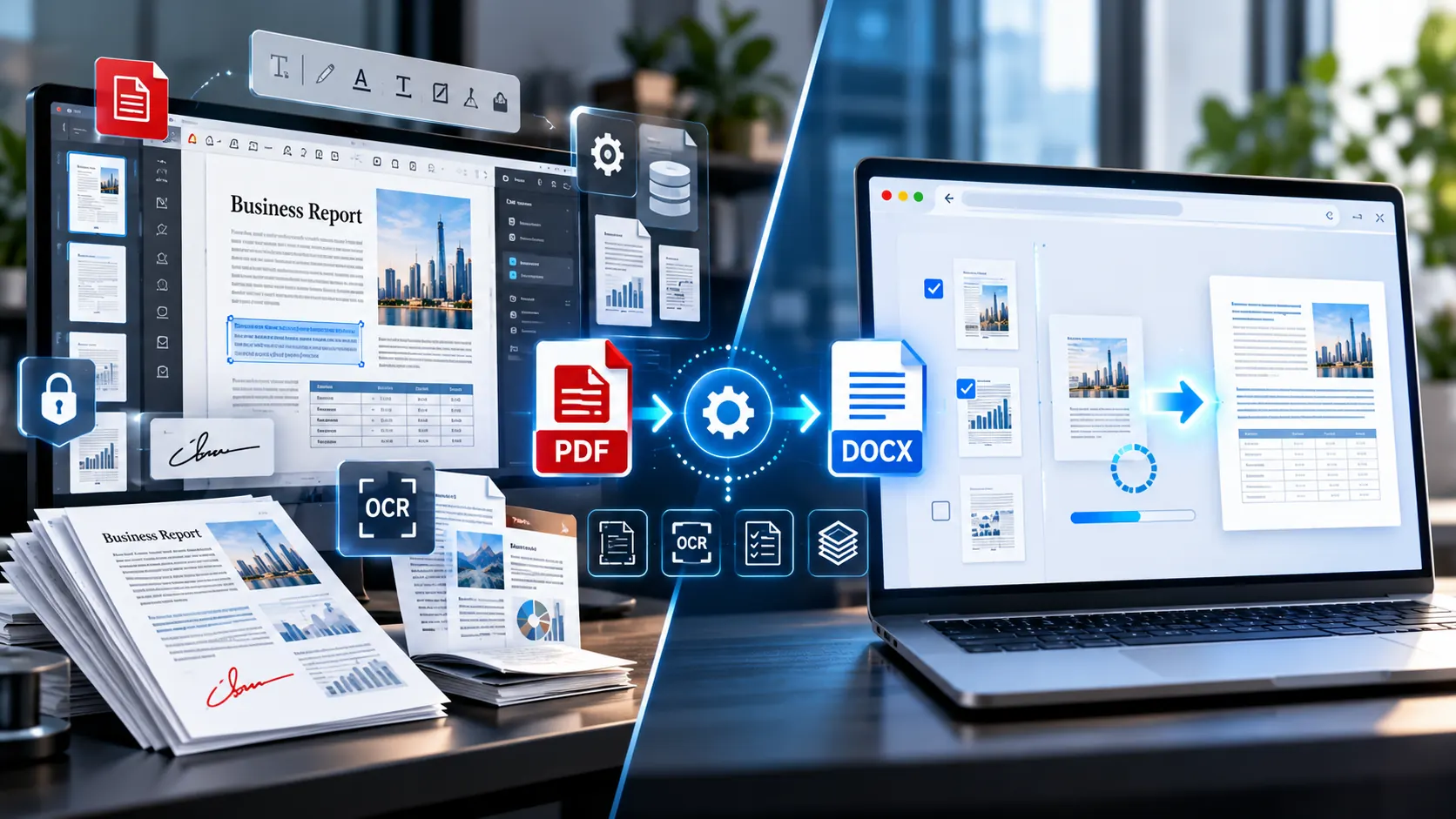
Adobe Acrobat Pro compared with online PDF to Word converters

If your only requirement is to turn a PDF into an editable Word document, paying for a full PDF software subscription may be more than you actually need. Adobe Acrobat Pro is a broad PDF application designed for much more than conversion. It can create, edit, convert, organize, protect, sign and manage PDF documents. Online … Read more