
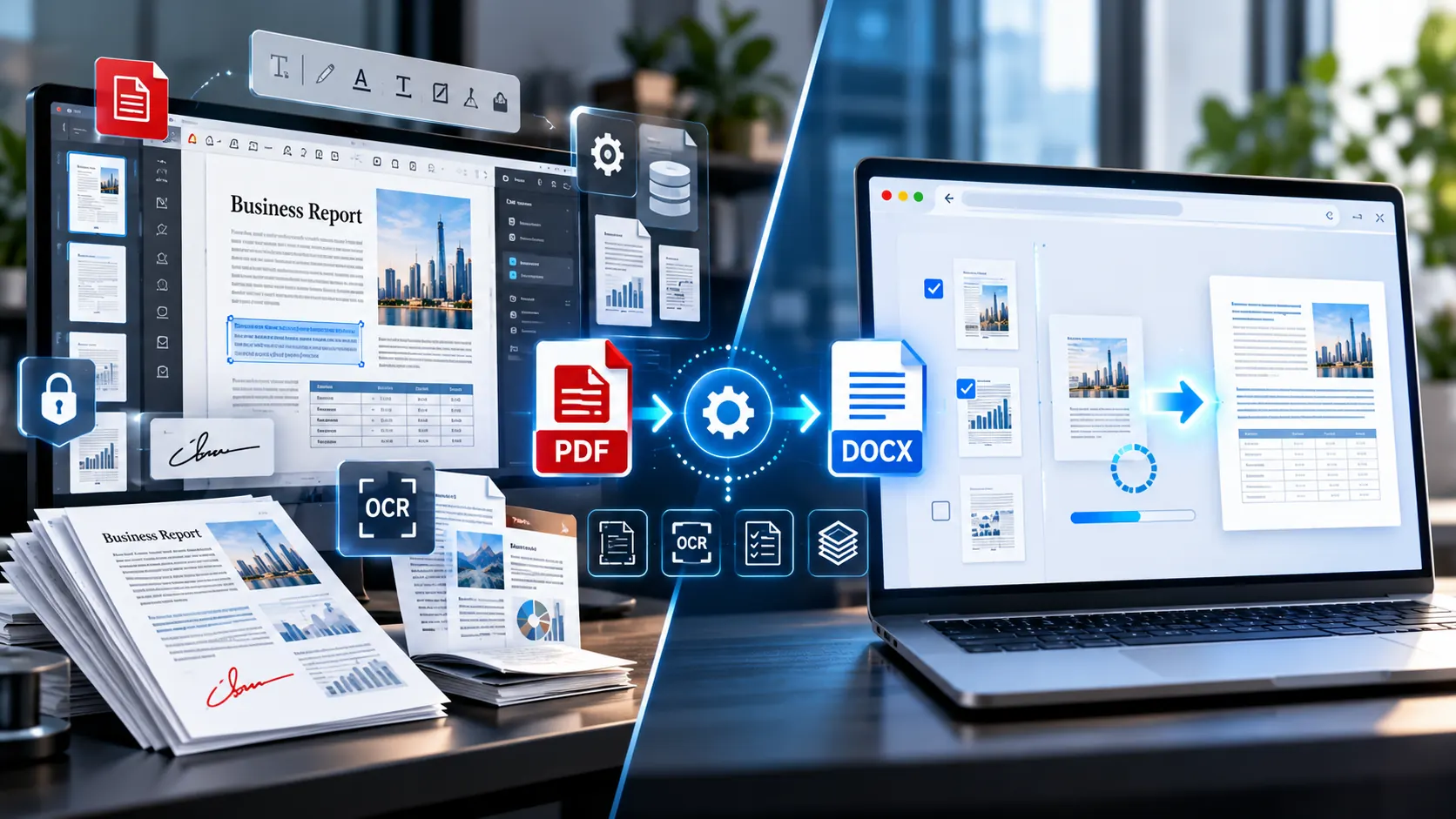
If your only requirement is to turn a PDF into an editable Word document, paying for a full PDF software subscription may be more than you actually need.
Adobe Acrobat Pro is a broad PDF application designed for much more than conversion. It can create, edit, convert, organize, protect, sign and manage PDF documents. Online PDF-to-Word converters, by contrast, are usually focused on one immediate task: turning a PDF into an editable DOCX file.
The important question is therefore not simply “Is Adobe Acrobat Pro better?”
It is:
“Do I need the broader Acrobat feature set, or do I only need reliable PDF-to-Word conversion?”
That distinction makes the choice much easier.
Adobe Acrobat Pro and Online Converters Solve Different Problems
Adobe Acrobat Pro is a complete PDF workflow application.
An online PDF-to-Word converter is generally a focused utility.
For example, Adobe’s current Acrobat plans include capabilities such as PDF editing, conversion, organization, signing, protection and other document workflows. Adobe
If you regularly work with PDFs as part of a larger document-management workflow, those additional capabilities can matter.
But if your normal task looks like this:
PDF → editable Word document → make a few changes → save the DOCX
then many of those additional features may never be used.
This is why comparing the two purely on feature count can be misleading.
What Adobe Acrobat Pro Gives You
Adobe Acrobat Pro is designed for people who need to do considerably more than convert PDFs.
Its current feature set includes PDF creation, editing, conversion and export, document organization, e-signatures, protection, redaction, web forms and scan-related functionality. Adobe
That broader environment can be useful when PDF work is part of your regular professional workflow.
PDF editing
Instead of converting the PDF simply to change a few words, Acrobat can edit text and images directly inside the PDF.
This can eliminate a conversion step for certain jobs.
PDF organization
Acrobat can handle tasks such as adding, deleting and organizing pages.
That becomes useful when your workflow involves preparing the PDF itself rather than simply extracting its contents.
E-signatures and forms
If your work involves forms, signatures or document approvals, a dedicated PDF application provides capabilities that a simple PDF-to-Word converter is not intended to replace.
Security and redaction
Professional document workflows sometimes require more than conversion.
Adobe’s current Acrobat Pro offering includes document protection and redaction features. Adobe
That can be relevant when the PDF itself needs to be securely prepared before distribution.
OCR and scanned documents
Adobe also provides tools for working with scanned documents and making scanned content editable. Adobe’s PDF export offering specifically lists OCR for making scanned text editable. Adobe
This matters when your PDFs are primarily scans rather than digitally generated documents.
What an Online PDF-to-Word Converter Does Differently
A focused online converter starts from a much simpler premise:
You have a PDF and you need a Word document.
You open the tool, provide the PDF, select the required options, convert it and download the DOCX.
For a one-off conversion, this can be considerably simpler than installing and maintaining a complete PDF application.
The trade-off is that a focused converter does not attempt to replace a complete PDF editing suite.
That is not necessarily a weakness. It simply means the tools serve different jobs.
Cost Is Only One Part of the Decision
Adobe Acrobat Pro is a paid product. Adobe currently lists Acrobat Pro at US$19.99/month on its annual-billed-monthly individual plan, although pricing can vary by plan, region, taxes and promotional terms. Adobe
But comparing “paid” versus “free” is too simplistic.
A better comparison is:
| Your requirement | Full PDF application | Focused online converter |
|---|---|---|
| Convert PDF to DOCX | Yes | Yes |
| Edit PDFs directly | Yes | Usually not the primary purpose |
| Organize PDF pages | Yes | Depends on tool |
| E-sign documents | Yes | Usually not |
| Redact PDF content | Yes | Usually not |
| Create/manage PDF workflows | Yes | Usually not |
| One-off PDF-to-Word job | May be more than needed | Often sufficient |
| No software installation | Depends on product/workflow | Usually a key advantage |
| Quick browser-based conversion | Available in some Adobe workflows | Core purpose |
| Broader professional PDF workflow | Strong fit | Limited |
The correct choice depends on how much of the broader PDF workflow you actually use.
When Paying for Acrobat Pro Makes Sense
A paid PDF suite becomes more relevant when PDF work is a recurring part of your job rather than an occasional conversion task.
For example, Acrobat Pro may make sense when you regularly need to:
- Edit PDF text and images
- Create PDFs from other file types
- Organize large collections of PDF pages
- Compare PDF versions
- Create or manage forms
- Sign documents
- Request signatures
- Redact sensitive information
- Work with scanned documents
- Protect PDFs
- Manage multiple PDF-related tasks from one application
In these situations, the value is not really the PDF-to-Word conversion itself.
The value comes from the complete PDF workflow around it.
When an Online Converter May Be Enough
A focused online converter can make more sense when your requirement is much narrower.
For example:
- You received a PDF and need to edit its text.
- You need to reuse content from an old PDF.
- You need a DOCX version of a report.
- You want to extract text into Word.
- You only need to convert a few pages.
- You do not regularly edit PDFs.
- You do not need e-signatures or redaction.
- You do not want to install dedicated PDF software.
- You need a quick conversion from a browser.
For this type of workflow, installing a complete PDF application may add capabilities you simply do not need.
What About Formatting Accuracy?
This is one area where users should be careful.
Converting PDF to Word is not simply changing a file extension.
PDF and DOCX represent documents differently.
A PDF is primarily designed to preserve the appearance and positioning of a document. A Word document is designed around editable document content.
That difference can affect the conversion result.
Adobe itself describes PDF-to-Word conversion as a way to create editable DOC or DOCX files while retaining formatting elements such as fonts, tables and bullet points. Adobe
However, the complexity of the source document still matters.
A simple text-based PDF may convert cleanly.
A document containing:
- Multiple columns
- Complex tables
- Floating objects
- Unusual fonts
- Scanned pages
- Images
- Forms
- Precise positioning
- Headers and footers
may require more review after conversion.
The right expectation is therefore editable and useful, not automatically pixel-identical.
Do You Need Adobe Acrobat to Convert PDF to Word?
No.
Adobe provides PDF-to-Word conversion as part of its broader product ecosystem, but Adobe Acrobat is not the only way to create a Word document from a PDF. Adobe’s own documentation describes conversion to both DOC and DOCX formats. Adobe Help Center
A browser-based converter can handle the same basic user objective without requiring a complete desktop PDF application.
For example, the PKCapra PDF to Word Converter processes the selected PDF pages in the browser and creates an editable DOCX document. It also provides an OCR option for scanned or image-only PDF pages.
That makes it particularly relevant for users whose requirement is simply:
“I have this PDF. I need an editable Word file.”
Browser Processing Can Change the Privacy Conversation
Privacy is another important difference, but it should not be reduced to the assumption that every online converter is unsafe or every desktop application is automatically private.
The actual processing architecture matters.
Some online services upload the source PDF to their servers before processing it.
Other browser-based tools can process the file locally within the browser.
These are fundamentally different models.
PKCapra’s current PDF-to-Word converter states that the PDF is processed directly in the browser rather than uploaded to a PKCapra conversion server. pkcapra.com
For users working with sensitive documents, checking the actual processing model is more useful than simply seeing the word “online.”
You should look for clear information about:
- Where processing occurs
- Whether files are uploaded
- Whether files are stored
- Whether files leave the browser
- What happens after conversion
- Whether third-party services are involved
Never assume these details from the word “free” or “online” alone.
What About Scanned PDFs?
Scanned PDFs deserve special attention.
A digitally generated PDF may contain actual selectable text.
A scanned PDF may instead contain pages that are essentially images.
A normal text extraction process cannot treat a photograph of a page as ordinary text. OCR is required to recognize the characters.
Adobe provides OCR-related functionality in its PDF tools, and its Export PDF offering specifically includes making scanned text editable. Adobe
Browser-based converters may also provide OCR.
PKCapra’s PDF-to-Word converter includes a Use OCR for scanned PDFs option. pkcapra.com
But OCR quality depends heavily on the source.
A clean, high-resolution scan can produce considerably better results than a blurred, skewed or low-contrast image.
Handwriting, unusual fonts, complicated tables and damaged scans can also require manual correction.
What If You Only Need Certain Pages?
A full PDF conversion is not always necessary.
Imagine a 100-page report where you only need pages 12–16.
Converting the entire document creates unnecessary work.
A useful converter should therefore give you some control over the pages being processed.
PKCapra’s current tool allows page ranges such as:
1-3, 5, 8-10
and creates the DOCX from the selected pages. pkcapra.com
This type of feature can be more important to a user than having dozens of unrelated PDF functions.
Adobe Acrobat vs an Online Converter: A Better Way to Compare Them
Instead of asking which product is universally better, compare them against your actual task.
If your task is PDF editing
A full PDF application offers a broader editing environment.
If your task is PDF-to-Word conversion
A focused converter may provide everything required for that particular job.
If you regularly sign and protect PDFs
A broader PDF suite becomes more relevant.
If you occasionally need an editable DOCX
A focused converter can be a simpler workflow.
If you work with sensitive files
Check the processing architecture before uploading anything.
If you work with scanned documents
Check whether OCR is available and test the output carefully.
If formatting is extremely complex
Test representative documents before committing to any conversion workflow.
A Practical PDF-to-Word Decision Checklist
Before choosing an Adobe Acrobat alternative or another PDF converter, ask these questions:
- Do I need PDF editing, or only PDF-to-Word conversion?
- Do I need signatures, forms or redaction?
- Will I use the software regularly?
- Do I need OCR for scanned PDFs?
- Can the converter process only the pages I need?
- Where does the PDF get processed?
- Does the service upload or store the original file?
- How important is formatting fidelity?
- Do I need desktop software?
- Is the output actually editable in Word?
These questions usually provide a more useful answer than simply comparing feature counts.
A Simple Workflow for Occasional PDF-to-Word Conversion
If you only need an editable Word document, keep the process simple:
Step 1: Identify the PDF type
Check whether the text is selectable.
If you can highlight individual words, it is probably a text-based PDF.
If each page behaves like a picture, you may need OCR.
Step 2: Decide whether you need the entire document
If only a few pages are relevant, use a converter that supports page selection.
Step 3: Choose your processing model
For confidential documents, understand whether the file stays in the browser or is uploaded to a server.
Step 4: Convert to DOCX
Create the editable Word document.
Step 5: Review the output
Check:
- Headings
- Paragraphs
- Tables
- Images
- Page breaks
- Fonts
- Lists
- Columns
Step 6: Keep the original PDF
The original should remain your reference copy, particularly when the converted document will be used professionally.
You Do Not Have to Choose One Tool for Everything
There is also a practical middle ground.
You can use a full PDF application when you need advanced PDF operations and use a focused online converter when the task is simply PDF-to-Word conversion.
The two approaches do not have to be mutually exclusive.
For example, someone might use professional PDF software for signing, redaction and document management, but use a lightweight browser converter for an occasional conversion when that is all the task requires.
The important thing is to match the tool to the job.
What an Adobe Acrobat Alternative Should Actually Offer
If you are specifically searching for an alternative to Adobe Acrobat for PDF-to-Word conversion, do not judge alternatives only by their price.
Look for:
- DOCX output
- Editable text
- OCR support when needed
- Page selection
- Reasonable handling of tables
- Sensible handling of line breaks
- Clear processing information
- Transparent privacy information
- Mobile browser compatibility
- No unnecessary installation
- No confusing conversion workflow
A smaller tool can be perfectly appropriate when its scope matches your requirement.
PKCapra’s browser-based PDF to Word converter is built around this narrower workflow: select a PDF, choose pages and text options, convert it to DOCX, and download the resulting editable document.
For users exploring the wider PDF ecosystem, the PDF & Document Tools category provides access to related PDF operations rather than requiring one application to handle every possible document task.
The Main Trade-Off
The comparison can be reduced to one practical distinction:
Adobe Acrobat Pro is a broad PDF workspace. An online PDF-to-Word converter is a focused conversion utility.
If you need a complete PDF workflow, the broader application model may be relevant.
If you only need to turn a PDF into an editable Word document, a focused converter may be all you need.
Neither approach has to be the universal answer for every user.
The better question is whether the additional capabilities you are paying for will actually be part of your workflow.
Frequently Asked Questions
Is there an alternative to Adobe Acrobat for PDF-to-Word conversion?
Yes. Dedicated online PDF-to-Word converters can create editable DOCX files without requiring a complete PDF editing application.
Is Adobe Acrobat Pro necessary to convert PDF to Word?
No. PDF-to-Word conversion can be performed through dedicated conversion tools as well as Adobe’s PDF products.
Is an online PDF-to-Word converter free?
Some online converters offer free conversion, although features, limits and processing models vary between services.
Is Adobe Acrobat Pro only for PDF-to-Word conversion?
No. Acrobat Pro is a broader PDF application with editing, conversion, organization, signing, protection, redaction and other document capabilities. Adobe
Can online PDF converters convert scanned PDFs?
Some can, provided they include OCR. OCR accuracy depends on the quality and structure of the scanned document.
Which is better for confidential PDFs: desktop or online?
There is no universal answer. Check where each particular tool processes the file. A browser-based tool that processes locally has a different privacy model from a service that uploads documents to a remote server.
Will PDF-to-Word conversion preserve the exact original layout?
Not necessarily. Complex tables, columns, images, fonts and positioned elements can require manual adjustment after conversion.
Can I convert only selected PDF pages?
Some converters support page ranges rather than requiring the entire PDF to be converted. PKCapra supports individual pages and page ranges. pkcapra.com
Final Takeaway
If you need a full PDF management environment, Adobe Acrobat Pro offers a much wider set of capabilities than a single-purpose converter.
If your actual requirement is simply PDF → editable Word, a focused online converter can be a more direct solution.
The decision should therefore be based on your workflow, not simply on whether one product is paid and another is free.
Before choosing, check the four things that matter most:
conversion quality, required features, processing model and document privacy.
For occasional PDF-to-Word work, those factors tell you much more than the size of a software feature list.