
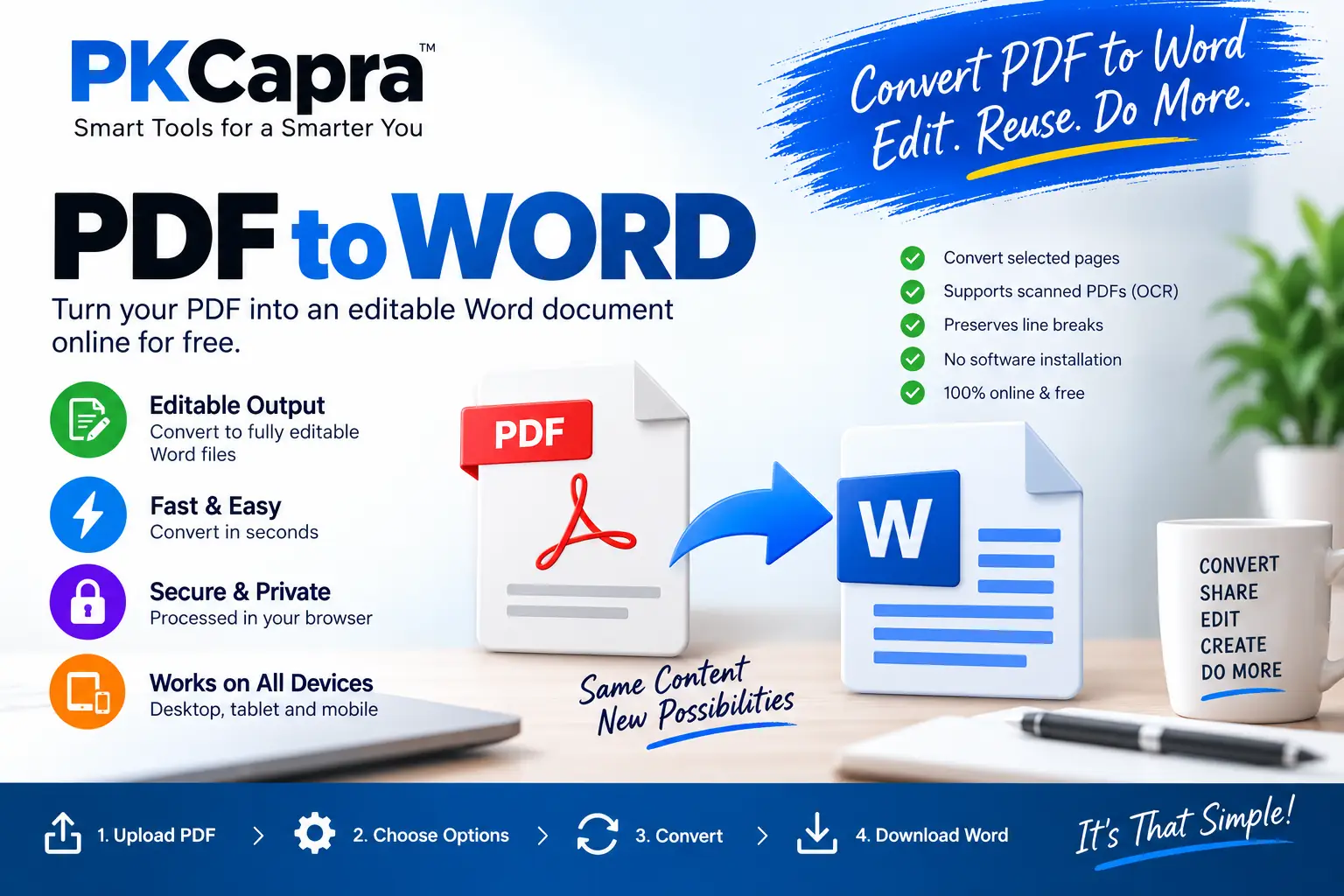
PDF to Word Converter Online for Free
Need to convert a PDF into an editable Word document? PKCapra PDF to Word Converter lets you convert PDF files into editable Word documents directly in your browser.
Upload your PDF, choose the pages you want to convert, and create a downloadable Word document without installing desktop software.
Whether you need to edit a document, reuse text from a PDF, or make changes to an existing file, this free PDF to Word converter provides a simple way to get started.
PDF to DOCX Converter
Convert PDF text into an editable DOCX document directly in your browser.
Drop a PDF file here
or
One PDF file • Processed in your browserHow to use the converter
- Drop a PDF file into the converter above or click Browse PDF File to select one PDF.
- Choose the pages you need. Leave the page-range field empty to process every page, or enter ranges such as
1-3, 5, 8-10. - Choose your text options. Enable Keep PDF line breaks when preserving extracted line structure is useful. For image-only or scanned pages, enable Use OCR for scanned PDFs.
- Click Convert PDF to DOCX and let the browser process the selected pages.
- Download the created Word document when the conversion finishes.
Why turn a fixed document into an editable file?
PDF is designed for consistent viewing and document exchange, but editing extracted content can be easier in Word. Adobe describes PDF as a format that can contain text, graphics, forms, links, and other document elements, which is why conversion results can vary depending on how the original PDF was constructed.
Turning selected PDF content into a DOCX file can help when you need to:
- Correct wording, spelling, or basic formatting.
- Reuse text from an existing report or document.
- Update business documents without retyping everything.
- Continue editing an application, letter, invoice, or form.
- Copy and reorganize extracted content.
- Work with only the relevant pages instead of the entire document.
The resulting Word file is separate from the source PDF. Your original document remains unchanged.
Select only the pages you actually need
Large PDFs often contain more information than you need to edit. The page-range field lets you isolate specific pages before the document transformation begins.
Use these formats:
1-3→ pages 1 through 35→ page 5 only7-9→ pages 7 through 91-3, 5, 8-10→ several individual pages and ranges
Leave the field empty when you want all pages.
This is useful for long reports, manuals, contracts, research documents, or archived files where only a few sections need further editing.
OCR for scanned and image-based pages
A normal text extraction process works best when the PDF contains selectable text. Some PDFs are different: each page may simply be a photograph or scanned image.
When Use OCR for scanned PDFs is enabled, the converter can apply Optical Character Recognition to image-only pages so that visible characters can be turned into editable text.
OCR can help with:
- Scanned contracts
- Printed documents
- Old reports
- Receipts
- Forms
- Letters
- Archived paperwork
OCR is not magic. Its accuracy depends on the source image. Clear, high-resolution, correctly oriented pages normally produce better recognition than blurred, skewed, compressed, low-contrast, or heavily damaged scans. Tables, unusual fonts, handwriting, multi-column layouts, and complex page designs may also require manual correction after conversion.
For difficult scans, review the resulting DOCX carefully before using it as a final professional document.
Browser-side processing and document privacy
The converter is designed for browser-side processing. The PDF is processed directly within your browser rather than being uploaded to a traditional PKCapra conversion server.
That means the conversion workflow does not require sending the source PDF to PKCapra’s server for conversion. This is particularly useful when working with documents that you would rather keep within your own browser session.
It is important to distinguish browser-side processing from a blanket security guarantee. Your browser, operating system, extensions, network, and device still form part of your computing environment. PKCapra does not claim that browser processing makes a document immune to every possible security risk.
For background on how PDFs are structured and why PDFs can contain different combinations of text, graphics, images, forms, and other elements, see the official Adobe PDF overview.
Keep line structure when it matters
The converter includes a Keep PDF line breaks option.
When enabled, extracted text lines are retained as separate lines in the resulting Word document. This can be helpful when the original PDF contains text where line structure is important.
However, PDF-to-DOCX conversion is not guaranteed to reproduce every visual detail exactly. Complex tables, columns, positioned elements, images, fonts, and unusual layouts may require additional formatting in Word.
For best results:
- Use the clearest available PDF.
- Keep scanned pages correctly oriented.
- Enable OCR when selectable text is unavailable.
- Convert only the pages you need.
- Check tables and columns after conversion.
- Review the generated Word file before professional use.
- Keep the original PDF as your reference copy.
Build a complete PDF workflow with PKCapra
Different PDF tasks call for different tools. You do not always need to convert the entire document first.
If several PDFs need to be combined, use Merge PDF.
If you need to separate a document into individual pages or selected sections, use Split PDF.
If the source file is unnecessarily large, use Compress PDF before continuing with your workflow.
If you need image versions of PDF pages, use PDF to JPG.
If your starting material consists of images that need to become a PDF, use JPG to PDF.
These tools can be used as separate steps depending on what you need to do with the original document.
Frequently Asked Questions
Is this converter free to use?
Yes. The PKCapra converter is available as a free browser-based tool.
Will the converted file be editable in Microsoft Word?
Yes. The tool creates a DOCX document containing extracted PDF text that can be edited in Word-compatible software.
Can I convert just a few pages?
Yes. Enter individual pages, ranges, or a combination such as 1-3, 5, 8-10.
What if my PDF is a scanned document?
Enable Use OCR for scanned PDFs. OCR can recognize text contained in image-based pages when normal selectable-text extraction is unavailable.
Will the Word file look exactly like the PDF?
Not always. Basic text structure and page breaks can be retained, but complex tables, columns, images, fonts, and precise positioning may need adjustment after conversion.
Does the original PDF change?
No. The source PDF remains unchanged. The converter creates a separate DOCX file from the selected pages.
Does PKCapra upload my PDF for conversion?
No. The current converter processes the PDF directly in your browser rather than uploading it to a PKCapra conversion server.
Can I use the tool on a phone?
Yes. The interface works with modern mobile browsers. Large or image-heavy PDFs may perform better on a desktop or laptop because conversion and OCR can require more device resources.
What does OCR mean?
OCR means Optical Character Recognition. It allows software to recognize characters contained in scanned or image-based documents and turn that visual information into editable text.
Convert Your PDF and Continue Editing
Your PDF does not have to remain a fixed document when you need to work with its text.
Scroll back to the converter above, select your PDF, choose the pages and options you need, click Convert PDF to DOCX, and download the resulting Word document.