Why Are Bullet Points and Lists Turning Into Weird Symbols After PDF Conversion?
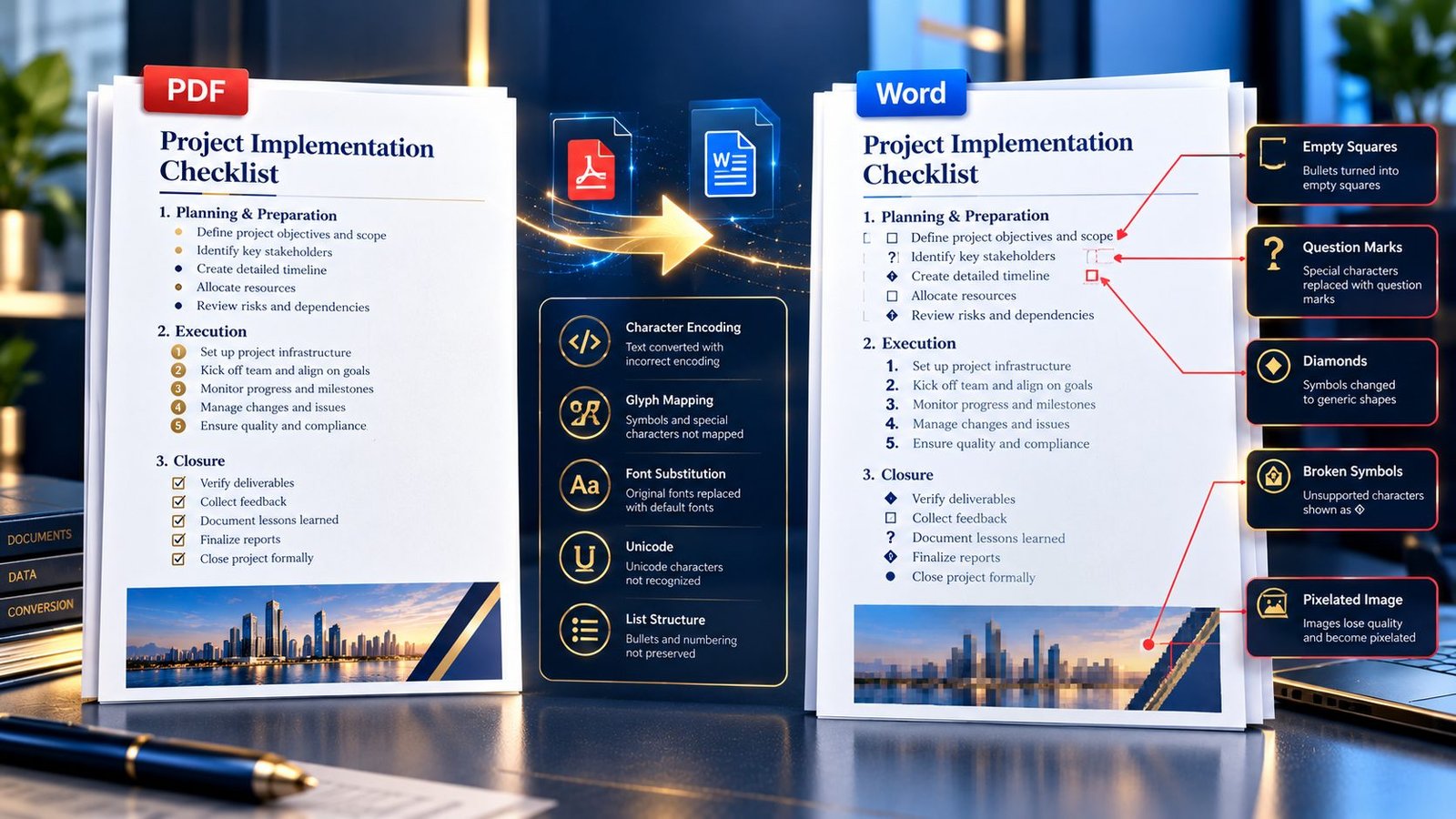
PDF to Word bullet points turning into squares question marks and strange symbols

A PDF can look perfectly normal on screen, yet after converting it to Word, a clean bullet list may suddenly become squares, question marks, strange symbols, or completely different characters. The usual reason is that the converter cannot correctly map the PDF’s bullet or list characters to the corresponding Unicode characters used in Word. The … Read more

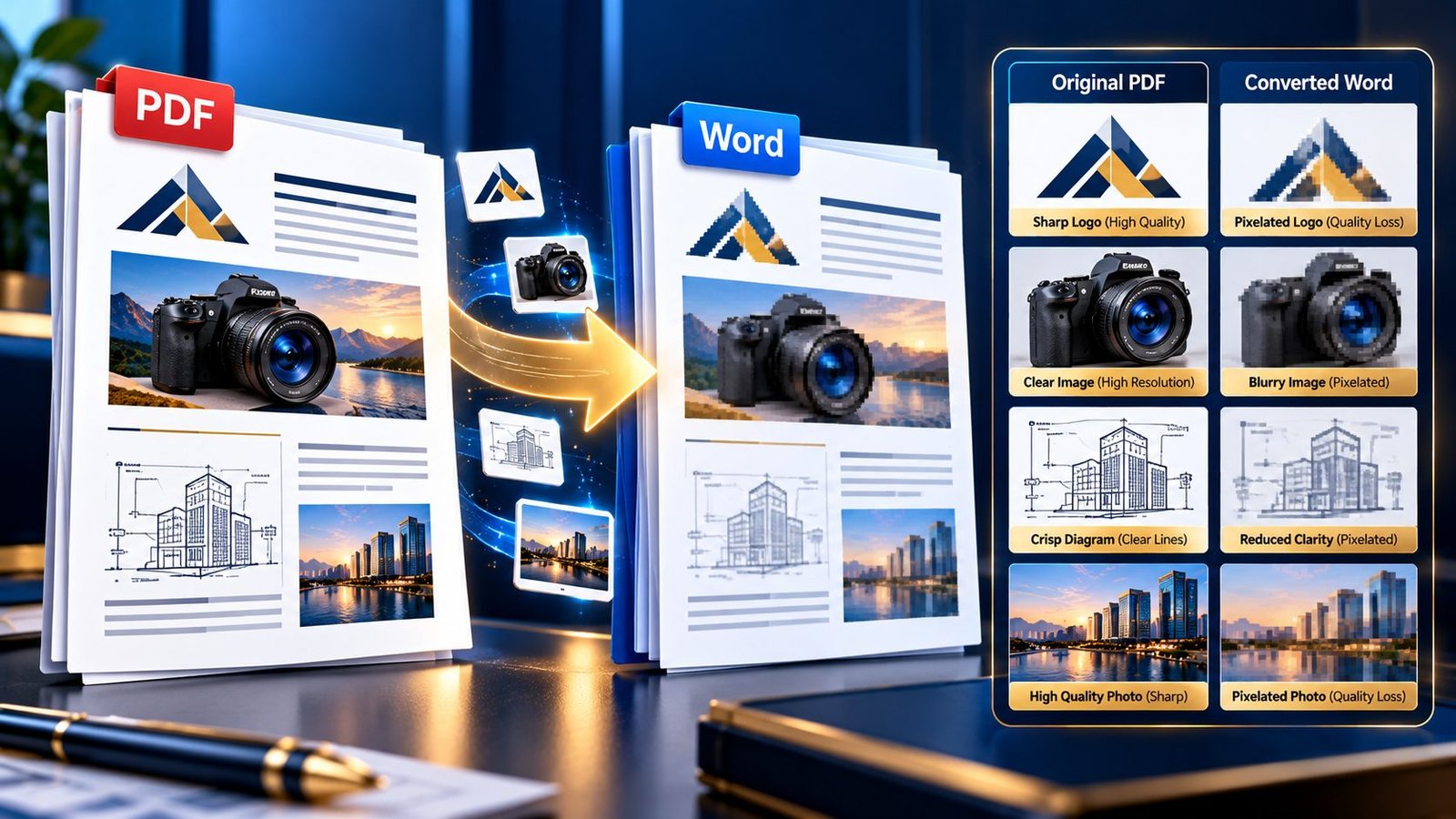
How to Fix Blurry or Pixelated Images After PDF to Word Conversion

Blurry and pixelated images after PDF to Word conversion

A PDF can look perfectly sharp on screen, yet the images inside the converted Word document suddenly look soft, blurry, or pixelated. This is especially frustrating when the PDF contains a company logo, product photograph, scanned diagram, chart, screenshot, or high-resolution illustration that needs to remain usable after conversion. If images become blurry after converting … Read more

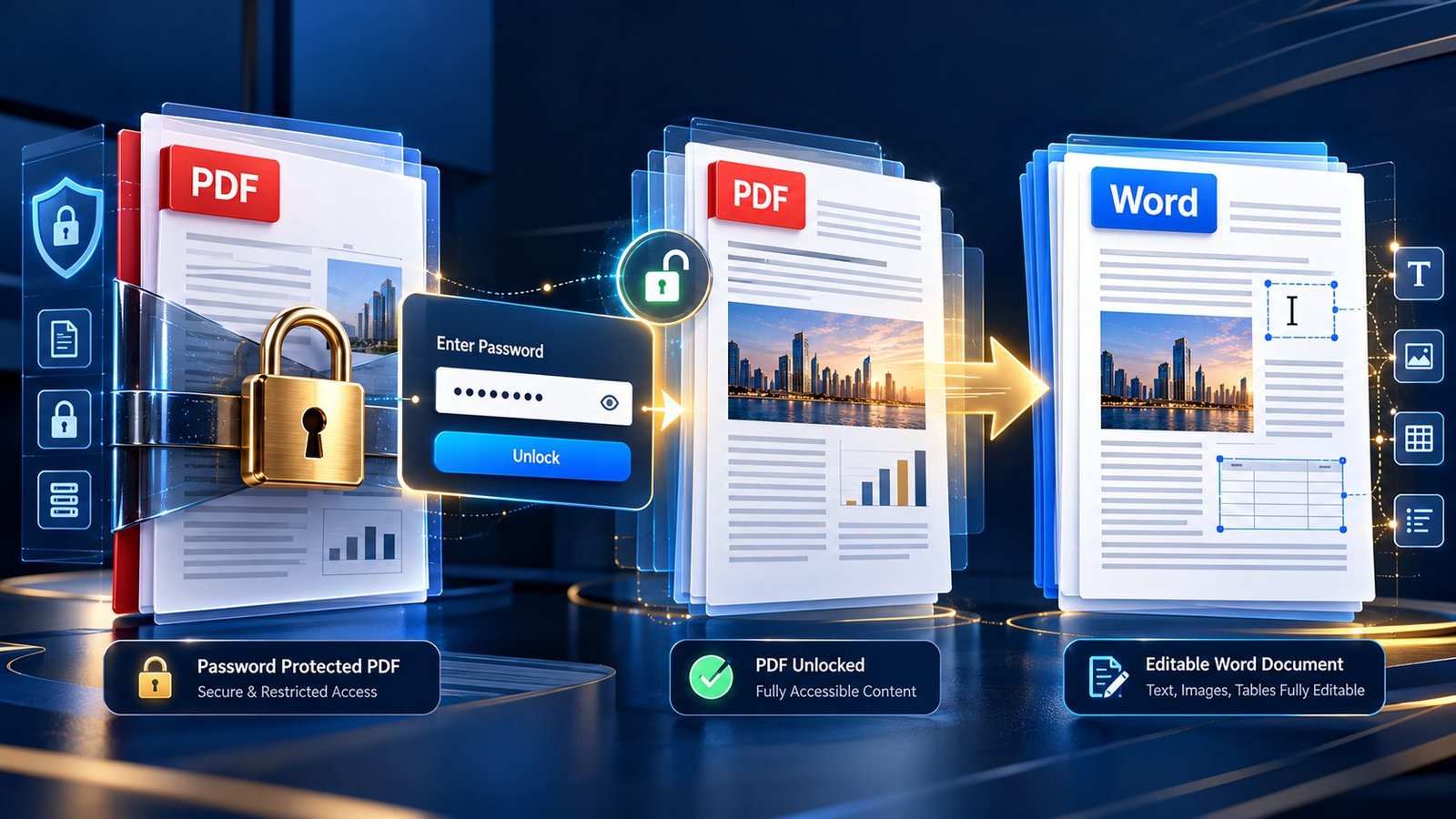
How to Convert a Password-Protected or Encrypted PDF to Word

Password-protected PDF being securely converted to an editable Word document

You have the PDF. You have the password. You need an editable Word document. Then the converter refuses to process the file. That situation is common, but the solution depends on what type of PDF protection is actually being used. If you are authorized to access the document and have the required password, the correct … Read more

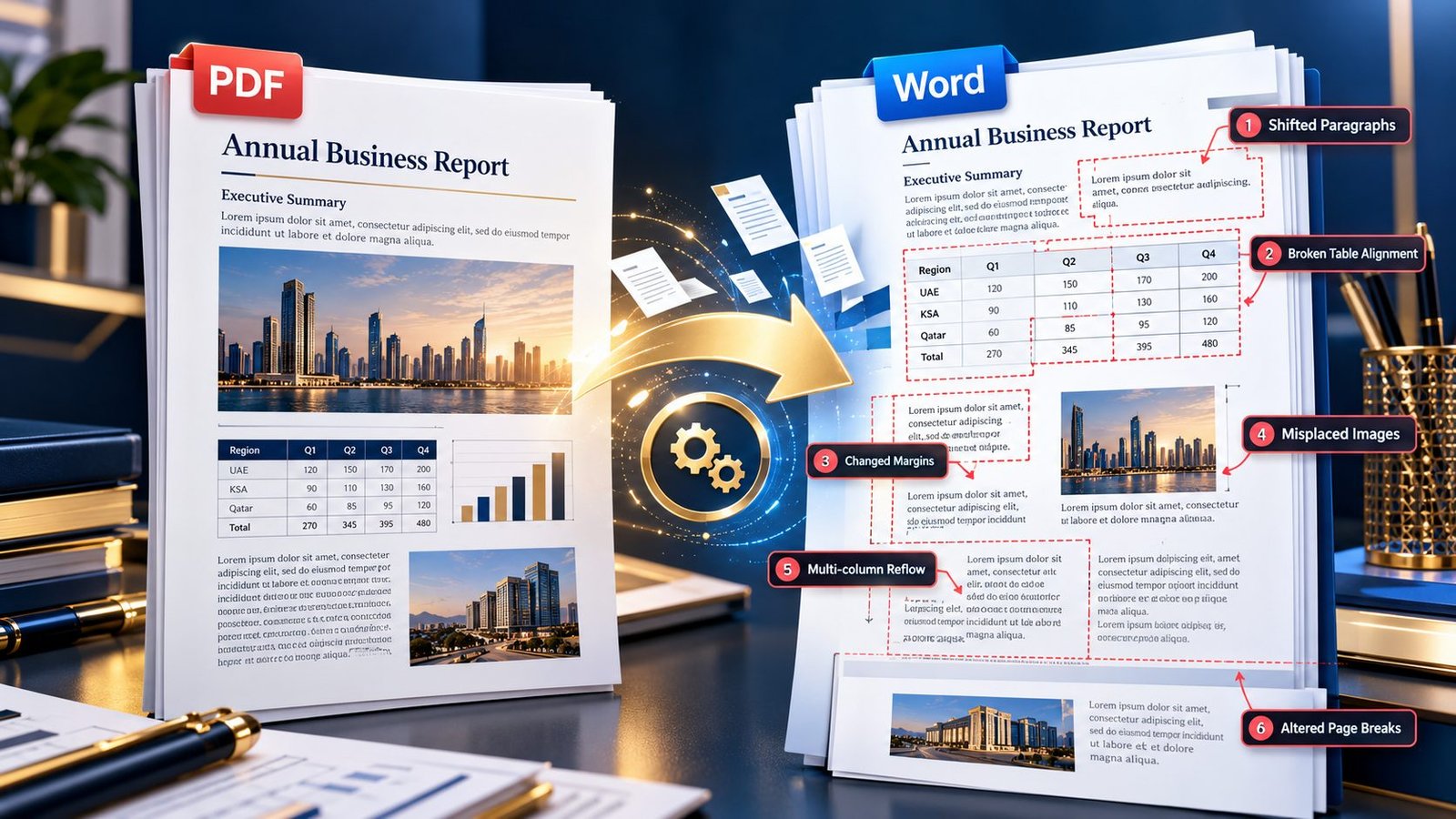
Why Does My PDF Change Formatting and Layout When Converted to Word?

PDF to Word conversion showing formatting and layout changes

A PDF can look perfectly organized on screen and still turn into a mess after conversion to Word—shifted tables, broken paragraphs, overlapping text boxes, strange page breaks, or margins that suddenly look wrong. The main reason is that PDF and Word handle document layout differently. A PDF preserves a fixed visual arrangement, while Word reconstructs … Read more

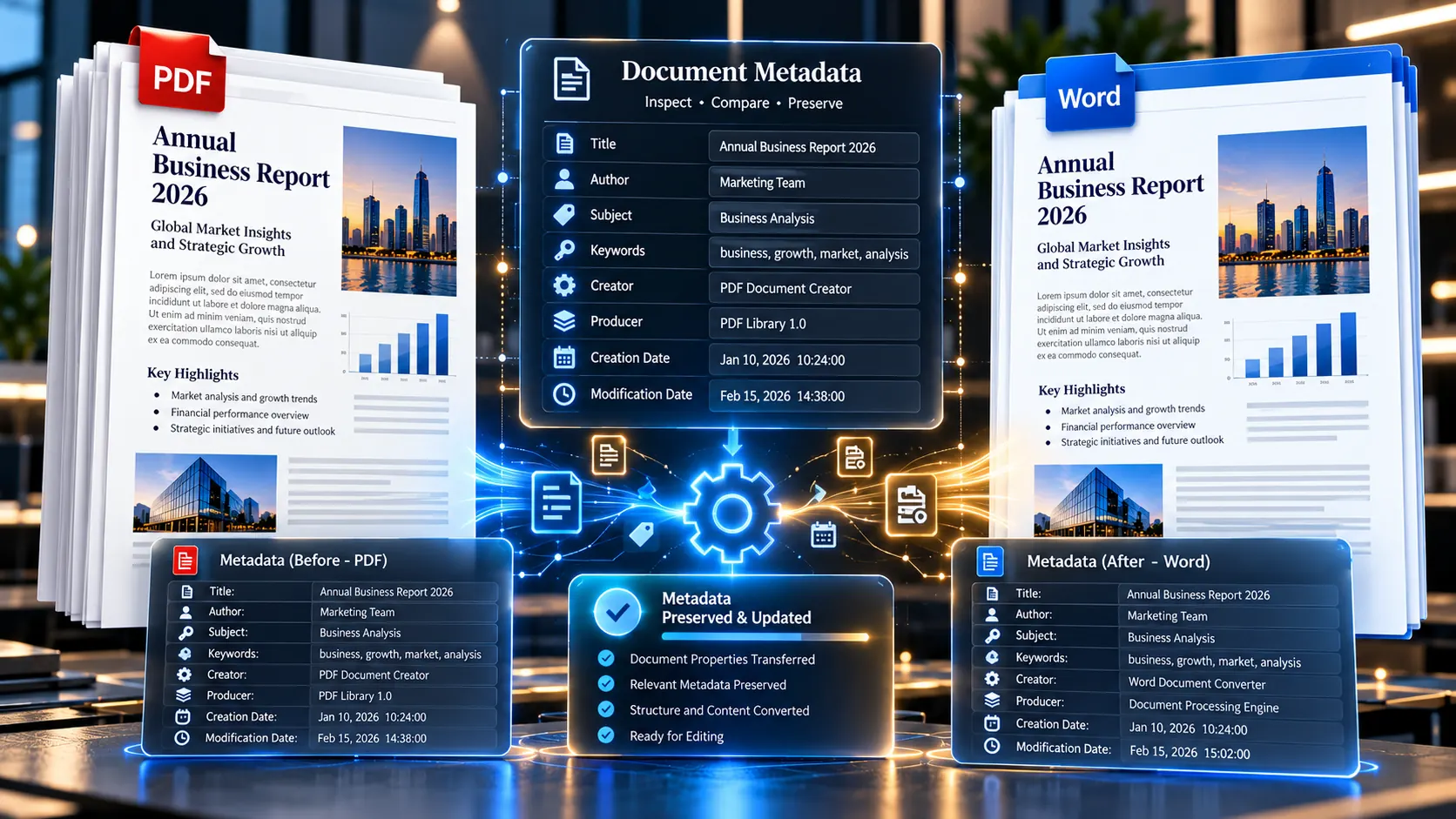
How to Preserve Hidden Document Properties and Metadata in PDF to Word Conversion

PDF to Word conversion showing document properties and metadata comparison

A PDF can look perfectly clean on screen while carrying information you never see: an author name, document title, keywords, creation date, modification date, software information, or other embedded properties. When that PDF is converted into Word, those properties do not necessarily transfer exactly as they were. If document properties matter, do not assume a … Read more

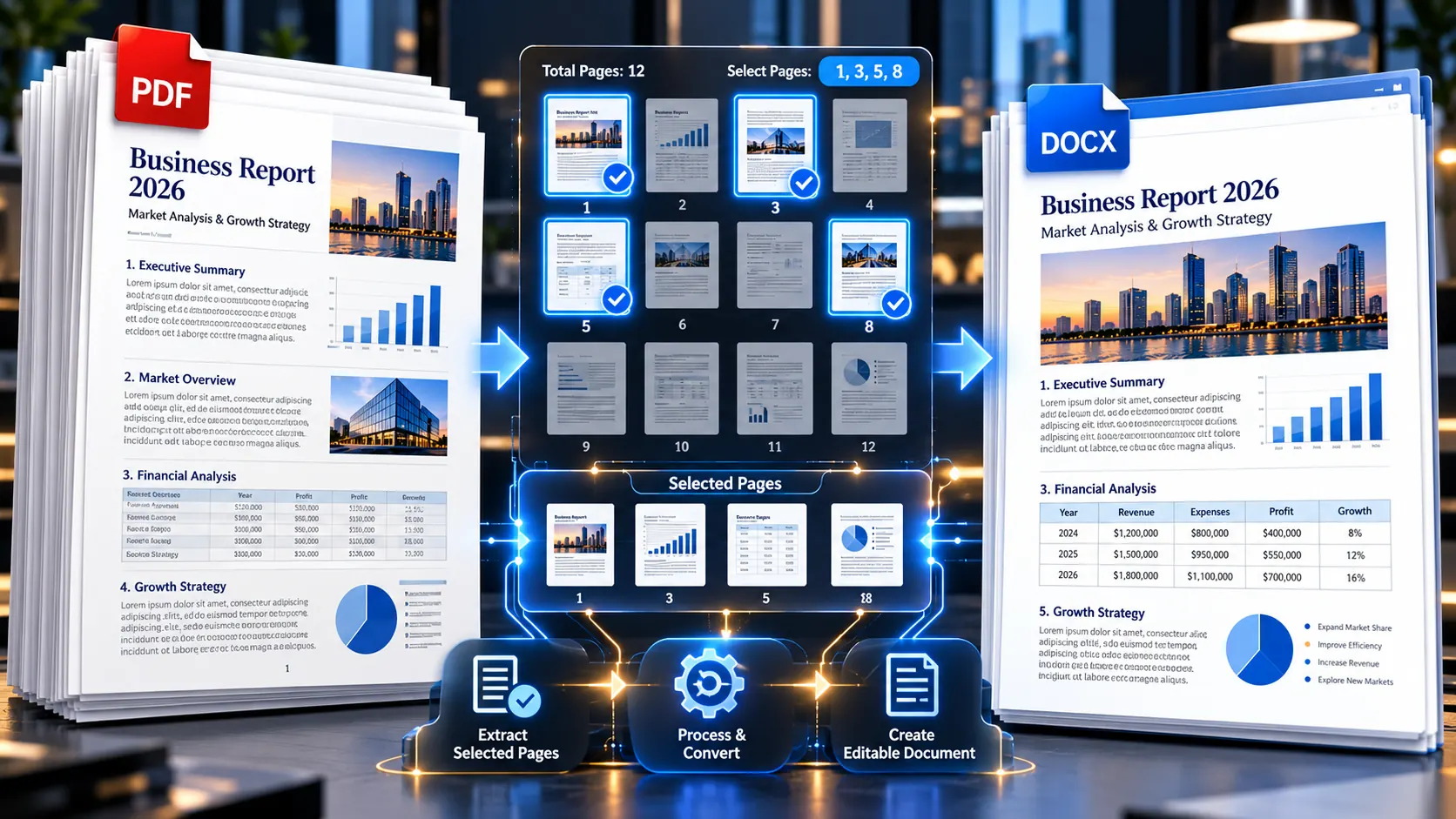
How to Extract PDF Tables and Layouts Into Word Without Data Distortion

Extracting a structured PDF table into an editable Word document without data distortion

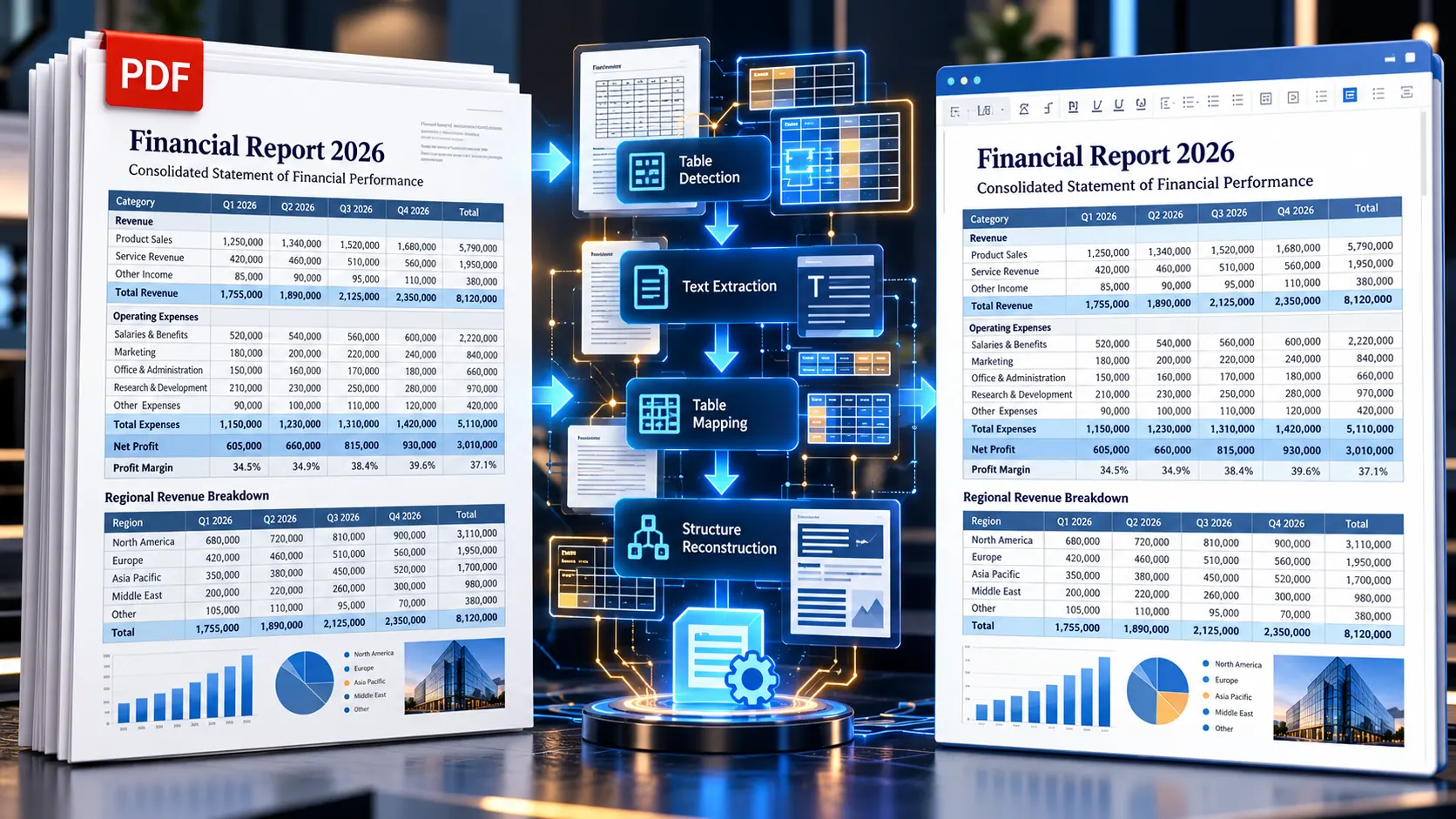
Converting a PDF with a simple paragraph of text into Word is usually straightforward. The real test starts when the PDF contains financial tables, invoices, reports, multi-column layouts, merged cells, charts, or carefully positioned numbers. If you need to extract PDF tables and layouts into Word without data distortion, the safest approach is to treat … Read more

How to Convert PDF to Word in Google Drive: Formatting and Grid Analysis

Converting a PDF to an editable Word document through Google Drive

Converting a PDF through Google Drive can be convenient, especially when you already use Google Docs for everyday work. But there is an important catch: opening a PDF with Google Docs does not guarantee that its original layout will remain intact. Simple text-heavy PDFs can convert reasonably well, while documents containing tables, multiple columns, forms, … Read more