
How to Fix Blurry or Pixelated Images After PDF to Word Conversion
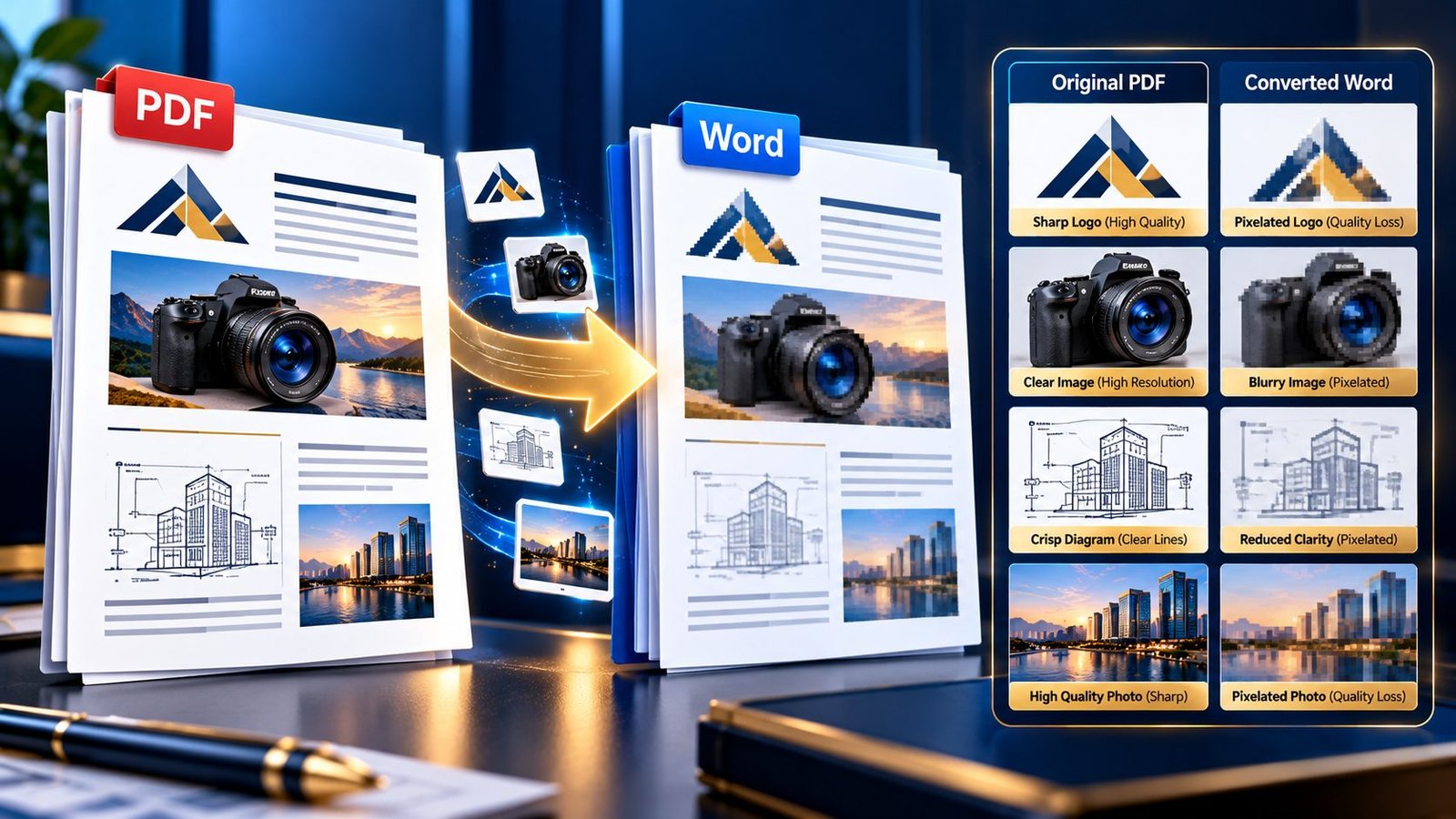
Blurry and pixelated images after PDF to Word conversion

A PDF can look perfectly sharp on screen, yet the images inside the converted Word document suddenly look soft, blurry, or pixelated. This is especially frustrating when the PDF contains a company logo, product photograph, scanned diagram, chart, screenshot, or high-resolution illustration that needs to remain usable after conversion. If images become blurry after converting … Read more
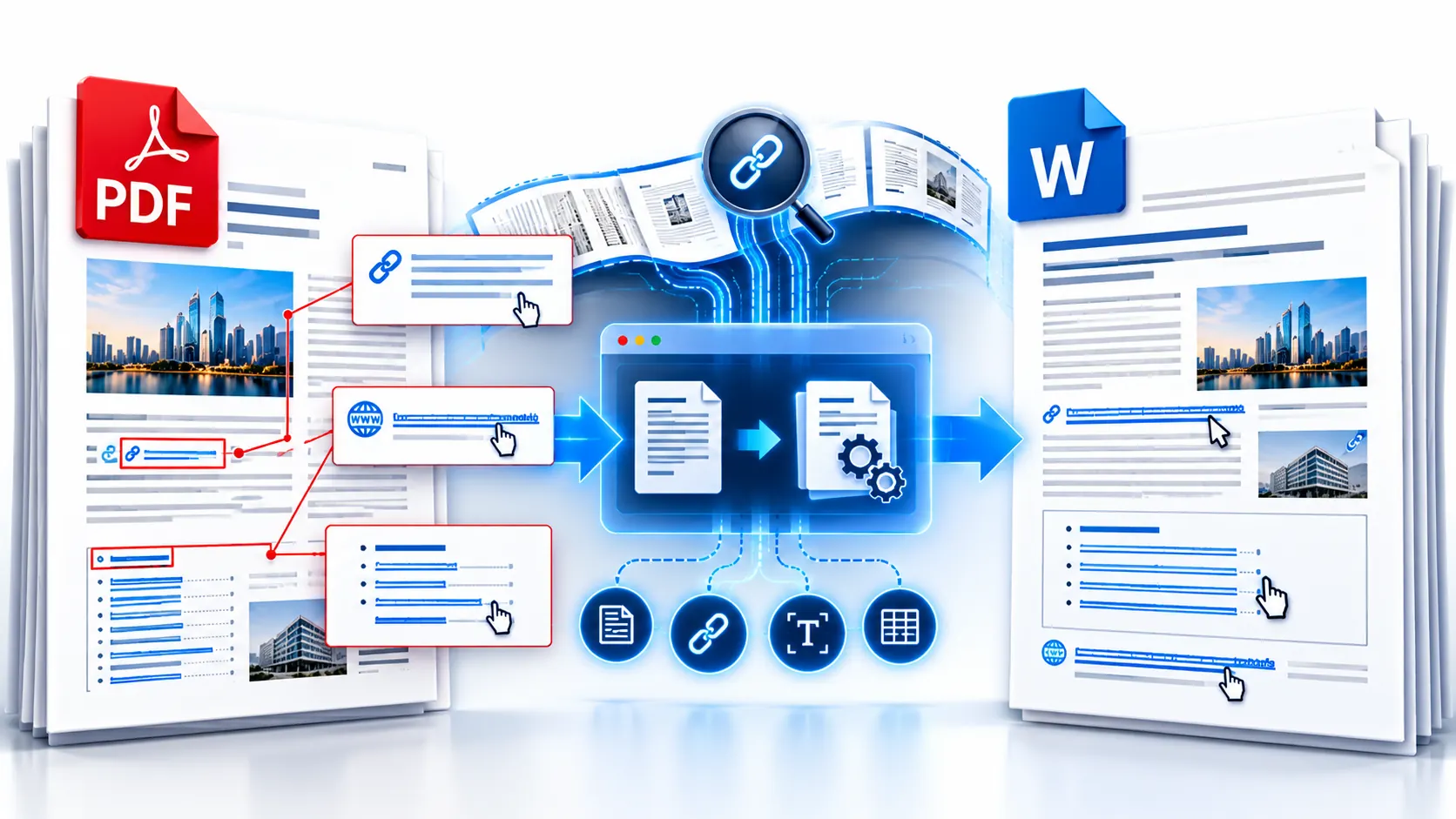
How to Convert PDF to Word and Keep Hyperlinks Working

PDF converted to Word while preserving clickable hyperlinks

Converting a PDF to Word can give you editable text, but hyperlinks are a separate part of the conversion problem. A URL that looks clickable in the original PDF may not remain an active hyperlink in the resulting Word document. The safest approach is to treat hyperlink preservation as something you need to verify after … Read more