
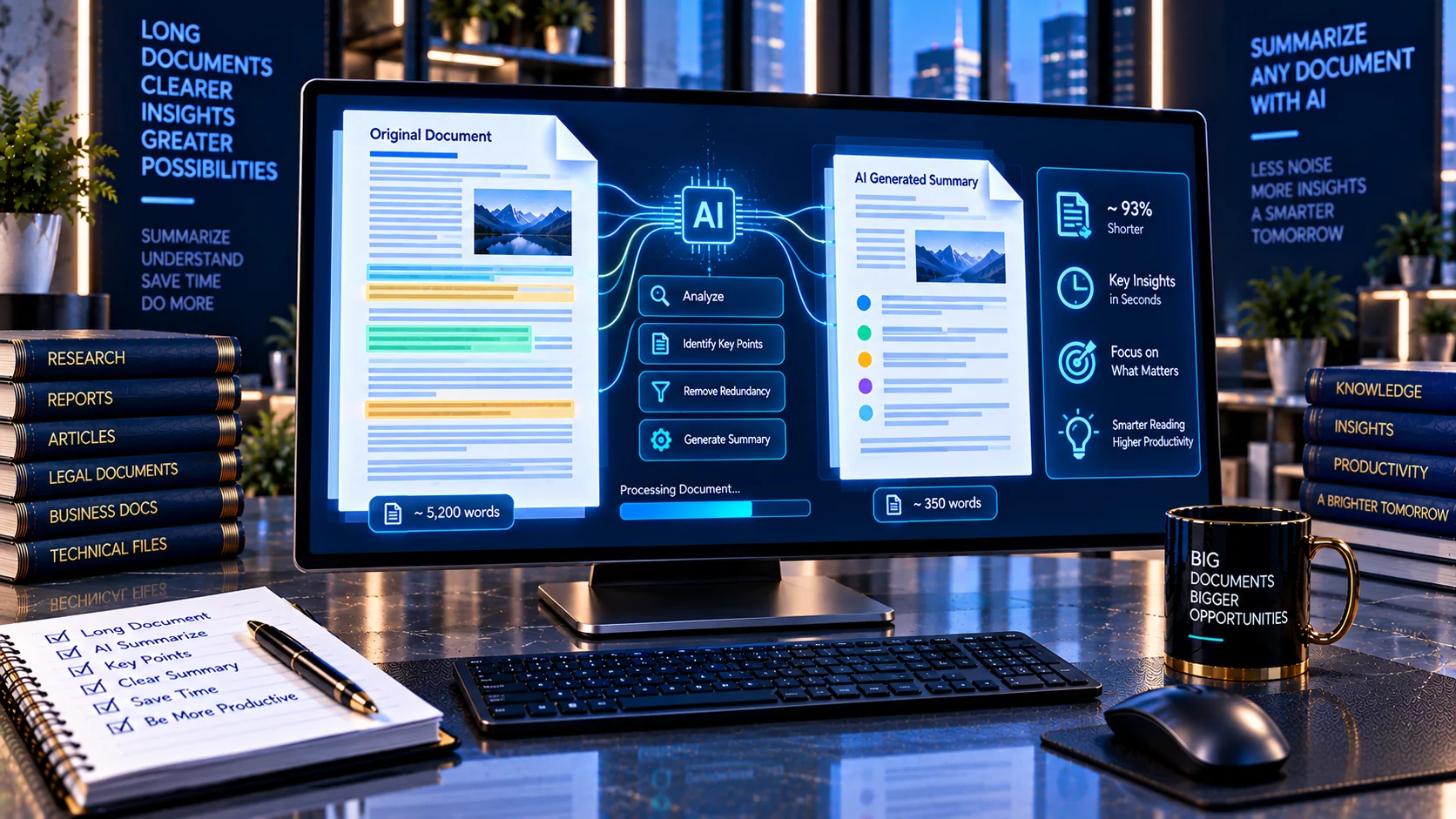
Long documents can contain valuable information that takes significant time to read from beginning to end. The Generic AI Document Summarizer helps reduce lengthy documents into shorter, focused summaries by identifying and selecting important sentences and key terms from the source content. It is designed for quick document review, research, reports, notes, and AI-ready document workflows while keeping processing in the browser.
Generic AI Document Summarizer
Turn a document or pasted text into a concise, structured summary. This privacy-focused browser tool uses deterministic extractive analysis locally; no document is sent to an AI API.
Analysis report
This tool creates an extractive, heuristic summary locally. It does not guarantee factual completeness and does not replace review of the original document.
What Is a Generic AI Document Summarizer?
A Generic AI Document Summarizer is a tool that condenses a longer document into a shorter version while attempting to preserve its most important information.
Text summarization is generally divided into two major approaches: extractive summarization, which selects important sentences from the original document, and abstractive summarization, which generates new wording that expresses the source information in a condensed form.
PKCapra’s Generic AI Document Summarizer uses a browser-based extractive approach. Instead of sending your document to a remote AI service to generate newly written content, it analyzes the available text and selects relevant source sentences for the summary.
This makes the tool useful when you want a fast overview while retaining wording from the original document.
How the Generic AI Document Summarizer Works
The summarizer analyzes the supplied document text and evaluates sentences and important terms to identify content that is likely to represent the main ideas.
The workflow is:
- Upload or paste document content.
- Extract readable text.
- Analyze sentences and terms.
- Rank relevant source sentences.
- Select sentences according to the requested summary length.
- Assemble the selected content into a shorter summary.
- Calculate document and summary statistics.
- Present the result for copying or downloading.
Because the tool uses an extractive method, the resulting summary is based on sentences from the source rather than being a newly generated rewrite.
Supported Input Formats
The tool is designed for common document and text workflows.
You can work with:
- PDF files
- DOCX files
- TXT files
- HTML content
- Pasted text
- Direct HTML input
This makes it useful for both individual documents and text that has already been extracted from another source.
For PDF-specific text extraction, you can also use the PDF Text Extractor.
Extractive vs. Abstractive Summarization
Understanding the difference is important.
Extractive Summarization
Extractive summarization selects sentences or passages from the original document.
The selected sentences remain substantially faithful to the source wording.
Advantages can include:
- Lower risk of introducing completely new wording
- Direct traceability to source sentences
- Simple browser-side processing
- Fast results
- No external generative AI API required
A limitation is that selected sentences may not always flow together as naturally as a professionally rewritten summary.
Abstractive Summarization
Abstractive summarization generates new text that conveys the meaning of the original document.
Modern neural and large-language-model systems commonly use abstractive approaches.
These systems can produce more fluent summaries, but evaluation research shows that summarization quality involves multiple dimensions, including relevance, coherence, consistency, and fluency.
PKCapra’s current Generic AI Document Summarizer is intentionally extractive, so it does not claim to perform full LLM-style abstractive rewriting.
Choose Your Summary Length
The tool provides different summary-length options so you can control how much of the source content is retained.
Short Summary
Useful when you need a quick overview of a long document.
Suitable for:
- Quick review
- Initial research
- Meeting preparation
- Document triage
- Fast reading
Medium Summary
Provides more source information while still significantly reducing the document.
Useful for:
- Reports
- Articles
- Research notes
- Business documents
- Internal documentation
Detailed Summary
Retains more of the important source material.
Useful when you want a condensed version without reducing the document as aggressively.
Key Points and Summary Paragraphs
The summarizer can present information in different useful forms.
A summary paragraph provides a condensed reading experience.
Key points provide a more scannable representation of the important information.
This distinction is useful because different document-review workflows require different output formats.
For example, a manager may prefer key points from a long report, while a researcher may prefer a condensed paragraph that preserves more of the source context.
Key-Term Extraction
The tool also identifies important terms from the supplied document.
Key terms can help you quickly understand the subject matter and identify the concepts that dominate the source.
They can be useful for:
- Research
- Document classification
- Topic identification
- Knowledge-base preparation
- Content review
- Follow-up searches
Key terms should be treated as signals rather than as a definitive list of every important concept in the document.
Compression Ratio
The tool provides document statistics including the relationship between the original content and the generated summary.
A compression ratio helps answer a practical question:
How much shorter is the summary compared with the source?
For example, if a document contains 2,000 words and the summary contains 400 words, the summary has been reduced substantially while retaining a smaller subset of the original text.
Compression ratio is a common concept in summarization research, where it describes the relationship between the source article and its summary.
Source and Summary Statistics
The tool can provide useful statistics such as:
- Original character count
- Original word count
- Summary word count
- Compression ratio
- Selected sentence count
- Extracted key terms
These measurements make it easier to understand how aggressively the source has been condensed.
Why Use an Extractive Document Summarizer?
Extractive summarization can be useful when preserving source wording is important.
Potential use cases include:
- Reviewing reports
- Reading long articles
- Summarizing internal documents
- Preparing research notes
- Reviewing technical documentation
- Quickly scanning contracts
- Condensing meeting material
- Preparing documents for further AI processing
- Reviewing large text collections
Because selected sentences originate from the input, users can more easily trace the summary back to the source document.
Document Summarization for Research
Researchers often work with large quantities of text.
A summarizer can help create a first-pass overview before deciding which documents deserve deeper reading.
For example:
Large document collection → quick summaries → identify relevant documents → read important sources in detail
This does not replace reading the original material when precise interpretation matters.
It simply reduces the amount of time required for initial document triage.
Summarizing Business Reports
Business reports can contain many pages of background information, statistics, recommendations, and supporting details.
An extractive summary can help surface important source sentences quickly.
Potential uses include:
- Management reports
- Project updates
- Market research
- Internal policies
- Business proposals
- Meeting documents
- Operational reports
For important decisions, always review the original report because a short summary necessarily removes information.
Summarizing Technical Documents
Technical documents can contain specialized terminology, procedures, requirements, and implementation details.
Extractive summarization can be useful because it preserves source terminology rather than rewriting technical concepts into potentially different language.
This can be particularly useful for:
- Documentation
- Specifications
- Technical reports
- Product manuals
- Engineering notes
- Software documentation
However, technical users should verify important specifications against the original source.
Summarizing Legal and Policy Documents
Long legal and policy documents can be difficult to review quickly.
A summary can help identify potentially relevant sections before detailed review.
However, a summary should not be treated as a replacement for the original legal or policy document.
Important qualifications, definitions, exceptions, dates, and conditions can be omitted when a document is condensed.
For sensitive documents, consider checking the file with the AI Document Safety Scanner and AI PII & Secret Scanner before processing.
Summarizing PDFs
PDFs are one of the most common formats for long documents.
A PDF can contain:
- Native text
- Scanned pages
- OCR text
- Tables
- Images
- Complex layouts
The quality of the summary therefore depends on the quality of the text that can be extracted from the PDF.
If a scanned PDF produces incomplete or poor text, first check it with the AI OCR Quality Checker or the AI-Ready PDF Checker.
Summarizing DOCX Files
DOCX files often contain useful structural information such as headings, paragraphs, lists, and tables.
The summarizer can work with extracted DOCX text, but a summary does not necessarily preserve the complete visual or structural context of the original document.
For a deeper DOCX readiness assessment, use the AI-Ready DOCX Checker.
Document Summarization and RAG
Summarization can be useful before building a RAG knowledge base, but it should not automatically replace the source document.
RAG systems generally need access to source information that can be retrieved when answering questions.
If you summarize a document first and discard the original, important details may disappear.
A safer workflow is often:
Original document → quality check → structure analysis → chunking/indexing → retrieval
A summary can then serve as an additional representation rather than the only source.
For document readiness, use the RAG Document Readiness Checker.
For chunking analysis, use the RAG Chunking Analyzer.
Browser-Based Document Summarization
PKCapra’s Generic AI Document Summarizer is designed for browser-side processing.
The tool does not require sending document content to a remote generative AI API to produce its extractive summary.
This can be useful for users handling:
- Business documents
- Internal reports
- Research material
- Client documents
- Technical documentation
- Private notes
- Sensitive text
Local and browser-based summarization is an established approach, with current tools demonstrating that document summarization can be performed locally using browser technologies and on-device models.
Always follow your organization’s privacy and security requirements when processing confidential material.
Privacy and Document Processing
A privacy-focused document workflow is particularly important when summarizing sensitive material.
Before processing a document, consider whether it contains:
- Personal information
- Client information
- Credentials
- API keys
- Internal URLs
- Confidential business information
- Financial information
- Proprietary technical information
PKCapra’s document-security tools can be used before summarization.
For example, the AI PII & Secret Scanner can identify likely sensitive information, while the AI Document Metadata Privacy Checker can inspect document metadata.
Summarization and Source Fidelity
One of the most important considerations in document summarization is whether the summary remains faithful to the source.
Extractive summarization reduces some risks associated with generating completely new sentences because the selected material comes from the input.
However, selecting individual sentences can still remove context.
For example, a sentence containing a recommendation might be selected while the preceding sentence explains an important exception.
Therefore, summaries should be treated as condensed reading aids rather than complete replacements for the source.
Can an Extractive Summary Be Perfect?
No.
A summary always involves selection.
The source document may contain:
- Multiple topics
- Important exceptions
- Supporting evidence
- Contradictory statements
- Background context
- Definitions
- Qualifications
Selecting only some sentences necessarily removes information.
Research on summarization evaluation shows that summary quality is multidimensional and that automated evaluation metrics do not perfectly capture human judgments.
This is why important summaries should be reviewed against the original document.
How to Get Better Summaries
For better results:
- Start with clean, readable source text.
- Remove obvious duplicated content.
- Use a complete document rather than disconnected fragments.
- Select an appropriate summary length.
- Review key points against the source.
- Check important names, dates, numbers, and conditions.
- Read the original document when the information is high-stakes.
Good source quality can make downstream summarization more useful.
For document extractability, use the AI Document Extractability Score.
Summarization Workflow for Large Documents
A practical workflow can look like this:
Step 1: Check the Document
Determine whether the document contains usable machine-readable text.
Step 2: Check OCR
For scanned files, evaluate OCR quality before summarization.
Step 3: Check Safety
Scan for sensitive information, prompt injection, suspicious links, and metadata.
Step 4: Summarize
Generate a short, medium, or detailed extractive summary.
Step 5: Review
Compare important claims against the original document.
Step 6: Prepare for AI
If the document will be used for RAG or another AI workflow, evaluate structure and chunking separately.
This layered workflow is more reliable than assuming that summarization alone makes a document AI-ready.
What the Generic AI Document Summarizer Does Not Do
The PKCapra tool is not a general-purpose cloud LLM.
It does not claim to:
- Generate fully rewritten abstractive summaries
- Understand every document semantically like a large language model
- Guarantee factual correctness
- Guarantee complete coverage of every important detail
- Replace professional document review
- Guarantee legal, financial, medical, or compliance accuracy
Its core purpose is fast, browser-based extractive document summarization.
Limitations of Extractive Summarization
Extractive summarization has some inherent limitations.
Because it selects existing sentences, the resulting summary can sometimes:
- Feel less fluent
- Contain abrupt transitions
- Repeat concepts
- Miss relationships between distant sections
- Preserve unnecessary wording
- Fail to explain technical concepts in simpler language
Research distinguishes these limitations from those of abstractive summarization, where new wording can improve fluency but introduces different evaluation and consistency challenges.
The right method depends on the purpose of the summary.
Frequently Asked Questions
What is a Generic AI Document Summarizer?
It is a tool that condenses longer documents into shorter summaries by identifying and selecting important source sentences and terms.
Is this an abstractive AI summarizer?
No. The PKCapra tool uses an extractive approach rather than generating completely new summary sentences.
What is extractive summarization?
Extractive summarization selects relevant sentences or passages from the original document instead of generating new wording.
What is abstractive summarization?
Abstractive summarization generates new text that attempts to communicate the important meaning of the source document.
Does the summary use my original wording?
Yes. The tool’s extractive approach selects content from the source rather than rewriting it through a cloud LLM.
Can I summarize a PDF?
Yes, provided the PDF contains extractable text. Scanned or image-only PDFs may require OCR first.
What if my PDF has no text layer?
Use the OCR PDF tool or evaluate the document with the AI OCR Quality Checker before summarization.
Can I summarize DOCX files?
Yes. The tool supports DOCX input and can work with the extracted document text.
Does the tool send my document to an AI server?
The tool is designed for browser-side extractive processing and does not require an external generative AI API for its summarization method.
Is the summary guaranteed to contain every important fact?
No. A summary is a compressed representation of the source. Important details can be omitted, so high-stakes information should be checked against the original.
Can I use the summary as my RAG source?
It is generally better to retain the original document as the authoritative source and use a summary as supplementary information where appropriate.
How is compression ratio calculated?
It describes how much the summary has been reduced compared with the original document, commonly using the relationship between source and summary word counts.
Does summarization guarantee factual accuracy?
No. Summarization quality requires evaluation of multiple dimensions, and research has shown that automatic evaluation metrics do not perfectly represent human judgments.
Related AI Document Tools
For a complete document-processing workflow, explore:
- AI Document Extractability Score
- AI OCR Quality Checker
- AI-Ready PDF Checker
- AI-Ready DOCX Checker
- Document Structure Analyzer for AI
- RAG Document Readiness Checker
- RAG Chunking Analyzer
- Document Chunking Calculator
- AI Document Safety Scanner
- AI PII & Secret Scanner
- AI Prompt Injection Document Scanner
- AI Document Link Safety Checker
- AI Document Metadata Privacy Checker
- PDF Text Extractor
- PDF & Document Tools