
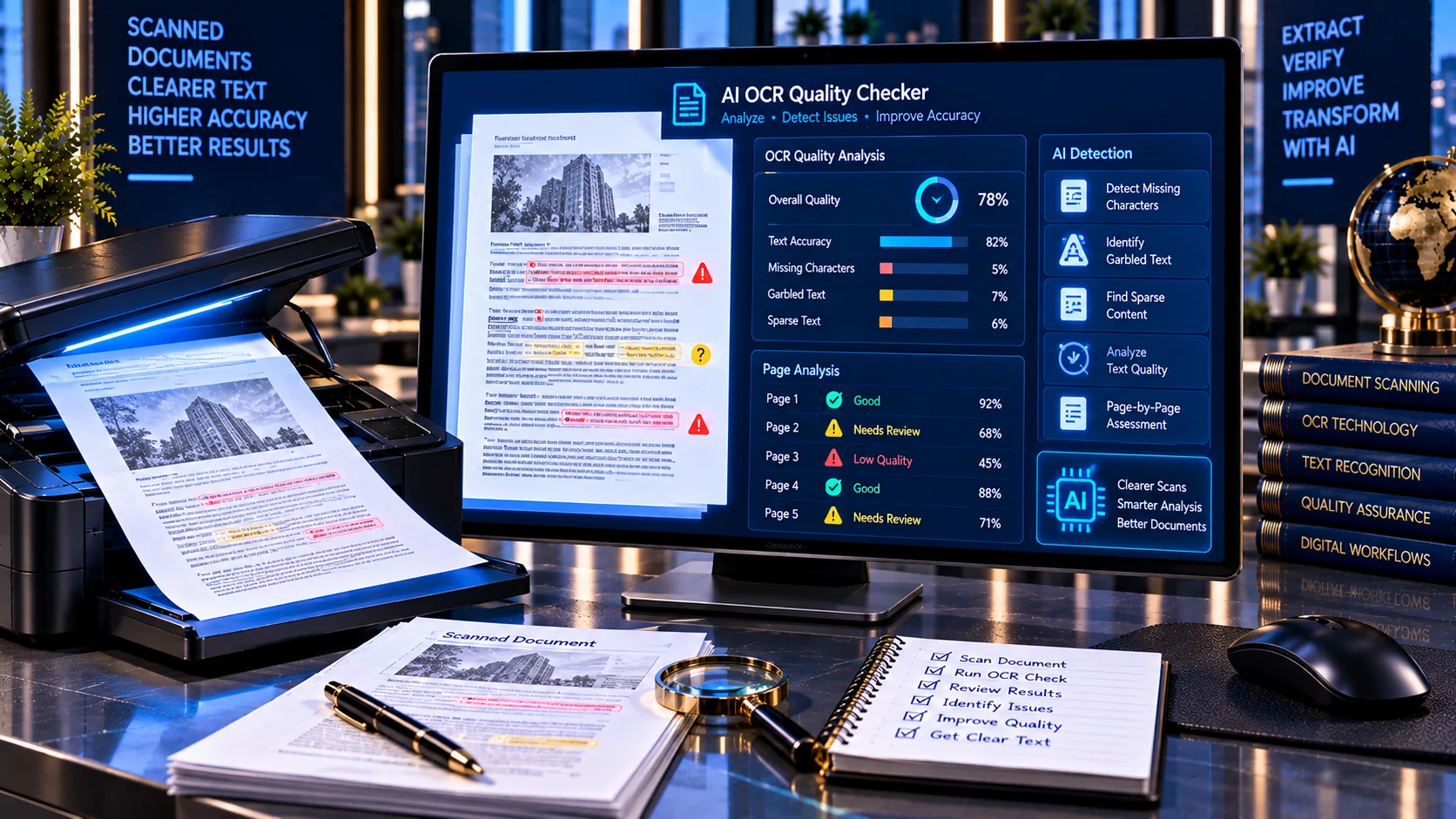
OCR can turn scanned documents and images into machine-readable text, but the extracted result is not always reliable enough for AI processing. Poor scans, missing text, distorted characters, unusual layouts, image-only pages, and recognition errors can reduce the usefulness of extracted content. The AI OCR Quality Checker helps assess whether extracted document text appears complete, readable, and suitable for downstream AI workflows before it is used for search, retrieval, summarization, extraction, or analysis.
AI OCR Quality Checker
Assess the quality and usability of text extracted from a PDF for downstream AI processing. The checker looks for missing text, sparse pages, suspicious OCR characters, letter/digit substitutions, repeated fragments, and other quality signals locally in your browser.
This is a heuristic quality assessment, not a measured OCR accuracy percentage. It does not run OCR or compare the PDF with a ground-truth transcript.
What Is an AI OCR Quality Checker?
An AI OCR Quality Checker is a diagnostic tool that evaluates extracted text from documents for common quality problems that can affect OCR-based AI workflows.
OCR quality depends on more than whether text was detected. Document resolution, contrast, rotation, text size, layout, image quality, language, and document structure can all influence recognition results. Microsoft notes that these factors can significantly affect OCR performance and recommends evaluating OCR using representative documents from the intended workflow.
PKCapra’s AI OCR Quality Checker focuses on observable indicators in the extracted document text and provides a quality assessment that helps identify pages or documents that may need additional review.
Why OCR Quality Matters for AI
OCR is often the first step in converting scanned documents into text that an AI system can process.
If OCR output contains errors, those errors can propagate into later stages such as:
- AI summarization
- Document search
- RAG retrieval
- Question answering
- Data extraction
- Classification
- Document comparison
- Knowledge-base creation
- Automated workflows
A document may appear visually correct to a human while its machine-readable text contains missing characters, broken words, incorrect symbols, or incomplete pages.
For AI systems, the quality of the extracted text therefore matters as much as the visual quality of the original document.
How the AI OCR Quality Checker Works
The checker examines the available document text and looks for signals that may indicate poor or incomplete OCR output.
Depending on the document, the analysis can identify:
- Pages with little or no extracted text
- Sparse text
- Image-only pages
- Replacement characters
- Garbled symbols
- Unusual character patterns
- Potential letter and digit substitutions
- Repeated fragments
- Unexpected control characters
- Abnormal character distributions
- Pages requiring additional review
The tool then produces page-level findings and an overall diagnostic assessment.
Image-Only and Text-Layer Problems
A scanned PDF can contain a visual image of text without having a usable text layer.
When this happens, normal text extraction may return little or no usable content even though a human can clearly see the words on the page.
This distinction is important for AI workflows.
A visually readable document is not necessarily a machine-readable document.
The checker can identify pages with missing or extremely sparse extracted text so they can be reviewed for OCR processing.
Detecting Sparse OCR Text
Very small amounts of extracted text can indicate that OCR failed to recognize significant portions of a page.
For example, a page containing several paragraphs might produce only a few words in the extracted text layer.
That does not automatically prove that OCR failed. Some pages legitimately contain little text, such as:
- Cover pages
- Charts
- Photographs
- Signatures
- Blank pages
- Illustrations
- Forms with limited written content
The checker therefore treats sparse text as a diagnostic signal rather than a definitive failure.
Garbled Characters and OCR Errors
OCR systems can produce text that contains unexpected characters or sequences when the original scan is difficult to interpret.
Common causes include:
- Low-resolution scans
- Blurred images
- Poor contrast
- Skewed pages
- Complex layouts
- Decorative fonts
- Damaged documents
- Background noise
- Unusual symbols
- Multilingual text
- Handwriting
Current OCR benchmarks show that performance can vary substantially between clean printed text and difficult document types such as handwriting, tables, mobile photographs, and complex layouts.
PKCapra’s checker helps surface text characteristics that deserve closer inspection.
Replacement Characters
Replacement characters can appear when text cannot be represented or decoded correctly.
A document containing unexpected replacement symbols may indicate that the extracted text is incomplete, incorrectly encoded, or otherwise unsuitable for reliable downstream processing.
The checker can identify these patterns and include them in the findings.
Letter and Digit Substitution Signals
OCR can sometimes confuse visually similar characters.
Examples include:
Oand0I,l, and1Sand5Band8
These substitutions can be especially important in documents containing:
- Account numbers
- Invoice numbers
- Product codes
- Identification numbers
- Dates
- Addresses
- Reference numbers
The checker treats these patterns as signals for review rather than automatically declaring them OCR errors.
OCR Quality and Document Layout
OCR is not only a character-recognition problem.
The system must also determine how text is arranged on the page.
Complex layouts can introduce problems such as:
- Incorrect reading order
- Mixed columns
- Tables converted into broken text
- Headers inserted into body text
- Footers appearing in the wrong location
- Repeated page elements
- Text blocks being merged
Research into OCR quality assessment shows that visually and structurally poor documents can significantly reduce OCR performance, making document-image quality an important part of OCR evaluation.
For deeper structural analysis, use the Document Structure Analyzer for AI.
OCR Quality Is Not the Same as OCR Accuracy
A useful distinction is important when evaluating OCR.
OCR accuracy normally requires comparison against known correct text, often called ground truth. Metrics such as Character Error Rate (CER) and Word Error Rate (WER) can then quantify recognition errors.
The PKCapra AI OCR Quality Checker is a diagnostic quality checker, not a ground-truth OCR benchmark.
It evaluates observable characteristics of extracted text and identifies potential quality problems.
This means the result should be interpreted as:
“Does this OCR output show warning signs that deserve review?”
rather than:
“This document has exactly X% OCR accuracy.”
That distinction prevents a diagnostic score from being mistaken for a formal OCR benchmark.
Page-Level OCR Analysis
Different pages within the same document can have very different OCR quality.
For example, a 50-page report may contain:
- 45 clean text pages
- 2 image-heavy pages
- 1 poorly scanned page
- 1 table-heavy page
- 1 handwritten page
A single document-wide number can hide these differences.
PKCapra’s page-level analysis helps identify pages that may require additional review.
OCR Quality Score
The checker produces a diagnostic quality score based on detected text-quality indicators.
The score can help categorize documents or pages into practical review levels.
A stronger score generally indicates fewer detected warning signals, while a lower score indicates that more characteristics deserve investigation.
The score should not be interpreted as a universal OCR accuracy percentage.
OCR performance varies according to document type and workflow, and Microsoft recommends testing OCR systems against representative content rather than assuming one accuracy figure applies to every document.
When Should You Use an AI OCR Quality Checker?
The tool can be useful before:
- Adding scanned PDFs to a RAG knowledge base
- Building an AI document library
- Running AI extraction on scanned documents
- Summarizing OCR-generated text
- Searching scanned archives
- Converting paper records into AI-readable content
- Processing invoices and receipts
- Digitizing historical documents
- Reviewing third-party OCR output
- Building document automation workflows
It is particularly useful when the source documents vary significantly in quality.
OCR Quality for RAG and Knowledge Bases
RAG systems depend on retrieving useful source text.
If OCR output is incomplete or corrupted, retrieval quality can suffer because important words may never reach the indexing or embedding stage.
For example, an OCR error in a product name, contract clause, invoice number, or technical term can make the correct information harder to retrieve.
A practical RAG document workflow can therefore include:
- Check OCR quality.
- Review document structure.
- Remove unnecessary noise.
- Check for sensitive information.
- Check for prompt injection.
- Prepare suitable chunks.
- Build the knowledge base.
PKCapra’s RAG Document Readiness Checker can help with the broader document-readiness stage.
OCR Quality and AI-Ready PDFs
OCR is particularly important for scanned PDFs.
A PDF may be visually readable while containing no usable text layer. In that situation, AI extraction and search may produce incomplete results.
The AI-Ready PDF Checker provides a broader assessment of PDF text availability, structure, OCR-related characteristics, metadata, and machine readability.
The AI OCR Quality Checker focuses specifically on the quality signals visible in extracted OCR text.
Improving OCR Quality Before AI Processing
When OCR quality is poor, review the original source document before immediately sending the extracted text into an AI workflow.
Common improvement areas include:
- Higher-resolution scans
- Better contrast
- Correct page rotation
- Reduced background noise
- Proper cropping
- Clearer source images
- Appropriate OCR language selection
- Better document preprocessing
- Re-running OCR with a suitable engine
Microsoft’s OCR guidance highlights document scan quality, resolution, contrast, lighting, rotation, text size, and density as factors that can influence recognition results.
OCR Quality for Tables and Complex Documents
Tables can be particularly challenging because recognizing individual characters is only part of the problem.
The OCR system may correctly identify the characters while losing:
- Rows
- Columns
- Headers
- Cell relationships
- Reading order
For AI workflows, structural errors can be just as important as character errors.
If your document contains significant table or structural content, combine OCR quality analysis with document structure analysis and AI-ready document checks.
OCR Quality for Handwritten Documents
Handwriting generally presents a more difficult OCR problem than clean printed text.
Performance can vary substantially depending on:
- Handwriting style
- Legibility
- Language
- Image quality
- Background
- Line spacing
- Document layout
Current OCR benchmark research shows that performance differences become much larger on difficult document types such as handwriting and low-quality images than on clean printed text.
The PKCapra checker can identify quality signals in extracted output, but it does not guarantee that handwritten content has been recognized correctly.
Browser-Based OCR Quality Analysis
PKCapra’s AI OCR Quality Checker is designed for browser-side analysis.
The tool does not require an external OCR API simply to generate its diagnostic report.
This can be useful for documents containing:
- Business records
- Internal documentation
- Research material
- Client files
- Contracts
- Scanned archives
- AI knowledge-base documents
Always follow your organization’s privacy and security requirements when handling sensitive documents.
What the AI OCR Quality Checker Does Not Do
The tool is not intended to replace a dedicated OCR engine.
It does not claim to reconstruct the original document perfectly or establish formal OCR accuracy without ground-truth text.
It also does not guarantee that an OCR output is correct simply because it receives a good diagnostic score.
For high-value workflows, manually review important extracted information and validate the OCR process against representative documents.
Recommended OCR Review Workflow
For a practical AI document workflow:
Step 1: Obtain the best-quality source document available.
Step 2: Run OCR when the document does not contain usable text.
Step 3: Check the OCR output with the AI OCR Quality Checker.
Step 4: Investigate pages with missing, sparse, or suspicious text.
Step 5: Review important names, numbers, dates, tables, and other critical information.
Step 6: Check the document for sensitive data and AI prompt-injection risks.
Step 7: Assess document structure and RAG readiness.
Step 8: Chunk and index the document only after the extracted content is sufficiently reliable.
Limitations
The AI OCR Quality Checker provides diagnostic indicators rather than ground-truth accuracy measurements.
A document can receive a strong diagnostic result while still containing subtle OCR mistakes that are difficult to detect automatically.
Likewise, a warning does not necessarily mean that the document is unusable.
Different documents have different requirements. A searchable archive may tolerate minor OCR errors, while a financial, legal, technical, or compliance workflow may require substantially stricter verification.
For critical workflows, compare OCR output with the original document and use representative benchmark samples. OCR evaluation research commonly uses ground-truth text and metrics such as CER or WER when formal accuracy measurement is required.
Frequently Asked Questions
What is an AI OCR Quality Checker?
It is a diagnostic utility that analyzes extracted OCR text for characteristics that may indicate incomplete, corrupted, sparse, or unreliable text.
Does it measure true OCR accuracy?
Not in the formal ground-truth sense. True OCR accuracy requires comparing extracted text with known correct text using metrics such as Character Error Rate or Word Error Rate.
What can cause poor OCR quality?
Low resolution, blur, poor contrast, rotation, complex layouts, small text, handwriting, unusual fonts, background noise, and document structure can all affect OCR performance.
Why is OCR quality important for RAG?
Poor OCR can cause important information to be missing or corrupted before the document is chunked, indexed, and retrieved by a RAG system.
Can OCR quality vary between pages?
Yes. A document can contain both high-quality and poor-quality pages, particularly when it combines digital pages, scans, photographs, tables, and handwritten content.
Is a low OCR quality score proof that OCR failed?
No. The score is a diagnostic indicator. It highlights characteristics that deserve review rather than proving that every extracted word is incorrect.
Can clean-looking documents have bad OCR?
Yes. A document can look perfectly readable to a human while its machine-readable text contains missing characters, incorrect reading order, or other extraction problems.
Should I check OCR before using a scanned PDF with AI?
For important AI workflows, checking OCR quality before indexing, retrieval, extraction, or summarization can help identify problems before they propagate into downstream processing.
What is the difference between OCR quality and document readiness?
OCR quality focuses on extracted text and recognition-related signals. Document readiness is broader and can include structure, metadata, duplication, noise, chunking, and machine readability.
Can I use this with the RAG Document Readiness Checker?
Yes. OCR quality can be treated as one stage of a broader document-preparation workflow. The RAG Document Readiness Checker evaluates additional characteristics relevant to retrieval workflows.
Related AI Document Tools
For a broader AI document preparation workflow, use:
- AI-Ready PDF Checker
- AI-Ready DOCX Checker
- Document Structure Analyzer for AI
- RAG Document Readiness Checker
- RAG Chunking Analyzer
- Document Chunking Calculator
- AI Document Safety Scanner
- AI Document Link Safety Checker
- AI Document Metadata Privacy Checker
- PDF Text Extractor
- OCR PDF
- PDF & Document Tools