
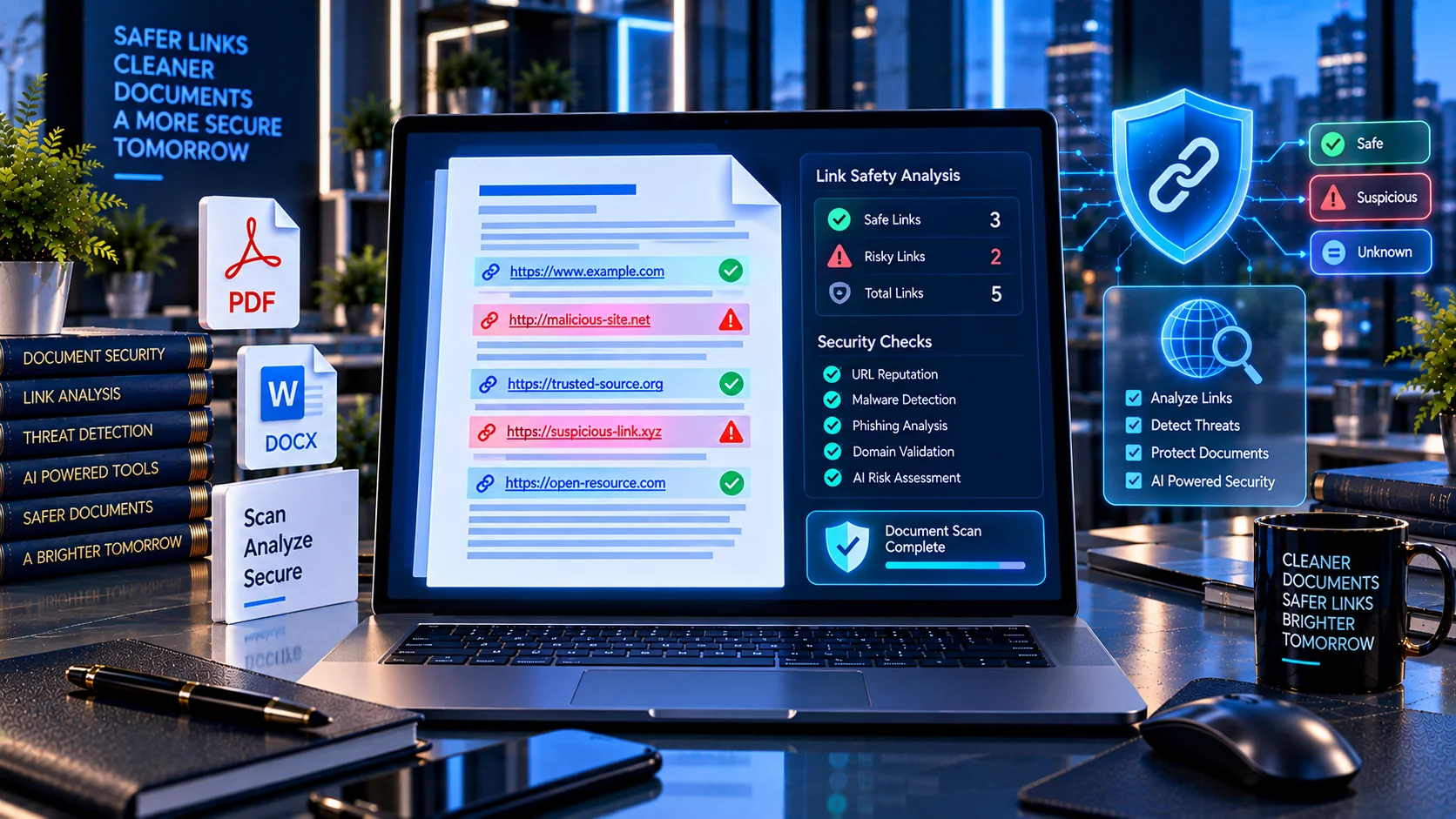
Documents can contain hyperlinks that look harmless but lead to suspicious, malformed, misleading, or potentially unsafe destinations. This is especially important when documents are shared with other people or submitted to AI systems for analysis, extraction, summarization, or retrieval. The AI Document Link Safety Checker helps you inspect document links for common URL and destination risks before the document moves into an AI or business workflow.
AI Document Link Safety Checker
Audit hyperlinks found inside supported documents and flag malformed, unusual, or potentially risky destinations. The analysis runs locally in your browser and does not visit the detected URLs.
This is a heuristic link audit. It does not prove that a destination is malicious or safe, and it does not make network requests to test the destination.
What Is an AI Document Link Safety Checker?
An AI Document Link Safety Checker is a document security utility that identifies hyperlinks and URL references inside supported files and analyzes them for potentially suspicious characteristics.
A document may contain visible links, embedded hyperlinks, external relationships, or URL references that are not immediately obvious from reading the document normally. Microsoft documents that Office files can contain external content and links that may create security and privacy risks, while suspicious or spoofed website addresses can be used to mislead users.
PKCapra’s AI Document Link Safety Checker provides a structured inspection of these links without requiring the document to be uploaded to an external scanning service.
Why Check Document Links Before AI Processing?
AI systems increasingly process documents for summarization, extraction, retrieval, research, and automated workflows. When a document contains links, those links can become part of the information available to an AI system or downstream application.
A suspicious URL can create several problems:
- It may point to an unexpected destination.
- It may use an unusual or unsafe URL scheme.
- It may contain misleading characters or a spoofed domain.
- It may expose sensitive information through URL parameters.
- It may point to an internal or private network address.
- It may redirect users toward phishing or other unwanted destinations.
- It may create additional risk when an AI agent or automated system is allowed to follow links.
URL safety is also relevant to AI agents because a URL can contain more than just a destination. OpenAI has documented risks involving URLs that can expose information when automated systems retrieve web content.
How the AI Document Link Safety Checker Works
PKCapra analyzes the document and identifies available hyperlink and URL information. It then evaluates each detected destination against multiple structural and contextual checks.
The analysis can identify:
- Hyperlinks
- External document relationships
- URL references
- Malformed URLs
- Suspicious URL schemes
- HTTP destinations
- IP-address destinations
- Localhost and private-network addresses
- Punycode and internationalized-domain indicators
- URL shorteners
- URLs containing credentials
- Unusually long URLs
- Potentially suspicious contextual patterns
- Duplicate links
The tool produces findings that help you investigate links without automatically visiting their destinations.
Suspicious URL Schemes
The URL scheme can provide an important safety signal.
The checker can flag schemes such as:
javascript:vbscript:data:file:blob:
These schemes do not represent ordinary HTTPS website destinations and may require additional scrutiny depending on where they appear and how the document is processed.
The purpose of the checker is not to declare every unusual scheme malicious. Instead, it identifies characteristics that deserve review before the document is trusted or processed further.
HTTP and HTTPS Links
HTTPS is generally preferable for normal web destinations because it provides encrypted transport between the browser and the website.
The checker can identify HTTP links so that they can be reviewed separately from HTTPS links.
An HTTP link is not automatically malicious. However, when a document contains login, payment, account, or sensitive-data links, the destination and transport should be reviewed carefully.
IP Address and Private Network Links
Some hyperlinks use an IP address instead of a conventional domain name.
For example, a document may contain a destination such as:
http://192.168.1.20/
or another direct IP-based URL.
The checker can flag IP-based destinations for additional review. Private-network, localhost, and loopback addresses can be particularly relevant when documents are processed inside corporate environments or automated systems.
This does not mean every IP address is unsafe. The finding simply highlights a destination that may require context.
Punycode, IDN and Homograph Risks
A domain can contain internationalized characters that visually resemble characters from another alphabet.
This can contribute to homograph-style spoofing, where a domain appears similar to a legitimate website while actually using different underlying characters.
Microsoft specifically documents homograph attacks as a reason suspicious-link protections can be important in Office environments.
PKCapra can flag relevant domain characteristics so that potentially deceptive destinations can receive additional human review.
URL Shorteners
Shortened URLs can hide the final destination behind a compact link.
Examples include common URL-shortening services where the visible address does not reveal the final website.
A shortened URL is not automatically malicious, but it reduces immediate destination transparency. The checker can identify URL-shortener patterns so they can be reviewed before the document is trusted or distributed.
URLs Containing Credentials or Sensitive Information
Some URLs may contain information inside the URL itself, including usernames, tokens, session-like values, query parameters, or other sensitive-looking data.
For example:
A URL containing potentially sensitive information deserves additional attention because URLs may be stored in browser history, logs, analytics systems, documents, or other infrastructure.
The checker can identify potentially sensitive URL structures without attempting to authenticate against the destination.
Suspicious Login, Payment and Verification Links
Links containing words associated with authentication, payment, account verification, security checks, password resets, or similar actions may deserve additional review when combined with other suspicious characteristics.
The checker can surface contextual indicators such as:
- Login
- Sign in
- Verify
- Verification
- Password
- Account
- Payment
- Security
- Recovery
- Authentication
These indicators are not proof that a destination is malicious. They are contextual signals that can help prioritize manual review.
Malformed and Invalid Links
Documents can contain hyperlinks that are incomplete, incorrectly formatted, broken, or otherwise unusual.
Malformed links can occur because of:
- Manual editing
- Copy-and-paste errors
- Export or conversion processes
- Broken document relationships
- Old document references
- Automated document generation
- Incorrect URL encoding
Identifying these links before AI processing can improve document quality as well as security review.
Duplicate Links and Repeated Destinations
Large documents may contain the same destination many times.
The checker can identify duplicate links and repeated destinations so you can understand the document’s link structure more efficiently.
Repeated links may be completely legitimate, but identifying them helps with document auditing and cleanup.
Browser-Based Document Link Analysis
PKCapra’s AI Document Link Safety Checker is designed around browser-side processing.
This means the analysis is intended to happen locally in the browser rather than automatically sending document contents to a remote scanning service.
This approach can be useful when documents contain:
- Business information
- Internal links
- Client information
- Confidential material
- Corporate documentation
- Research documents
- AI knowledge-base content
Always review your organization’s security and privacy requirements before processing sensitive documents in any online tool.
What the Safety Score Means
The checker provides an overall link-safety assessment based on the findings identified during analysis.
The score should be treated as a diagnostic indicator rather than a guarantee that every URL is safe.
A document with no detected suspicious characteristics can still contain a newly created malicious website or a legitimate-looking phishing destination that requires deeper investigation.
Likewise, a document containing an HTTP link, an IP address, or a shortened URL is not automatically malicious.
The purpose of the score is to help prioritize review.
Detailed Findings and JSON Reports
After analysis, the checker provides structured findings for detected link characteristics.
The report can help identify:
- Link or URL
- Finding type
- Risk level
- Reason for the finding
- Relevant URL characteristics
- Duplicate status
- Contextual indicators
- Overall assessment
A JSON report can also be copied or downloaded for documentation, testing, or integration into a broader document-review workflow.
AI Document Security Workflow
A practical document-security workflow can combine link inspection with other PKCapra AI document utilities.
For example:
- Scan the document for general safety issues.
- Check for PII and exposed secrets.
- Detect prompt-injection patterns.
- Inspect hidden Unicode and confusable characters.
- Check document metadata for privacy issues.
- Analyze hyperlinks and external destinations.
- Review the findings before submitting the document to an AI system.
You can use the AI Document Safety Scanner for broader document-risk analysis, the AI PII & Secret Scanner for sensitive information detection, and the AI Prompt Injection Document Scanner for instruction-like content that may influence AI processing.
For metadata review, use the AI Document Metadata Privacy Checker.
AI-Ready Document Preparation
Link safety is only one part of preparing a document for AI.
A document may contain safe links but still have poor structure, missing text layers, excessive metadata, duplicated content, or other issues that reduce its usefulness for AI systems.
For broader preparation, PKCapra also provides the AI-Ready PDF Checker, AI-Ready DOCX Checker, Document Structure Analyzer for AI, and RAG Document Readiness Checker.
For extracting text from PDF files before further analysis, use the PDF Text Extractor.
When Should You Use an AI Document Link Safety Checker?
This tool can be useful before:
- Uploading documents to an AI assistant
- Adding documents to a RAG knowledge base
- Sharing business documents externally
- Importing third-party documents
- Reviewing downloaded reports
- Processing client-provided files
- Building AI document-processing workflows
- Creating internal AI knowledge bases
- Reviewing generated Office documents
- Auditing documents received from unknown sources
It is especially useful when the document comes from an external source and you do not know whether its links and external references are trustworthy.
Limitations
The AI Document Link Safety Checker is a diagnostic tool, not a complete malware or phishing-detection system.
A URL can appear structurally normal while leading to a malicious website. Conversely, a technically unusual URL can be legitimate in a specific business or technical environment.
The checker does not guarantee that a destination is safe simply because no warning is produced.
It also does not replace:
- Endpoint security
- Antivirus software
- Secure web gateways
- Phishing protection
- Threat-intelligence services
- Enterprise security controls
- Human security review
The safest approach is to use the findings as one part of a broader document-security process.
Frequently Asked Questions
What does an AI Document Link Safety Checker do?
It identifies and analyzes hyperlinks and URL references inside supported documents and flags characteristics that may require security or privacy review.
Can it detect suspicious URLs?
Yes. It checks for multiple structural and contextual indicators, including malformed URLs, unusual schemes, IP-based destinations, private-network addresses, URL shorteners, credential-like URL content, and other suspicious characteristics.
Does the checker visit the links?
No. The tool is designed to inspect the document’s links without automatically visiting their destinations.
Is every flagged link dangerous?
No. A finding is an indicator for review, not proof that a URL is malicious. Legitimate business systems can use unusual URLs, IP addresses, redirects, or other patterns.
Why are document links important for AI?
AI systems and automated workflows may process links as part of document content. If a downstream system retrieves external content automatically, the URL itself can introduce additional security and privacy considerations.
Can I check links before adding a document to a RAG system?
Yes. Link inspection can be used as one step in a broader RAG document-preparation workflow alongside document structure, chunking, metadata, PII, and prompt-injection checks.
Does Microsoft Office also check suspicious links?
Microsoft Office includes security protections and warnings related to suspicious websites and external content. Microsoft specifically documents risks associated with suspicious links and spoofed domains.
Is a shortened URL automatically unsafe?
No. URL shortening is not proof of malicious activity. However, because the visible URL may not reveal its final destination, shortened links can deserve additional review.
Can a normal HTTPS URL still be dangerous?
Yes. HTTPS protects the connection in transit but does not guarantee that the destination itself is trustworthy. A phishing website can also use HTTPS.
Is the safety score a guarantee?
No. It is a diagnostic score based on detectable characteristics and should not be treated as a guarantee that every link or destination is safe.
Related AI Document Tools
For a broader AI document-security workflow, use: