
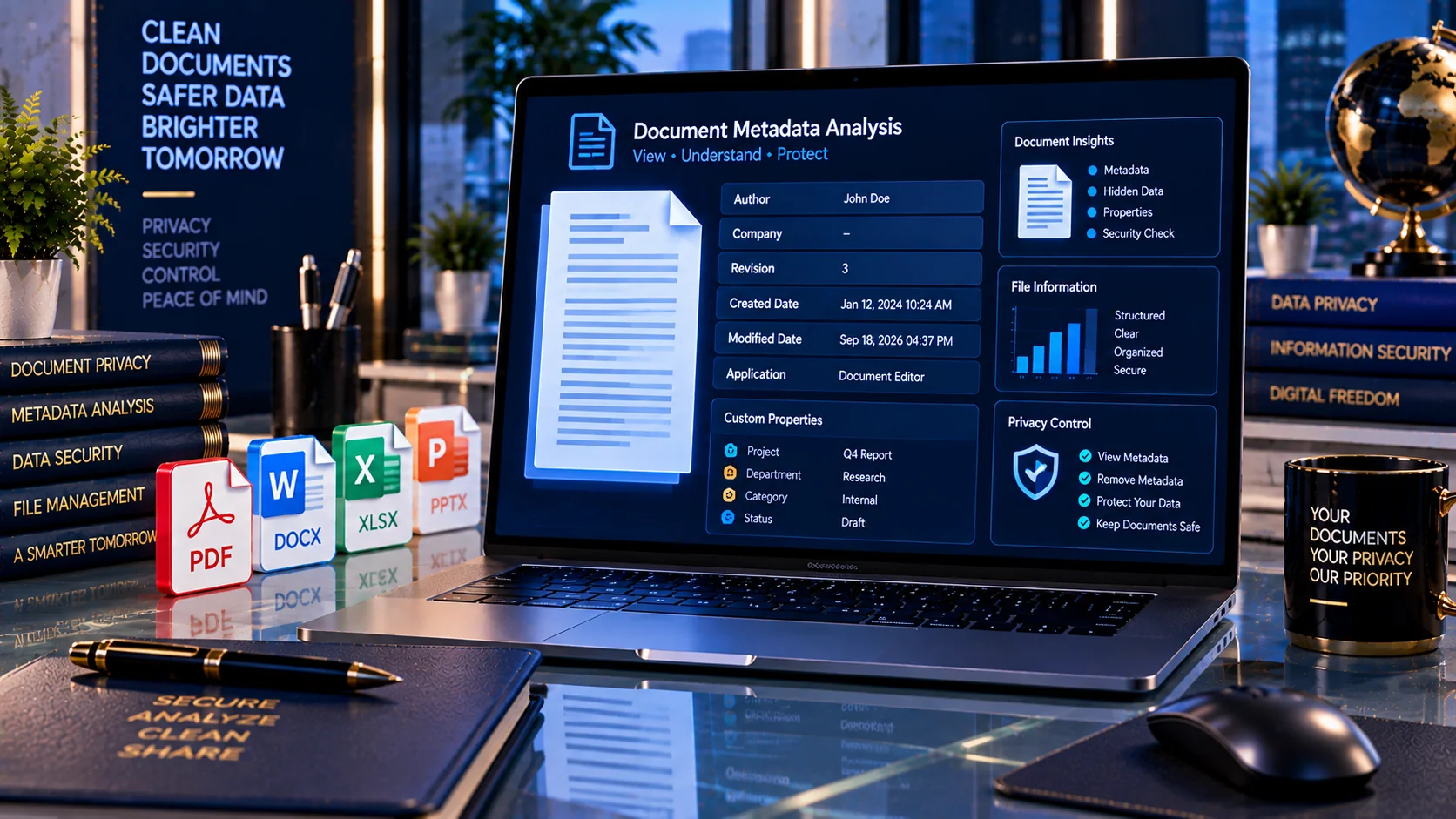
Documents can contain hidden metadata that is not visible when you simply read the file. Author names, company information, revision details, timestamps, application information, and custom properties may remain embedded in PDF and Office files. PKCapra’s AI Document Metadata Privacy Checker helps you inspect supported documents for metadata and privacy-related indicators before sharing them externally or submitting them to an AI system.
AI Document Metadata Privacy Checker
Inspect supported PDF and Office document metadata before sharing a file with an AI system. The scan runs in your browser and reports privacy-relevant fields such as author, company, dates, application, revision information, and custom properties where they can be detected.
Metadata inspection is heuristic and format-dependent. A clean report does not guarantee that every hidden property, comment, revision, embedded object, image metadata field, or content-layer privacy trace has been removed.
What Is Document Metadata?
Document metadata is information stored inside a file that describes or identifies the document.
Common metadata can include:
- Author or creator
- Last modified by
- Company or organization
- Document title
- Subject
- Keywords
- Creation date
- Modification date
- Revision information
- Application name and version
- Template information
- Manager information
- Custom properties
- PDF creator and producer information
- PDF XMP metadata
Microsoft describes document properties as metadata that can include information such as the title, author, subject, and keywords. Office applications may also maintain information such as the person who last saved a document and when the document was created.
Why Check Metadata Before Sharing a Document?
A document may reveal more information than its visible pages or slides show.
For example, a Word document can contain author and document-property information, while an Excel workbook may contain user information, document location, custom XML, external links, embedded objects, macros, and other hidden data. PowerPoint files can also contain document properties, revision information, notes, and other hidden content.
Checking metadata before external sharing can help you identify information that deserves review, including:
- Personal names
- Company details
- Document history indicators
- Creation and modification dates
- Revision information
- Software information
- Custom properties
- PDF metadata
- XMP metadata indicators
Why Metadata Matters for AI Document Workflows
AI document workflows often involve uploading or submitting files rather than copying only visible text.
Before sending a document to an AI service, it can therefore be useful to inspect the file itself and understand what information is stored inside it.
A metadata check can be one step in a broader document-preparation workflow for:
- AI assistants
- RAG knowledge bases
- Document analysis
- AI-powered search
- Automated document extraction
- Business document processing
- External document sharing
Metadata inspection does not determine whether a document is completely safe or anonymous. It provides a focused view of document properties that may otherwise be overlooked.
Supported File Formats
PKCapra’s AI Document Metadata Privacy Checker supports common document formats used in business and AI workflows:
- DOCX
- XLSX
- PPTX
Each format stores metadata differently, so the checker examines format-specific properties where they can be detected.
PDF Metadata Privacy Checks
PDF files can contain document information properties and additional metadata structures.
The checker can inspect indicators associated with:
- Title
- Author
- Subject
- Keywords
- Creator
- Producer
- Creation date
- Modification date
- XMP metadata
- Additional PDF metadata
- PDF JavaScript indicators
If you need a dedicated PDF metadata workflow, PKCapra also provides the PDF Metadata Viewer & Remover.
DOCX Metadata Privacy Checks
Microsoft Word documents can store document properties separately from the visible document text.
The checker can inspect available DOCX properties such as:
- Creator or author
- Last modified by
- Title
- Subject
- Description
- Keywords
- Category
- Content status
- Revision
- Creation date
- Modification date
- Last printed date
- Language
- Application
- Application version
- Company
- Manager
- Template
- Editing statistics
- Custom properties
Microsoft notes that Office document properties can contain author information and automatically maintained information such as the person who most recently saved a document and the date it was created.
XLSX Metadata Privacy Checks
Excel workbooks can contain document properties and other information associated with the workbook.
The checker can identify available indicators such as:
- Author or creator
- Last modified by
- Company
- Manager
- Title
- Subject
- Keywords
- Category
- Revision
- Creation and modification dates
- Application information
- Custom properties
- Workbook statistics
Microsoft also documents additional hidden or associated information in Excel workbooks, including external links, embedded files or objects, macros, hidden worksheets, hidden rows and columns, custom XML, and cached data.
PPTX Metadata Privacy Checks
PowerPoint presentations can contain metadata and other information related to document creation and editing.
The checker can inspect available properties such as:
- Author
- Last modified by
- Company
- Manager
- Title
- Subject
- Keywords
- Revision
- Creation date
- Modification date
- Application information
- Template information
- Presentation statistics
- Custom properties
PowerPoint can also contain revision tracking information, presentation notes, invisible objects, off-slide content, and custom XML. These are separate from ordinary metadata and may require additional inspection.
Check Author and Company Information
Author and company fields can reveal information about the person or organization associated with a document.
This information may be useful internally but may not always be appropriate to expose when a file is being shared outside an organization.
The checker highlights available identity and organization-related metadata so you can review it before sharing the file.
Review Revision Information
Some document formats store revision-related information.
Revision data can provide context about a document’s editing history or workflow.
This can be particularly relevant when a file has passed through multiple people, teams, or editing stages.
The checker identifies available revision indicators so you can decide whether additional document cleanup is appropriate.
Check Creation and Modification Dates
Document timestamps can provide information about when a file was created or modified.
Depending on the format, available date fields may include:
- Creation date
- Modification date
- Last printed date
- Other document-specific timestamps
These dates are not necessarily sensitive, but they can provide information about a document’s history that you may want to review before external sharing.
Inspect Application and Software Information
Documents can contain information about the software environment used to create or modify them.
Depending on the file format, this may include:
- Application name
- Application version
- PDF creator
- PDF producer
- Template
- Company
- Manager
- Editing statistics
These properties can help identify how a document was produced even when the visible content does not reveal that information.
Check Custom Properties
Custom document properties can contain organization-specific information.
For example, a company may use custom properties for:
- Project identifiers
- Internal labels
- Document classifications
- Workflow information
- Department information
- Internal tracking values
The checker identifies custom-property indicators so you can review them before submitting or sharing a document.
PDF XMP Metadata
PDF files may contain XMP metadata in addition to standard PDF document properties.
XMP can store structured information about a document and its creation or editing environment.
The checker identifies XMP metadata indicators as part of its PDF privacy analysis.
A detected XMP indicator does not automatically mean that a PDF contains sensitive information. It simply indicates that additional metadata deserves review.
Privacy Score and Findings
The AI Document Metadata Privacy Checker produces a privacy-oriented diagnostic result based on detected metadata indicators.
Depending on the document, findings can include:
- Author information
- Company information
- Revision information
- Date information
- Application details
- Custom properties
- PDF XMP metadata
- PDF JavaScript indicators
- Other detected document-property signals
The score is intended as a practical diagnostic aid. It should not be interpreted as a guarantee that a document contains no sensitive information.
Browser-Based Document Analysis
PKCapra’s checker is designed for browser-side processing.
The tool does not require an external AI API to perform its metadata inspection. This can be useful when reviewing confidential documents before deciding whether they should be shared with an external AI service.
For sensitive files, you should still review the tool’s processing behavior and your organization’s privacy requirements before using any online document-processing service.
Metadata Is Only One Part of Document Privacy
Removing or reviewing metadata does not necessarily remove every type of hidden or sensitive information from a document.
A document may also contain:
- Comments
- Tracked changes
- Revision marks
- Hidden text
- Headers and footers
- Watermarks
- Speaker notes
- Embedded files
- External links
- Hidden worksheets
- Macros
- Custom XML
- Invisible objects
- Off-slide PowerPoint content
Microsoft’s Document Inspector treats many of these as separate categories of hidden data or personal information.
This means a metadata check should be considered one component of a broader document privacy review.
A Practical Pre-AI Document Privacy Workflow
Before submitting a document to an AI system, use this workflow:
- Save a separate copy of the original document.
- Run the AI Document Metadata Privacy Checker.
- Review author and company information.
- Review revision and timestamp information.
- Check application and software properties.
- Review custom properties.
- Inspect PDF XMP metadata indicators when applicable.
- Review comments, tracked changes, hidden content, notes, links, and embedded content separately.
- Remove information that should not be shared.
- Re-check the final copy before external submission.
Microsoft recommends inspecting a copy of the original document because removing hidden information may not always be reversible.
Who Can Use an AI Document Metadata Privacy Checker?
The tool can be useful for:
- Businesses
- Consultants
- Freelancers
- Legal teams
- HR professionals
- Researchers
- Developers
- AI application teams
- RAG developers
- Knowledge-base administrators
- Document management teams
- Professionals sharing files externally
AI Document Metadata Checker vs. Metadata Remover
A metadata checker and a metadata remover have different purposes.
A metadata checker helps you identify and review information stored inside a document.
A metadata remover is designed to remove supported metadata fields.
Checking a document first can help you understand what information is present before deciding what should be removed.
For PDF-specific metadata management, use PKCapra’s PDF Metadata Viewer & Remover.
Limitations
Metadata detection depends on the file format and the information actually stored inside the file.
A document with little or no detected metadata should not automatically be considered completely private or anonymous.
The checker does not replace a complete document-security review. It does not guarantee detection of every hidden element, embedded object, comment, tracked change, hidden text, external link, or other sensitive content.
Always review sensitive documents according to your organization’s privacy, compliance, and information-security requirements.
Frequently Asked Questions
What is an AI Document Metadata Privacy Checker?
It is a document-analysis tool that identifies metadata and related privacy indicators in supported PDF and Office files before they are shared or submitted to an AI system.
What information can document metadata contain?
Metadata can include author, title, subject, keywords, creation date, modification date, revision information, application details, company information, and other document properties.
Can a DOCX file reveal the author’s name?
Yes. Office documents can contain author and other document-property information. Microsoft specifically identifies author and automatically maintained user information as examples of document metadata.
Can document metadata reveal a company?
It can. Depending on the file and software used to create it, document properties may contain organization-related information.
Does metadata contain revision information?
Some supported document formats can store revision-related properties or information about document history. The checker identifies available revision indicators.
Does this tool remove metadata?
No. The AI Document Metadata Privacy Checker is designed primarily for inspection and diagnosis.
Is metadata the same as hidden text?
No. Metadata is separate from hidden document content. A document can contain metadata as well as hidden text, comments, tracked changes, notes, embedded objects, or other hidden information.
Does a low privacy score mean my document is completely safe?
No. The score is a diagnostic indicator based on detected metadata signals. It does not guarantee that a document contains no sensitive information.
Should I check metadata before sending a document to an AI service?
For documents containing personal, business, confidential, or internal information, reviewing metadata can be a useful part of a broader pre-submission privacy workflow.
What file formats does the checker support?
The tool is designed to inspect PDF, DOCX, XLSX, and PPTX files.
Related PKCapra Tools
For a broader AI document-preparation workflow, you can also explore:
- PDF Metadata Viewer & Remover — inspect and manage PDF metadata.
- PDF & Document Tools — access related PDF and document utilities.
Prepare Documents Before AI Submission
A document contains more than the information visible on its pages. Metadata can provide additional context about its author, organization, history, software environment, and creation process.
Checking these properties before AI submission or external sharing gives you an additional opportunity to review what information is actually contained in the file.
Use the AI Document Metadata Privacy Checker as one step in a broader document-privacy workflow, alongside review of comments, revisions, hidden content, links, embedded objects, and other file components.