
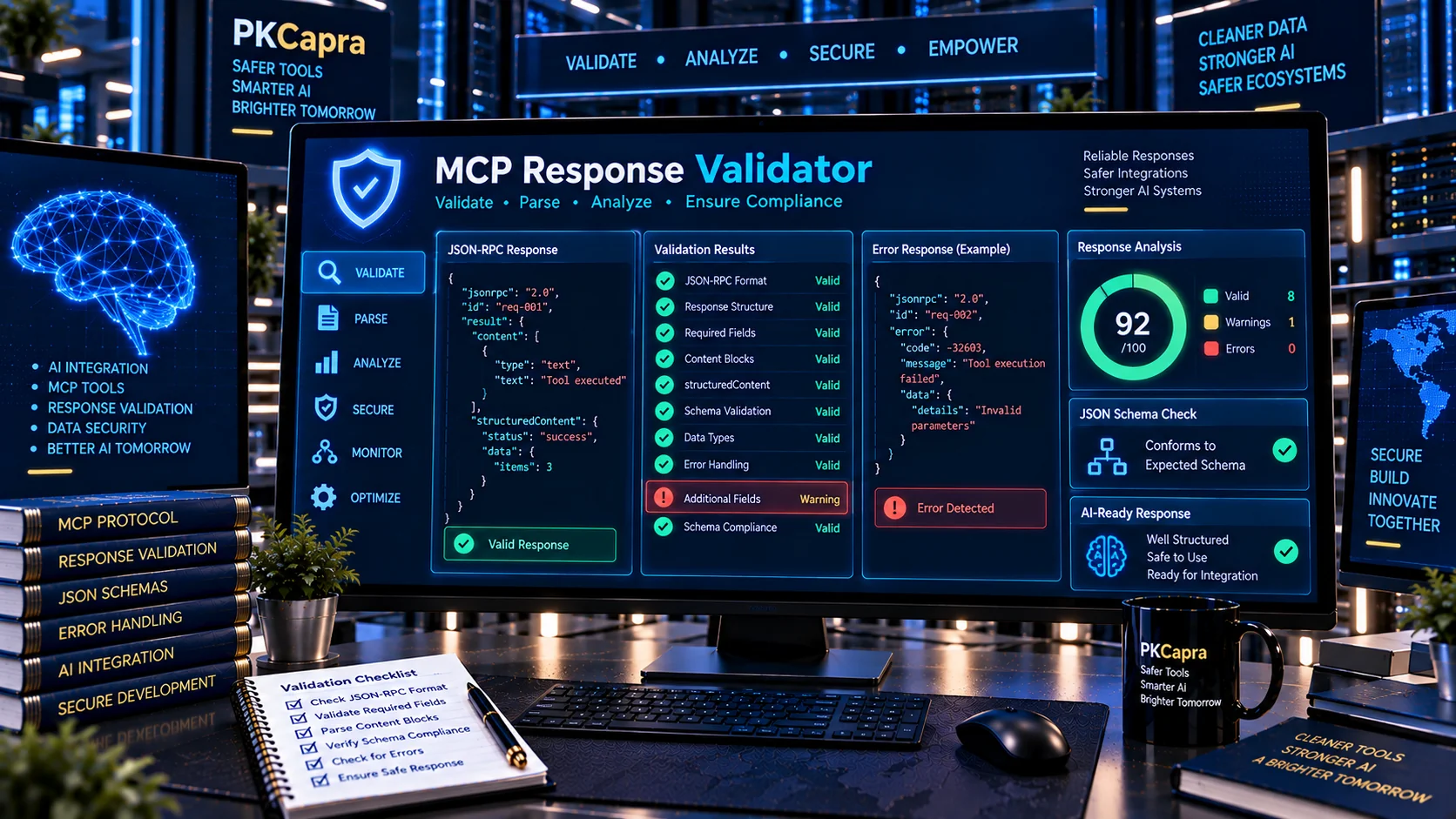
Validate MCP tool responses for structure, JSON-RPC compatibility, content blocks, structured output, error states, and schema compliance before they are consumed by an AI client or application. PKCapra’s MCP Response Validator helps developers inspect tool results and identify malformed, incomplete, inconsistent, or schema-mismatched response data.
MCP Response Validator
Validate MCP tool responses for JSON structure, protocol-style result/error envelopes, content blocks, structured content, and optional JSON Schema expectations.
Response Review
Validation Issues
Normalized Response
What Is an MCP Response Validator?
An MCP Response Validator is a testing and quality-control utility for checking responses returned by Model Context Protocol (MCP) tools.
MCP tool responses can contain multiple response layers, including content, structuredContent, isError, and metadata. Current MCP SDK documentation describes content as a collection of content blocks that may include text, images, audio, resources, or resource links, while structuredContent provides machine-readable structured data for application use.
PKCapra’s MCP Response Validator lets you paste or upload MCP response data and inspect these structures without manually checking every property.
Why Validate MCP Tool Responses?
A tool can appear to work while still returning data that an MCP client cannot reliably consume.
Common response problems include:
- Invalid JSON
- Incorrect JSON-RPC response structure
- Missing or invalid response identifiers
- Incorrect
resultorerrorhandling - Malformed
contentarrays - Unsupported content block types
- Missing required content properties
- Incorrect MIME types
- Invalid
structuredContent - Structured output that does not match the expected schema
- Incorrect
isErrorvalues - Unexpected metadata
- Inconsistent success and error responses
- Multiple responses with inconsistent structures
MCP SDK documentation also distinguishes tool-level errors from JSON-RPC errors. For example, a tool can return a normal result with isError: true, while a JSON-RPC error represents a different failure path.
What Does PKCapra MCP Response Validator Check?
PKCapra analyzes the response structure and reports detected issues, warnings, and validation results.
JSON and JSON-RPC Structure
The validator checks response data for common structural problems involving:
- Valid JSON syntax
- JSON objects and arrays
- JSON-RPC response structure
jsonrpcidresulterror- Result-versus-error response patterns
- Invalid or unexpected structural combinations
MCP SDK implementations expose JSON-RPC response guards and distinguish valid JSON-RPC responses from other JSON values.
MCP Tool Result Fields
The validator examines common MCP tool-result fields such as:
contentstructuredContentisError_meta
Current MCP SDK documentation shows tool results using these fields and describes structuredContent as machine-readable output that can be checked against a declared output schema.
Content Block Validation
MCP tool responses can contain different content block types. Depending on the protocol implementation, these can include:
- Text
- Image
- Audio
- Resource
- Resource link
Each type has different required properties. For example, text content uses a text value, while image and audio content use encoded data and MIME information. Resource content can contain text or binary resource data.
The validator helps identify missing properties, incorrect structures, and unsupported content configurations.
Structured Content
Structured output is particularly important when an MCP tool is consumed programmatically.
MCP documentation describes structuredContent as machine-readable JSON data and explains that it can correspond to the tool’s declared output schema. Modern MCP implementations can support structured content beyond a single JSON object when the relevant protocol revision and schema permit it.
PKCapra can inspect structured response data and optionally evaluate it against a supplied JSON Schema.
Validate MCP Responses Against JSON Schema
If your MCP tool declares an output schema, you can use the validator to compare the returned structured data with the expected structure.
Useful checks include:
- Required properties
- Property types
- String constraints
- Numeric constraints
- Array structures
- Nested objects
- Enumerations
- Patterns
oneOfanyOfallOf- Additional-property behavior
- Nested schema consistency
This can help catch situations where a tool technically returns JSON but the returned data does not satisfy the structure expected by the consuming application.
For schema-level inspection, you can also use the MCP Tool Schema Validator.
Check MCP Tool Errors Correctly
An MCP tool response can represent an application-level tool failure without necessarily being a transport-level JSON-RPC failure.
For example, MCP SDK documentation demonstrates responses where isError is true and the error explanation is provided through content.
This distinction matters because an application should not automatically treat every returned JSON object as successful tool output.
Use PKCapra’s validator to inspect whether the response structure clearly communicates its error state and whether the accompanying content is consistent with that state.
Inspect MCP Metadata
MCP responses can also contain _meta information intended for application or implementation-specific purposes.
Modern MCP SDK documentation describes _meta as a separate metadata channel that can carry information for the client application without being part of the model-facing answer.
When reviewing an MCP integration, inspect metadata alongside the main result instead of validating only the visible text content.
For broader MCP configuration checks, use the MCP Configuration Security Checker.
MCP Response Validation vs MCP Tool Schema Validation
These tools solve different problems.
The MCP Tool Schema Validator focuses primarily on validating the definition and schema of MCP tools.
The MCP Response Validator focuses on the data returned when those tools are executed.
A practical development workflow can therefore use both:
- Validate the tool definition.
- Execute the tool with representative inputs.
- Capture the returned response.
- Validate the response structure.
- Compare structured output against the expected schema.
- Test both successful and error responses.
- Review edge cases before production deployment.
MCP Response Testing Workflow
A reliable response-testing process can include:
1. Capture a Real Tool Response
Copy the raw MCP response generated by your server or test environment.
2. Load the Response
Paste or upload the JSON into PKCapra’s MCP Response Validator.
3. Validate the Envelope
Check JSON syntax and the expected JSON-RPC/result/error structure.
4. Inspect Content Blocks
Review every returned content block and its required properties.
5. Inspect Structured Output
If structuredContent is present, review its structure and data types.
6. Test Against an Output Schema
Provide the expected JSON Schema when available and identify mismatches.
7. Review Error States
Test successful responses and intentional tool failures separately. MCP SDK guidance specifically distinguishes tool-level errors represented through isError from JSON-RPC errors.
8. Fix and Retest
Correct the server implementation and run the response through the validator again.
Use MCP Response Validator With Other PKCapra AI Tools
Response validation works particularly well alongside other MCP and AI infrastructure tools on PKCapra.
Use the MCP Tool Description Checker to review the language and quality of MCP tool descriptions.
Use the MCP Capability Analyzer to understand the capabilities exposed by an MCP server.
Use the MCP Tool Permission Analyzer to inspect tool-level permissions and potentially high-impact actions.
Use the MCP Tool Poisoning Checker to inspect MCP tool definitions for suspicious instructions and tool-poisoning signals.
For broader AI tool validation, the AI Tool Response Validator can be useful when working with non-MCP AI tool response formats.
Is MCP Response Validation Useful for AI Agents?
Yes. AI agents increasingly depend on tools that return structured information, and malformed output can affect downstream processing.
A response validator can be used during:
- MCP server development
- Agent integration testing
- CI/CD validation
- API integration testing
- Tool compatibility testing
- Regression testing
- Debugging
- Pre-production checks
- Security reviews
- Structured-output testing
Validation does not guarantee that an MCP server is secure or that its returned data is semantically correct. It is a structural and schema-oriented testing layer that can help identify specific response problems before deployment.
Does the MCP Response Validator Send My Data to an AI API?
PKCapra’s MCP Response Validator is designed for browser-side analysis. The tool does not require an external AI API to perform its core validation.
This makes it suitable for inspecting development responses and test data without requiring the response to be submitted to an external generative-AI service.
You should still avoid entering highly sensitive production information unless you have reviewed the data and your organization’s applicable privacy requirements.
Common MCP Response Validation Problems
Invalid JSON
The response cannot be parsed as valid JSON.
Missing Result or Error
A JSON-RPC response may require a valid result or error structure depending on the response type.
Invalid Content Block
A content item may use an unsupported type or omit properties required for that content type.
Structured Content Mismatch
The returned structuredContent may not match the expected output schema.
Incorrect Error State
A tool may return an error message without correctly communicating the tool’s error state.
Inconsistent Response Shapes
Different execution paths may return substantially different structures, making downstream handling unreliable.
Invalid Metadata
Unexpected or malformed metadata can make integrations harder to reason about and test.
MCP Response Validator for Developers
Developers building MCP servers can use the validator as a lightweight response QA layer.
Test representative responses for:
- Successful tool execution
- Empty results
- Partial results
- Validation failures
- Application errors
- Missing resources
- Invalid arguments
- Large responses
- Multiple content blocks
- Structured output
- Resource responses
- Error responses
For MCP servers with many tools, combine response validation with the MCP Server Configuration Validator and MCP Tool Schema Validator to review different layers of the integration.
Frequently Asked Questions
What is an MCP Response Validator?
It is a tool for checking MCP tool response data for JSON, JSON-RPC, content-block, structured-output, error-state, and schema-related problems.
What is structuredContent in MCP?
structuredContent is machine-readable structured data returned by an MCP tool for application use. MCP SDK documentation distinguishes it from content, which is intended for model-readable content.
What is isError in an MCP tool response?
isError indicates that the tool execution produced an error result. MCP SDK documentation shows that tool errors can be returned as normal results with isError: true and explanatory content.
Can MCP responses contain images and audio?
Yes. MCP tool-result content can include different content block types, including text, image, audio, resources, and resource links.
Can I validate an MCP response against JSON Schema?
Yes. PKCapra’s MCP Response Validator can inspect structured output against a supplied JSON Schema and identify common schema mismatches.
Does this tool replace MCP server testing?
No. Response validation is one part of MCP testing. Production testing should also cover tool definitions, permissions, configuration, authentication, authorization, error handling, security controls, and application behavior.
Is the MCP Response Validator an AI-powered tool?
No external generative-AI service is required for its core browser-side validation process. It performs structured and heuristic validation locally in the browser.