
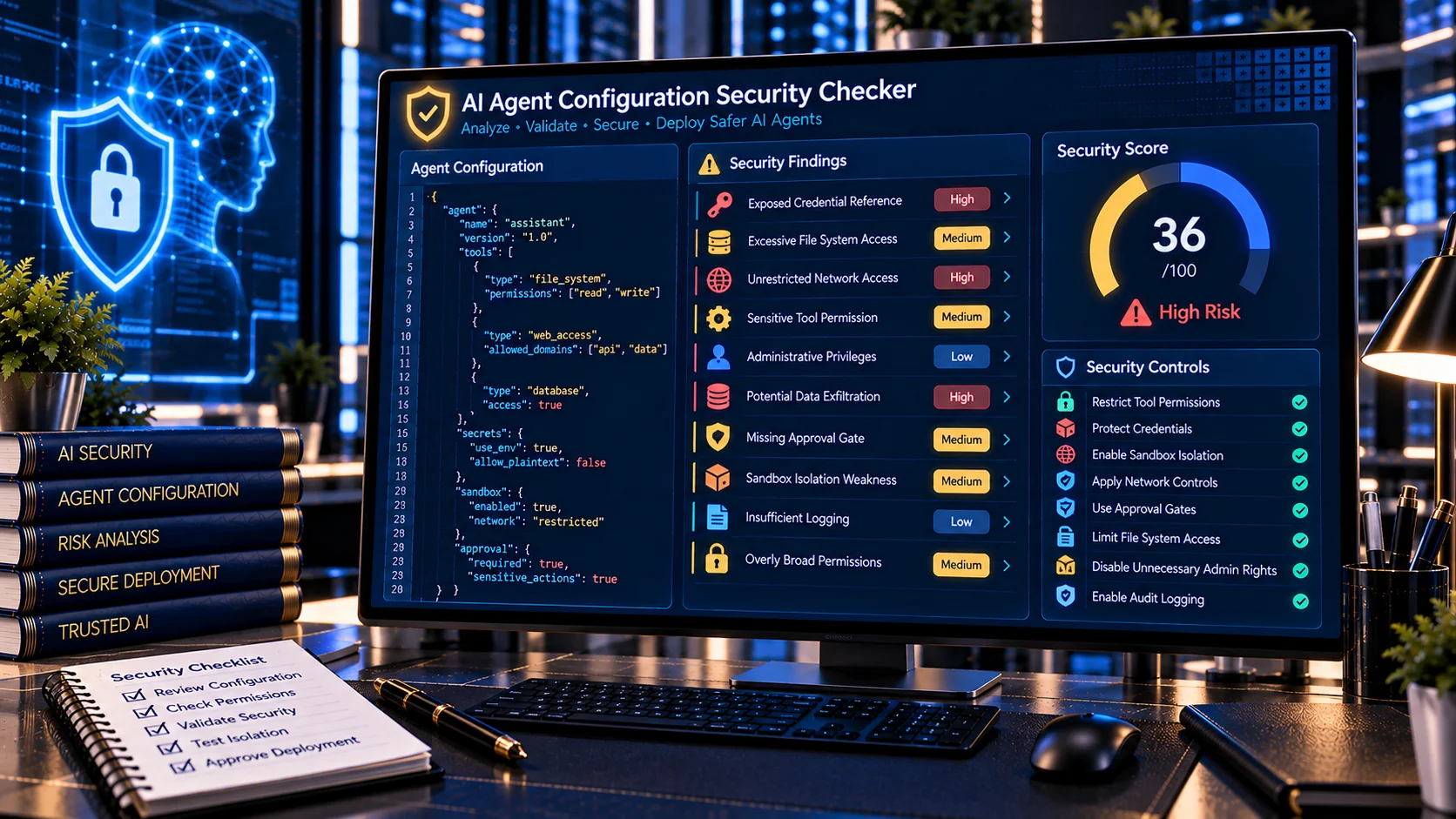
AI Agent Configuration Security Checker helps developers and security teams review AI agent configuration files for unsafe defaults, exposed secrets, excessive permissions, unrestricted capabilities, weak authorization controls, insecure runtime settings, and other configuration-level security risks. The browser-based checker provides a structured heuristic review before an AI agent configuration is deployed or promoted to production.
AI Agent Configuration Security Checker
Audit AI agent configuration text for unsafe defaults, exposed secrets, excessive permissions, weak isolation, unrestricted tools, disabled approvals and other configuration security risks.
Configuration Security Findings
Configuration Summary
What is an AI agent configuration security check?
An AI agent configuration security check reviews the settings that control an agent’s tools, permissions, integrations, instructions, and access to external resources. The goal is to identify risky configuration choices—such as excessive privileges, exposed credentials, unrestricted tool access, or weak approval boundaries—before the agent is deployed or updated. A configuration review can highlight potential risks, but it does not replace runtime testing, code review, or a full security assessment.
AI agent security starts with its operating boundaries
An agent’s behavior is shaped not only by its model or prompt, but also by the actions and resources its configuration allows it to use.
Tool access
An agent connected to browsers, shell commands, databases, email, or APIs may be able to take actions beyond answering questions. Each enabled tool should have a clear purpose and an appropriate access boundary.
Permissions and identity
Broad credentials or inherited permissions can give an agent more access than its task requires. Restrict identities and privileges to the minimum practical scope.
External data and instructions
Web pages, documents, messages, and tool outputs may contain untrusted instructions. Configuration should prevent external content from silently overriding trusted instructions or authorization rules.
Secrets and credentials
API keys, access tokens, passwords, and private connection details should not be embedded in prompts, logs, public configuration files, or outputs that users can access.
Human approval
High-impact actions—such as sending messages, changing records, deleting data, or making purchases—may need explicit confirmation or a separate authorization step.
Operational controls
Limits on execution time, tool calls, resource use, and network access can reduce the impact of loops, unexpected behavior, or compromised workflows.
What should a security review examine?
Use the following areas as a practical checklist when reviewing an AI agent’s configuration. The exact fields depend on the agent framework and deployment environment.
| Configuration area | Potential concern | Safer review question |
|---|---|---|
| Tool definitions | Unnecessary or unrestricted actions | Does the agent need every enabled tool, and are its actions limited? |
| Authentication | Shared, long-lived, or overprivileged credentials | Can credentials be scoped, rotated, and protected outside the configuration? |
| Network access | Unrestricted outbound requests or access to sensitive internal services | Are destinations and network paths limited to approved resources? |
| File and data access | Reading or modifying files outside the task’s scope | Are storage locations and operations restricted by policy? |
| Prompt and instruction hierarchy | Untrusted input treated as trusted control instructions | Are trusted instructions separated from retrieved or user-supplied content? |
| Approval settings | Sensitive actions executed without appropriate review | Which actions require user confirmation or another authorization check? |
| Logging and monitoring | Missing audit information or sensitive data recorded in logs | Are important actions recorded without exposing secrets or unnecessary personal data? |
| Execution limits | Unbounded loops, repeated calls, or excessive resource consumption | Are time, call count, memory, and other relevant limits enforced? |
Review an agent configuration step by step
Prepare a sanitized configuration and examine the findings before using it in a production environment.
Identify the configuration being reviewed
Use the configuration file or supported input format associated with your agent framework. Confirm that you are reviewing the version intended for deployment, not an outdated copy.
Remove sensitive values before sharing
Replace API keys, tokens, passwords, private URLs, and other confidential values with safe placeholders. Preserve the relevant structure so the configuration can still be reviewed meaningfully.
Run the configuration check
Submit the sanitized configuration using the controls provided by the tool. Review the reported findings and any context or remediation guidance included in the results.
Prioritize findings by potential impact
Investigate issues involving privileged tools, credentials, sensitive data, external access, and irreversible actions first. Consider the agent’s actual operating environment when assessing severity.
Make targeted changes
Reduce unnecessary permissions, remove unused tools, introduce approval controls where appropriate, and move secrets into a suitable secret-management system.
Review and test the updated configuration
Check the revised file again and test the agent in a controlled environment. Confirm that legitimate tasks still work and that restricted actions remain blocked.
Recognizing an over-permissioned agent
This example shows how a configuration choice can create risk and what a reviewer should consider changing.
Example configuration concern
An agent designed to summarize documents has access to a broad file system, unrestricted network requests, and a tool that can execute arbitrary shell commands.
Questions for the reviewer
- Does document summarization require shell execution?
- Can file access be limited to a dedicated input directory?
- Can network access be disabled or restricted?
- Are write and delete operations necessary?
- Are sensitive actions subject to authorization?
Possible safer configuration
Enable only the document-reading capability required for the task, use a restricted workspace, limit external connections, and separate read-only processing from any operation that changes data.
These changes reduce unnecessary exposure while preserving the agent’s intended function.
How to interpret configuration security findings
A finding is a signal to investigate. Its practical severity depends on the capability involved, the data it can reach, and the safeguards surrounding it.
Critical or high-impact risk
Prioritize issues that could expose credentials, enable unauthorized destructive actions, or grant broad access to sensitive systems. Validate the finding and address the underlying control before deployment.
Moderate configuration weakness
Review settings that increase exposure but may require additional conditions to cause harm, such as unnecessary network access or weak action boundaries.
Informational recommendation
Use guidance about hardening, maintainability, or defense-in-depth to improve the configuration. Not every recommendation represents an exploitable vulnerability.
Reduce risk before deploying an AI agent
Use these controls as part of a broader process for designing, deploying, and maintaining agent-based systems.
Apply least privilege
Give the agent only the tools, files, accounts, and operations required for its defined task. Review permissions when the task or integration changes.
Separate trusted and untrusted content
Treat user input, retrieved documents, websites, and tool responses as data rather than automatically trusted instructions. Enforce authorization outside the model’s natural-language reasoning.
Protect credentials
Store secrets in appropriate environment or secret-management facilities. Avoid hardcoding credentials in configuration files that may be copied, uploaded, or logged.
Restrict high-impact actions
Use approval gates, scoped APIs, or separate execution services for actions that can affect users, money, production systems, or important records.
Use isolated environments
Test unfamiliar configurations with limited permissions and non-sensitive data. Avoid granting production access simply to evaluate an agent’s behavior.
Recheck after changes
New tools, connectors, prompts, models, and deployment settings can change the agent’s risk profile. Repeat the review when important configuration changes are introduced.
Continue your AI agent security review
Use related PKCapra tools to examine other parts of an AI system’s security and configuration workflow.
AI agent configuration security checker FAQs
Common questions about reviewing agent settings, permissions, and deployment risks.
What is an AI agent configuration security checker?
It is a tool or review process that examines an AI agent’s configuration for potentially unsafe settings, excessive permissions, exposed secrets, or weak security boundaries. The checks available depend on the tool and the configuration format it supports.
Why is an AI agent configuration security review important?
Agents may use external tools, access files, call APIs, or perform actions on behalf of users. Reviewing their configuration helps identify unnecessary capabilities and security weaknesses before those capabilities are used in a real environment.
What information should I remove before checking a configuration?
Remove or replace API keys, access tokens, passwords, private certificates, confidential connection strings, and sensitive personal or business data. Use placeholders while preserving the structure needed for review.
Does a configuration check prove that an AI agent is secure?
No. Configuration checks can identify selected risks, but they cannot establish complete security. A full assessment may also require code review, permission testing, runtime monitoring, threat modeling, and evaluation of the agent’s connected services.
What is the difference between configuration validation and security analysis?
Validation checks whether a configuration follows the expected structure or format. Security analysis considers whether the settings create unsafe access, weak controls, or other risks. A configuration can be syntactically valid and still be insecure.
Can prompt injection affect an AI agent’s configuration security?
Prompt injection can influence an agent when untrusted content is treated as instructions. Configuration and architecture should establish trusted instruction boundaries, limit available actions, and enforce authorization independently of the model’s response.
Should every AI agent tool require human approval?
Not necessarily. Approval requirements should reflect the impact and reversibility of an action. Read-only or low-risk operations may be automated, while sensitive or irreversible actions often need stronger authorization or confirmation.
How often should an agent configuration be reviewed?
Review it before deployment and after significant changes to permissions, tools, integrations, credentials, prompts, or infrastructure. Periodic reviews are also useful for identifying capabilities that are no longer needed.
What should I do after a security issue is reported?
Confirm the finding, determine which capability or resource is affected, assess the possible impact, and make a targeted change. Then test the revised configuration and verify that the intended restriction is actually enforced.
Can a secure configuration prevent every AI agent security risk?
No single configuration can eliminate every risk. Security depends on the complete system, including model behavior, application code, external tools, data handling, identity controls, infrastructure, and operational monitoring.