
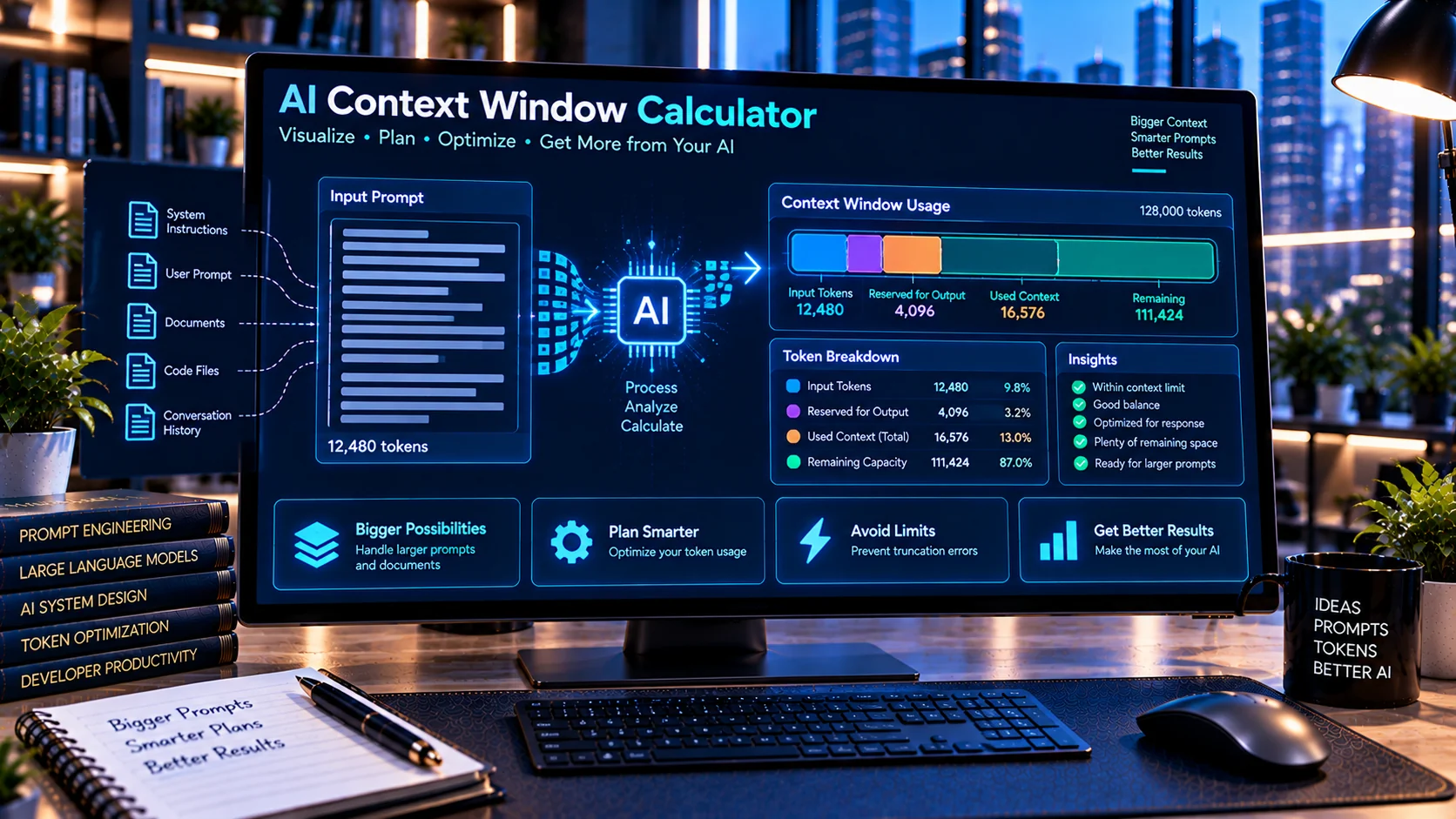
AI Context Window Calculator helps developers estimate how much of an AI model’s context window a prompt or text input may consume before sending it to a model. Paste your content, choose a context-window size from common presets or enter a custom limit, reserve space for the expected output, and review estimated token usage, remaining input capacity, and whether the content fits within the selected budget. The calculation runs directly in your browser without sending your text to an external AI service.
What Does an AI Context Window Calculator Do?
An AI context window calculator helps estimate how much text or conversation can fit within a language model’s context limit. A context window is measured in tokens, not simply in words or characters. Understanding token usage helps you plan prompts, conversation history, documents and other input before sending them to a model.
Understanding the AI Context Window
A context window is the amount of tokenized information a language model can consider in a single processing context. Depending on the model and task, this may include your prompt, system instructions, conversation history, retrieved text, tool-related content and the space reserved for the model’s response.
The context limit is important when working with long prompts, large documents, coding sessions, research notes or extended chats. If the combined context exceeds the model’s supported limit, the application may reject the request, truncate content or manage the conversation history in another way.
Tokens
Tokens are units produced by a model’s tokenizer. A token may represent part of a word, a whole word, punctuation or another text segment.
Context Limit
The context limit is the maximum token capacity supported for a model’s input and processing context, subject to its specific configuration.
Output Budget
Some workflows reserve part of the available context for generated output. The usable input space can therefore be smaller than the total window.
Why Context Window Size Matters
Context capacity affects how much information you can provide to a model at once. Planning the token budget can make long-input workflows easier to manage and reduce avoidable limit errors.
- Long prompts: Estimate whether detailed instructions and examples can fit together.
- Document analysis: Plan how much source material to include in one request.
- Conversation history: Account for earlier messages that remain part of the context.
- Retrieval workflows: Leave room for relevant passages supplied from external documents.
- Generated responses: Consider the output tokens the model may need to produce.
- API planning: Check the documented context and output limits of the model you are using.
Context Window, Tokens and Words: What Is the Difference?
These terms are related, but they do not describe the same measurement. A word count is based on words separated by a counting rule. A token count is based on a tokenizer. A context window is the model’s token capacity.
| Term | Meaning | Why It Matters |
|---|---|---|
| Word count | The number of words in a text under a particular counting method. | Useful for editorial length, but not an exact token measurement. |
| Token count | The number of tokens produced by a tokenizer. | Used to estimate model input and output usage. |
| Context window | The model’s supported context capacity, expressed in tokens. | Sets a boundary for the information available in a request. |
| Maximum output | The model’s allowed generated-token limit for a response. | May be a separate limit from the total context capacity. |
Important: There is no universal word-to-token conversion. Tokenization varies by model, language, punctuation, formatting and content. Treat any word-based estimate as approximate.
How to Estimate Your Context Usage
Use the calculator above according to the inputs and options it provides. For accurate planning, use the model’s documented token limit and, where available, its tokenizer rather than relying only on character or word counts.
Identify the Model
Confirm which language model or API model you intend to use. Context capacities differ across model families and versions.
Gather Your Input
Consider the prompt, instructions, conversation history and any text or documents included with the request.
Estimate Token Usage
Use a tokenizer or the calculator’s supported estimation method to understand the approximate token requirement.
Leave Output Space
Reserve enough capacity for the expected answer and any additional context required by your application.
Example: Planning a Long Prompt
Imagine a workflow that includes instructions, a document excerpt and a requested summary. The following figures are illustrative only and do not represent a particular model’s tokenization.
| Context Component | Illustrative Token Estimate |
|---|---|
| System and task instructions | 1,200 tokens |
| User prompt and questions | 800 tokens |
| Document excerpt | 6,500 tokens |
| Conversation or supporting context | 1,000 tokens |
| Estimated input total | 9,500 tokens |
If the workflow also needs a substantial generated answer, its output budget should be considered separately. Actual token counts can differ from these estimates, so verify the total against the model’s current specifications.
Ways to Manage a Limited Context Window
When your prompt or document is too large, you may be able to reduce context usage without losing the information needed for the task.
- Remove repeated instructions and duplicated passages.
- Keep only the document sections relevant to the question.
- Summarize earlier conversation details when exact wording is not required.
- Split a large document into logical sections and process them separately.
- Use retrieval to supply selected passages instead of attaching an entire corpus.
- Reserve enough tokens for the response and any follow-up processing.
- Check the model’s official documentation before relying on a stated context size.
Do not optimize only for a smaller token count. Removing essential definitions, constraints or source passages can make the response less accurate. Keep the context that is necessary for the task.
Common Context Window Mistakes
Confusing Words With Tokens
A word count cannot reliably determine the exact number of tokens. Different text can tokenize differently even at similar lengths.
Ignoring Conversation History
Earlier messages may contribute to the context if the application includes them in the request.
Using an Outdated Limit
Model specifications can change. Confirm the context and output limits for the exact model and endpoint you are using.
Related AI Tools on PKCapra
These tools can support adjacent tasks involving token estimation, prompt preparation and AI-readable content.
Frequently Asked Questions
What is an AI context window?
An AI context window is the amount of tokenized information a model can process within a single context. It may include input text, conversation history and other supplied information.
Is a context window measured in words or tokens?
Context windows are generally specified in tokens. Words and characters can help estimate text length, but they are not equivalent to tokens.
Does a larger context window mean a better AI model?
Not necessarily. A larger context window allows more information to be supplied, but model quality also depends on factors such as reasoning ability, training, instructions and the task.
Does the context window include the model’s response?
Context and output limits depend on the model and API configuration. In many systems, generated output uses part of the available context capacity, while a separate maximum-output limit may also apply.
Can I convert words to tokens exactly?
No universal exact conversion exists. Token counts depend on the tokenizer, model, language and text content. Use the relevant tokenizer when precision matters.
What happens when a prompt exceeds the context limit?
The application may return an error, truncate input or use a conversation-management strategy. The exact behavior depends on the model and software handling the request.
How can I reduce context window usage?
Remove redundant text, summarize older context, include only relevant document sections and use retrieval to select useful passages. Preserve information required to answer correctly.
Are context window sizes the same for every AI model?
No. Context capacity varies by model and sometimes by product, endpoint or configuration. Check the documentation for the specific model you plan to use.
Is the calculator’s result always exact?
An estimate may differ from the model’s actual token count, especially when it uses a general word or character conversion. For precise planning, use the model’s tokenizer and current documented limits.