
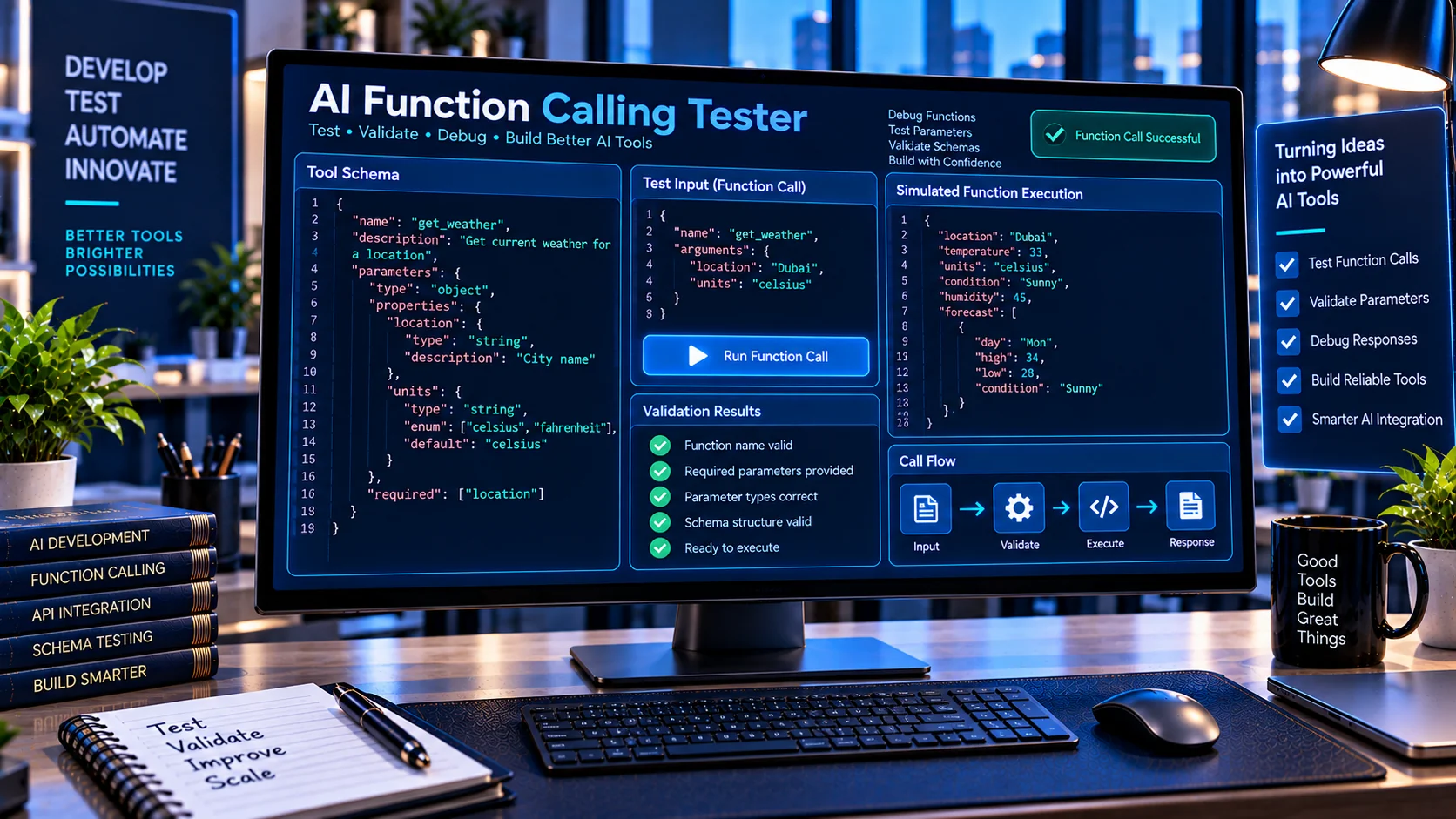
AI Function Calling Tester helps developers test AI-generated function calls before they reach a real application, API, or automated workflow. Validate tool arguments against your function schema, check required parameters and data types, detect invalid values and unexpected properties, and preview simulated function calls—all directly in your browser without sending your test data to an external AI service.
What Does an AI Function Calling Tester Do?
An AI function calling tester helps you examine how an AI model or application selects and prepares calls to external functions or tools. Function calling allows a model to request an action using a structured function name and arguments, while the application remains responsible for deciding whether to execute that request and how to return the result.
Use testing to review function definitions, argument structure, required fields, expected outputs, and edge cases before connecting tool calls to real application behavior.
How AI Function Calling Works
Function calling is a structured interaction between a model and the software around it. It is not the same as allowing a model to execute arbitrary code directly.
Define Available Functions
The application describes the tools the model may request. A function definition commonly includes a name, a description, and a parameter schema that explains the expected arguments.
Model Selects a Tool
Given the conversation and tool definitions, the model may return a structured function call when it determines that a tool is relevant. It may also respond without calling a tool.
Application Validates the Request
Your application parses the requested name and arguments, checks permissions and input constraints, and decides whether the action is safe and appropriate to execute.
Return the Tool Result
After execution, the application sends the result back into the model’s conversation. The model can then use that result to produce a response for the user.
Important: A model-generated function call is a request, not proof that the function ran successfully. Your application controls execution, authorization, error handling, and any side effects.
Function Calling vs. Ordinary Text Output
Ordinary model output is generally intended to be read as text. A function call instead represents a structured request that an application can interpret and route to a defined operation.
| Aspect | Text Response | Function Call |
|---|---|---|
| Primary purpose | Explain, answer, or communicate | Request a defined application action |
| Output structure | Natural-language content | Function name and structured arguments |
| Application handling | Display or process the text | Validate, authorize, and route the request |
| Execution | Does not itself invoke a tool | Requires application-side execution |
| Typical use | Summaries, explanations, responses | Search, calculations, database actions, API operations |
What Makes a Function Definition Testable?
A well-defined function gives the model and the application a clear description of the operation and its inputs. The exact format varies by model provider and API, but a function schema often contains these components:
| Component | Purpose | What to Review |
|---|---|---|
| Function name | Identifies the operation | Clear, stable, and distinct from other tool names |
| Description | Explains when and why to use the function | Specific purpose, scope, and limitations |
| Parameters | Defines accepted argument fields | Correct types, properties, and nesting |
| Required fields | Identifies mandatory arguments | Required list matches the actual operation |
| Constraints | Restricts acceptable values | Enums, ranges, formats, and validation rules |
| Application behavior | Determines what happens after a call | Authorization, error handling, and side effects |
Schema validity and model behavior are different tests. A function definition may be valid JSON and still be unclear, overly broad, or poorly suited to the model’s intended task.
Example: A Function Call with Typed Arguments
Consider a weather lookup function. The model may request a city and a temperature unit using structured arguments. The following example is illustrative; it is not a sample result from the PKCapra tester.
Function definition concept
{
  "name": "get_weather",
  "description": "Retrieve weather for a specified city",
  "parameters": {
    "type": "object",
    "properties": {
      "city": {
        "type": "string",
        "description": "City name"
      },
      "unit": {
        "type": "string",
        "enum": ["celsius", "fahrenheit"]
      }
    },
    "required": ["city", "unit"]
  }
}
Example arguments requested by the model
{
  "city": "Dubai",
  "unit": "celsius"
}
The application should still validate the arguments, check whether the requested city is supported, call the weather service if authorized, and handle failures such as an unavailable service or invalid response.
Function Calling Test Cases to Consider
Test more than the successful path. Function selection, argument generation, and application execution can fail in different ways.
Valid Input
Provide a clear request with all required information. Confirm that the expected function and correctly typed arguments are selected.
Missing Required Argument
Omit a mandatory value. Check whether the model asks for clarification or the application rejects the incomplete request safely.
Invalid Argument Type
Test a string where a number is expected, or an unsupported value where an enum is defined. Verify validation behavior.
Ambiguous User Request
Use a request that could refer to more than one operation. Check whether the model asks a useful follow-up rather than guessing.
Unrelated Request
Ask a question that does not require any available function. Confirm that the model can answer directly without an unnecessary tool call.
Tool Failure
Simulate a timeout, rejected request, or unavailable service. Check that the error is handled clearly and does not become a false success.
Common Function Calling Problems
| Problem | Possible Cause | Practical Improvement |
|---|---|---|
| Wrong function selected | Overlapping tool descriptions or unclear boundaries | Give each function a distinct purpose and explicit usage guidance |
| Missing arguments | Required fields are unclear or user input is incomplete | Define required fields accurately and support clarification |
| Unexpected argument values | Weak constraints or insufficient application validation | Validate types, ranges, enums, and formats before execution |
| Repeated tool calls | Unclear completion conditions or poor result handling | Define when a tool call is necessary and when the task is complete |
| Unsafe operation | Excessive permissions or missing confirmation controls | Use least privilege and require approval for sensitive actions |
| False success message | Application does not distinguish request from execution result | Return reliable execution status and handle errors explicitly |
Function Calling Safety Checklist
Function calling can connect an AI system to APIs, files, databases, or other services. Treat every model-generated call as untrusted input until your application has checked it.
- Validate the requested function against an explicit allowlist.
- Validate arguments using the application’s own rules, not only the model’s schema.
- Apply authentication and authorization independently of model output.
- Limit each tool to the minimum permissions needed for its task.
- Require user confirmation before consequential or irreversible actions.
- Protect secrets, credentials, and private data from tool arguments and logs.
- Handle timeouts, rejected requests, and malformed tool responses.
- Keep an appropriate audit trail for sensitive operations.
A model should not be able to grant itself permissions by requesting a function call. Access control belongs in the application and connected services.
How to Test an AI Function Calling Setup
Prepare the Definitions
Review the function names, descriptions, parameter schemas, and required fields before running test scenarios.
Write Representative Prompts
Include clear requests, ambiguous requests, incomplete inputs, unrelated questions, and edge cases.
Inspect the Call
Check the selected function, argument structure, data types, and whether the model should have called a tool at all.
Verify Application Handling
Test validation, permissions, execution results, error handling, and the model’s final response after the tool result.
AI Function Calling Tester FAQs
What is AI function calling?
AI function calling is a way for a model to request a predefined operation using structured information, such as a function name and arguments. The surrounding application decides whether and how to execute that operation.
Is function calling the same as executing code?
No. A function call generated by a model is a structured request. Application code must interpret it, validate it, authorize it, and perform the actual operation.
Why should I test function calling before deployment?
Testing helps reveal incorrect tool selection, malformed arguments, missing information, weak descriptions, and unsafe execution paths before they affect users or connected systems.
What should I check in function arguments?
Review required fields, data types, permitted values, nested structures, formatting constraints, and whether the arguments contain enough information for the intended operation.
Can a function calling test guarantee model accuracy?
No single test can guarantee correct behavior in every context. Results depend on the model, function definitions, prompts, application logic, available tools, and the test cases used. Combine structured tests with application-level validation.
Should every user request trigger a function call?
No. A model should call a function when an available operation is relevant and appropriate. Questions that can be answered directly, unrelated requests, and cases requiring clarification may not need a tool call.
How is function calling related to AI agents?
Function calling is one mechanism an AI agent or application can use to interact with external tools. An agent may combine tool selection with planning, state management, result interpretation, and repeated steps under application-defined controls.