
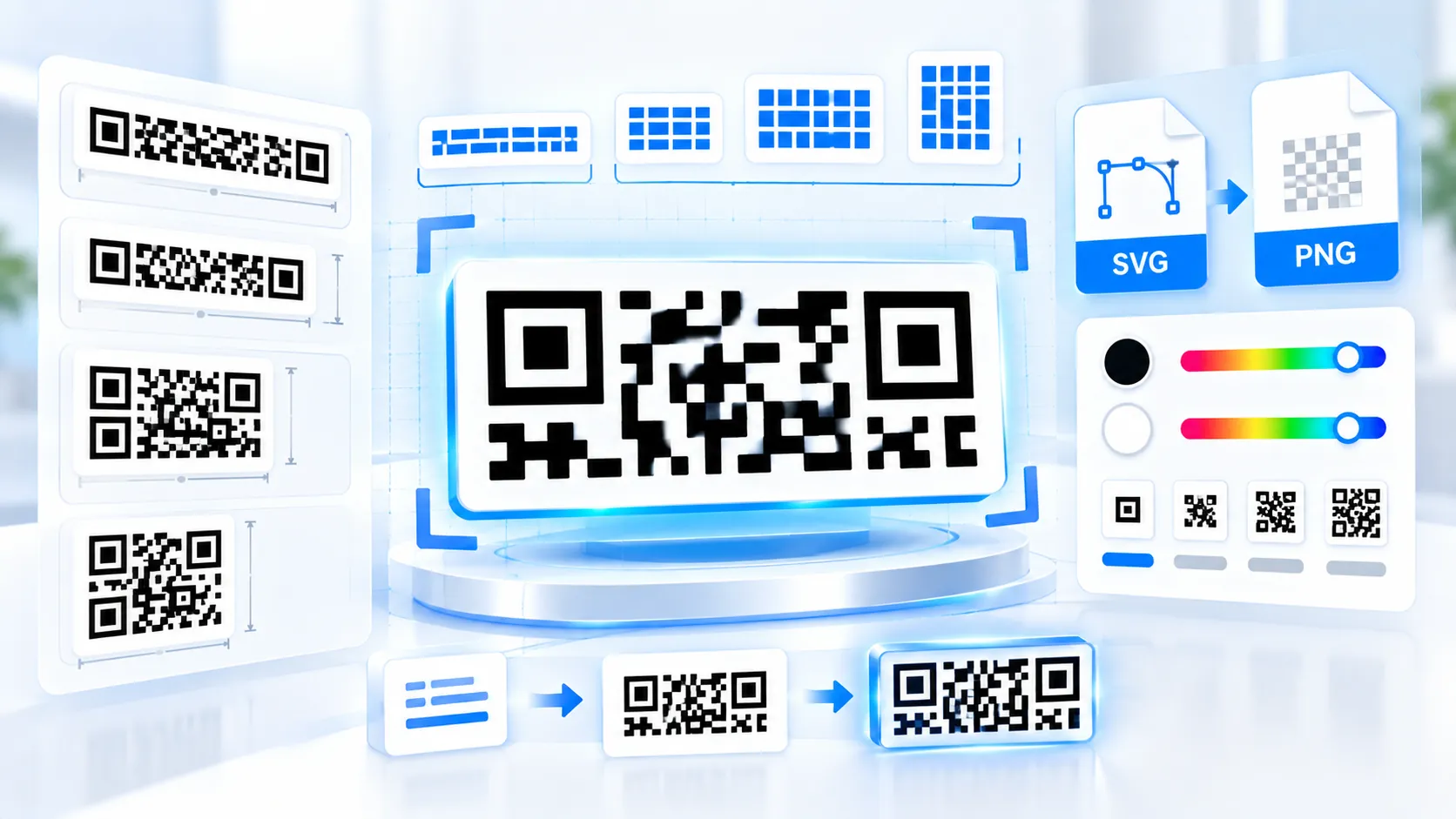
rMQR Code Generator creates rectangular Micro QR codes directly in your browser for payloads that need a compact, wide-format 2D symbol. Choose an rMQR size or use Auto mode, select M or H error correction, customize foreground and background colors, optionally add a small center logo, and export the result as SVG, high-resolution PNG, or JSON. Payload processing stays in the browser, so the entered content is not sent to PKCapra’s server.
rMQR Code Generator
Generate rectangular Micro QR symbols for narrow labels, banners, cable tags, and other space-constrained layouts with live rendering and vector export.
QR Content
Symbol Settings
Appearance
Live Preview
LIVEExport & Share
Generation Checks
How to Use the rMQR Code Generator in Simple Steps
- Enter your text, URL, identifier, or other payload in the input field. The generator updates the rMQR preview automatically while you type.
- Choose Auto to let the tool test supported rMQR sizes and select a compact symbol that fits the payload, or select a specific rectangular size manually.
- Select M or H error correction, adjust the foreground/background colors, and optionally enable the quiet zone or upload a center branding logo. Keep strong contrast between the code modules and background.
- Copy the SVG or JSON, download the JSON, download the SVG, or export the high-resolution PNG. Use the generated artwork at its intended physical size rather than enlarging a small raster image later.
Technical Breakdown: How the rMQR Code Generator Works
The rMQR Code Generator is designed around the rectangular Micro QR format defined by ISO/IEC 23941. Unlike conventional square QR codes, rMQR symbols use rectangular module layouts, making them useful where available space is wide and shallow rather than square.
The tool supports the available rMQR dimensions from compact layouts such as R7x43 through larger layouts such as R17x139. Auto mode evaluates the supported symbol sizes and attempts to select the smallest suitable layout for the supplied payload and selected error-correction level.
The generator supports M and H error correction. Higher error correction adds redundancy to the symbol but can also require a larger symbol for the same payload. Error correction improves resilience to some damage; it does not make a poorly printed, low-contrast, distorted, or physically undersized code automatically reliable.
Rendering happens in the browser using the existing PKCapra QR rendering dependency. The module is isolated from other PKCapra tools, and its JavaScript and CSS use scoped identifiers to reduce the risk of styling or variable collisions with other tools on the same WordPress installation.
The preview is live rather than dependent on a traditional form submission. Changes to the payload, rMQR size, error correction, colors, quiet-zone setting, and supported branding controls are dispatched through the browser and reflected in the output without a page refresh.
SVG export preserves vector-based module geometry and is suitable for workflows where the code needs to remain sharp during layout or print production. The high-resolution PNG export provides a raster alternative for applications that require PNG artwork.
The optional center branding logo is intentionally conservative because placing graphics over a 2D code reduces the available unobstructed modules. Error correction can improve tolerance to limited damage, but no logo size should be treated as universally scan-safe. Test the final artwork with the actual scanners, physical dimensions, printing process, and viewing conditions that will be used in production.
For conventional square QR projects, use the QR Code Generator. For very compact square QR symbols, compare the output with the Micro QR Code Generator. After producing artwork, you can use the QR Readability Checker to inspect a QR image for decoding evidence, contrast, quiet-zone evidence, geometry, sharpness, and related readability signals.
Developer Snippets (Automate This Tool Offline)
The following examples reproduce useful rMQR-related payload preparation workflows offline. They do not call PKCapra and do not upload your data.
Python: Prepare and Validate an rMQR Payload
payload = "https://example.com/product/123"

if not payload.strip():
    raise ValueError("Payload cannot be empty.")

if len(payload) > 2000:
    raise ValueError("Payload exceeds the PKCapra rMQR input limit of 2000 characters.")

print("Prepared rMQR payload:")
print(payload)
PowerShell: Prepare an rMQR Payload File
$payload = "https://example.com/product/123"

if ([string]::IsNullOrWhiteSpace($payload)) {
    throw "Payload cannot be empty."
}

if ($payload.Length -gt 2000) {
    throw "Payload exceeds the PKCapra rMQR input limit of 2000 characters."
}

$payload | Set-Content -Path ".\rmqr-payload.txt" -Encoding UTF8
Write-Host "Payload saved to rmqr-payload.txt"
Node.js: Prepare Multiple rMQR Payloads Offline
const payloads = [
  "https://example.com/product/123",
  "https://example.com/product/456",
  "https://example.com/help"
];

const validPayloads = payloads.filter((payload) => {
  return typeof payload === "string" &&
    payload.trim().length > 0 &&
    payload.length <= 2000;
});

console.log(JSON.stringify(validPayloads, null, 2));
These snippets prepare and validate data but do not implement the ISO/IEC 23941 encoding algorithm themselves. A production application that needs to generate actual rMQR symbols should use a library with explicit rMQR support rather than treating rMQR as an ordinary square QR matrix.
Native Software Workaround: Prepare rMQR Artwork for Design and Print
Native design applications can be used after generating the rMQR artwork, particularly when the final code must be placed into packaging, labels, signage, or documents.
For Adobe Illustrator, generate the SVG first, open it with File → Open, then use the vector artwork inside the final layout. Keep the rMQR proportions unchanged when resizing.
For Adobe InDesign, use File → Place to insert the exported SVG into the document. Avoid applying effects that soften, blur, distort, or partially cover the modules.
For Figma, import the SVG and place it in the required frame. Keep the rectangular symbol’s aspect ratio locked during resizing.
For Microsoft Word, use the high-resolution PNG when SVG handling is unavailable in the target workflow. Insert it through Insert → Pictures, then preserve its aspect ratio and avoid aggressive compression.
For printed labels or packaging, verify the final exported artwork after it has been placed into the actual design. A code that scans correctly from a large digital preview can behave differently after physical scaling, printing, lamination, low-contrast reproduction, or surface distortion.
Frequently Asked Questions
What is an rMQR Code?
An rMQR Code is a rectangular 2D barcode format designed for situations where a conventional square QR Code does not fit the available space efficiently.
Which rMQR sizes does PKCapra support?
The generator supports the available rMQR layouts ranging from R7x43 through R17x139, including the supported rectangular combinations exposed by the tool.
What does Auto size do?
Auto size tests supported rMQR layouts and selects a compact layout that can encode the supplied payload with the selected error-correction setting.
Which error-correction levels are available?
The generator provides M and H error correction for rMQR creation.
Can I generate an rMQR Code without uploading data to a server?
Browser-side processing keeps the entered payload in the user’s browser during normal generation, so the payload is not uploaded to PKCapra for encoding.
Can I download an rMQR Code as SVG?
SVG export provides vector artwork that can be scaled without the pixelation associated with enlarging a small raster image.
Can I download a high-resolution PNG?
High-resolution PNG export provides a raster version suitable for workflows that require PNG rather than SVG.
Can I add a logo to an rMQR Code?
A center branding logo can be added through the supported logo control. Logo coverage should remain conservative because obstructing too many modules can interfere with decoding.
Is H error correction a guarantee that a logo will scan?
H error correction is not a universal scanability guarantee. Final scan performance also depends on logo coverage, module size, contrast, quiet zone, print quality, distortion, and the scanner being used.
What should I do if my rMQR payload does not fit?
Reduce unnecessary payload characters where possible, switch to Auto size, or select a larger supported rMQR layout. For URLs, using a shorter destination URL can substantially reduce the encoded payload.
Is rMQR the same as a normal QR Code?
rMQR and conventional QR Codes are different formats. Conventional QR Codes use square symbol layouts, while rMQR provides rectangular layouts intended for space-constrained applications.
Can I use the generated rMQR Code commercially?
The generated artwork can be used in your own workflows, but the suitability of the symbol for a particular commercial, industrial, regulatory, or packaging application depends on the requirements of that application and the relevant barcode standards.