
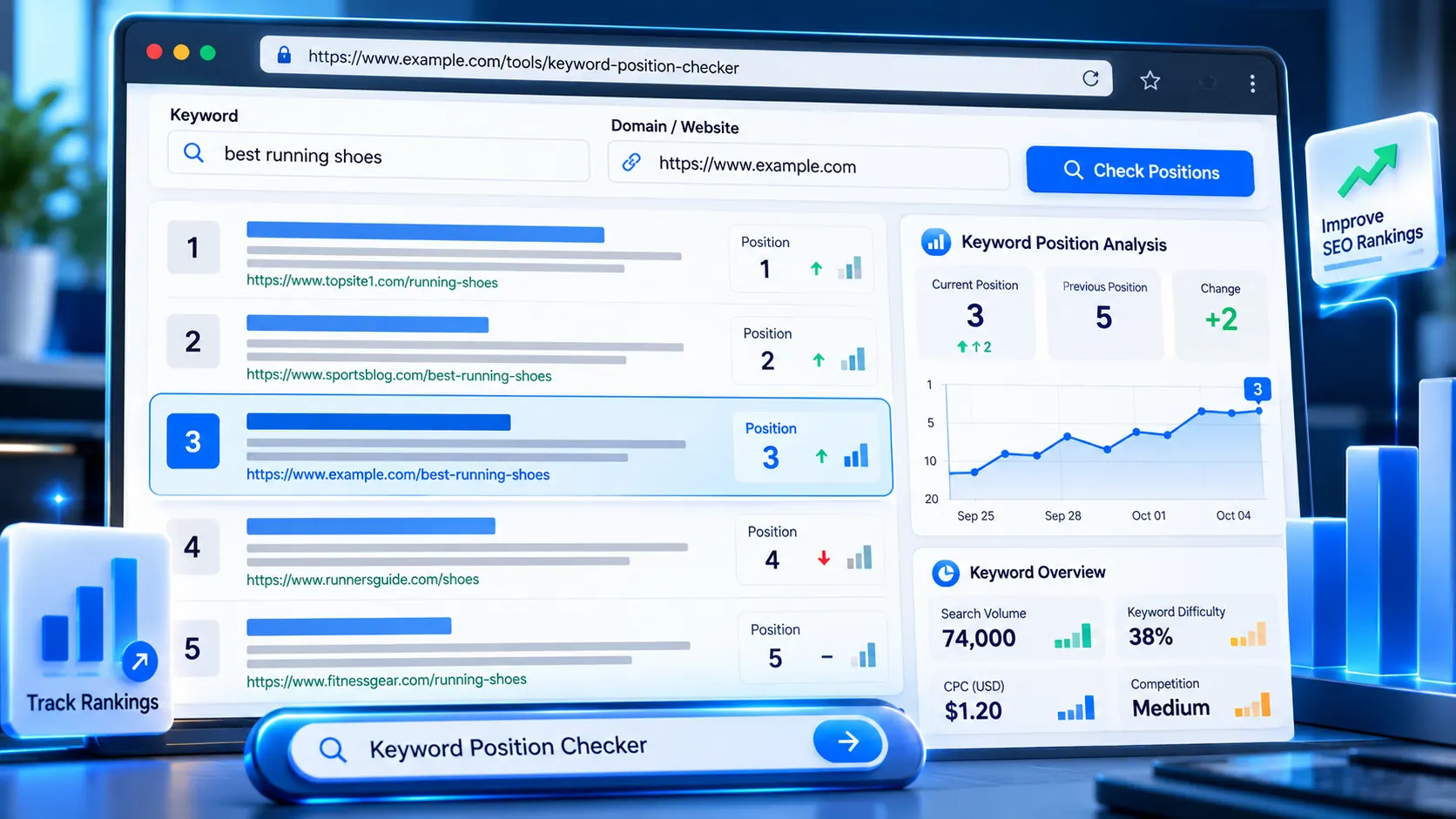
Check a keyword’s position from an actual Google or Bing search-result snapshot without creating an account, connecting an API, or sending your SERP data to a server. Enter the keyword and target website, supply the ordered search-result URLs or paste a copied SERP, and the browser identifies the target’s position from the results you provide.
Keyword Position Checker
Check where your website appears in an exact Google or Bing search-result snapshot — privately in your browser, with no account, no API and no server-side SERP proxy.
| # | Result URL | Match |
|---|
What Is a Keyword Position Checker?
A keyword position checker helps you determine where a website or page appears for a particular search query.
The important distinction is between a snapshot position and a universal live ranking.
Search results can vary by location, device, language, search history, personalization, timing, and other search context. Google itself explains that two people can see different results for the same query because Search uses context such as location, device type, language, recent searches, and personalization.
That is why this tool is designed around the search-result snapshot you actually provide.
You can open the search, copy the results, give the tool an ordered list of result URLs, and let the browser calculate the first matching position.
What This Keyword Position Checker Does
The tool is designed for fast, private SERP position analysis.
You can:
- Enter the keyword you want to investigate.
- Enter a target domain, hostname, or exact URL.
- Select Google, Bing, or another search engine.
- Match the target by domain, exact URL, or hostname.
- Open the selected search directly from the tool.
- Paste an ordered list of result URLs for the highest-precision measurement.
- Paste copied SERP HTML or text and let the browser extract result links.
- Check the first matching target position.
- Review the number of results analyzed and target matches.
- See a confidence indicator for the supplied snapshot.
- Copy a readable position report.
The analysis happens in your browser. The supplied search-result snapshot is not uploaded to a PKCapra server by this tool.
Why Search Rankings Are Not One Fixed Number
It is tempting to think that a keyword has one permanent position, such as “my page ranks #4.”
In reality, search results can change depending on the search context.
Google states that results can differ based on factors including:
- Location
- Language
- Device
- Recent searches
- Personalization
- Search context
- Timing and search-result changes
That means a position measured from one search session should be understood as a snapshot measurement, not a promise that every user will see the same ranking.
For a broader performance picture, Google’s Search Console Performance report provides clicks, impressions, CTR, and average position data for your verified property.
How to Check Your Keyword Position
Step 1: Enter the keyword
Type the exact search query you want to investigate.
For example:
pdf compressor
Use the wording that you actually want to evaluate rather than changing the query after looking at the results.
Step 2: Enter your target website or URL
You can enter:
- A domain such as
example.com - A hostname
- A complete page URL such as
https://example.com/tools/example/
Choose the matching method that best represents what you want to measure.
Step 3: Choose the search engine
Select Google, Bing, or another available search-engine option.
The search engine selection identifies the context of the snapshot you are analyzing. It does not give PKCapra permission to automatically scrape that search engine.
Step 4: Choose how the target should be matched
The tool provides three useful matching approaches.
Domain
This is the recommended option when you want to know whether any result from your website appears in the supplied results.
For example, entering example.com can match result URLs hosted on that domain.
Exact URL
Use this when you only want one specific page to count as the target.
This is useful when several pages from the same website could appear for the same keyword.
Hostname
Use hostname matching when you need the match to follow the host portion of the supplied address.
Step 5: Open the search
Use Open Search to open the selected search engine with your keyword.
Review the results you want to measure.
Because search engines can personalize or localize results, the search session you inspect is the actual context represented by your snapshot.
Step 6: Choose a snapshot method
There are two ways to provide results.
Ordered URL List
This is the highest-precision option.
Paste one organic result URL per line in the exact order in which the results appear.
Example:
The tool treats the first URL as position 1, the second as position 2, and so on.
If the target appears on the third supplied result, the reported position is 3.
Copied SERP
You can also paste copied Google or Bing result HTML or text.
The browser attempts to extract result links from the supplied material and then analyzes those links.
This mode is convenient when you have copied a search-result page, but the exact structure of copied SERP content can vary. For the most controlled measurement, use the ordered URL list.
How the Position Is Calculated
The calculation is deliberately straightforward.
The tool:
- Reads the supplied search-result snapshot.
- Extracts or accepts the result URLs.
- Normalizes the URLs for comparison.
- Applies your selected matching method.
- Finds the first matching target result.
- Reports its position in the supplied result sequence.
- Displays the detected results and highlights the target.
For example, if your supplied results are:
| Position | Result |
|---|---|
| 1 | example-one.com |
| 2 | example-two.com |
| 3 | yoursite.com |
| 4 | example-four.com |
Your reported position is 3.
This makes the calculation transparent instead of producing an unexplained ranking number.
What “Snapshot Confidence” Means
The confidence indicator describes how controlled the supplied data is.
High confidence is associated with the ordered URL-list method because you explicitly provide the result sequence.
Medium or lower confidence can occur when the tool has to interpret copied SERP HTML or text. Search-result pages can contain navigation links, special result blocks, redirects, or other links that are not ordinary organic results.
The confidence indicator should therefore be read together with the snapshot method you selected.
Why We Do Not Automatically Scrape Google
A conventional “live rank checker” may try to send automated searches to Google and collect the results repeatedly.
That approach creates technical, privacy, and policy problems.
Google’s Search spam policies explicitly state that automated queries to Google, including scraping results for rank-checking purposes, can violate Google’s policies and Terms of Service.
This tool takes a different approach.
It does not operate a hidden server-side Google scraping service. It does not require a third-party SERP API. It does not send your supplied SERP snapshot to a PKCapra ranking server.
Instead, you provide the search-result snapshot and the browser performs the position calculation locally.
That makes the measurement transparent: the tool reports what is contained in the snapshot you supplied.
Can This Tool Tell Me My Universal Live Google Ranking?
No.
It reports the position found in the supplied search-result snapshot.
It cannot honestly guarantee that the same URL will appear at exactly the same position for every Google user, country, device, or search session.
That distinction matters because Google Search results are not static. Google also recommends looking at broader Search Console performance data rather than focusing only on an absolute position.
For ongoing SEO analysis, use the position from this tool as a specific SERP observation, and use Search Console data to understand longer-term impressions, clicks, CTR, queries, pages, countries, devices, and average position.
Keyword Position vs. Google Search Console Position
These two measurements answer different questions.
Keyword Position Checker
This tool answers:
“Where does my target appear in this supplied search-result snapshot?”
It is useful when you want to inspect a particular SERP and understand the exact ordered results you are looking at.
Google Search Console
Search Console answers a broader performance question:
“How has my site performed in Google Search over time?”
Its Performance report includes impressions, clicks, CTR, and average position, with dimensions such as queries, pages, countries, devices, search appearance, and dates.
Neither measurement replaces the other.
A practical SEO workflow is to use Search Console to identify important queries and pages, then inspect specific SERPs when you need to understand the competitive search landscape.
When Should You Check Keyword Position?
A keyword position check can be useful when:
- You have published a new page.
- You have significantly updated existing content.
- You are investigating a ranking change.
- You want to compare two SERP snapshots.
- You are checking whether a specific page appears for its target query.
- You are evaluating a competitor-heavy keyword.
- You are preparing an SEO content update.
- You want to inspect which pages currently appear around your target.
For deeper technical SEO work, you can combine the result with tools such as the Title Tag Analyzer, Meta Description Analyzer, and SERP Snippet Preview.
Common Keyword Position Checking Mistakes
Treating one search as a permanent ranking
A single search session does not represent every possible user or location.
Record the context of important checks and avoid treating one snapshot as an absolute universal ranking.
Counting the wrong result types
A SERP can contain more than traditional organic blue-link results.
Special result features, advertisements, maps, videos, images, featured content, and other search features can change what appears on the page.
For the most controlled position measurement with this tool, use the ordered URL-list method and supply the organic result URLs you want counted.
Using domain matching when you need one page
If several pages from the same domain can rank for a query, domain matching may identify the first matching page rather than the exact URL you intended to track.
Use Exact URL when the specific page matters.
Assuming “not found” means “not indexed”
If your target is not present in the supplied snapshot, the tool cannot confirm its position from that snapshot.
It does not prove that the page is not indexed anywhere in Google.
Changing the query between checks
Small changes to a search query can produce different results.
For meaningful comparisons, keep the keyword wording consistent.
A Better SEO Position-Tracking Workflow
For a practical workflow, use the tools in this order:
- Identify an important query from your SEO research or Search Console data.
- Search the exact query in the search environment you want to inspect.
- Record the relevant organic result URLs in order.
- Run the Keyword Position Checker.
- Note the target position and competing pages around it.
- Inspect your page’s title and description with the Title Tag Analyzer.
- Review how the result could appear in search with the SERP Snippet Preview.
- Improve the page based on relevance, usefulness, content quality, and the actual search intent.
- Use Search Console to monitor longer-term clicks, impressions, CTR, and average position.
This separates SERP observation from long-term SEO performance measurement, which gives you a much more useful picture than relying on one ranking number.
Privacy and Browser Processing
This Keyword Position Checker is designed around local browser processing.
Your supplied keyword, target, and SERP snapshot are processed by the tool’s browser-side interface for the position calculation.
The tool does not require:
- An account
- A sign-in
- A third-party SERP API
- A PKCapra server-side SERP proxy
The tool also does not claim that a local snapshot represents every user’s personalized search results.
Important Limitations
The reported position is only as accurate as the supplied snapshot.
In particular:
- Search results can differ by location, device, language, personalization, and timing.
- Copied SERP content may contain links that are not standard organic results.
- Ordered URL-list mode provides the most controlled input.
- A missing target in one snapshot does not prove that the site is never ranking.
- The tool does not provide historical ranking data unless you save or compare your own snapshots.
- The tool does not replace Google Search Console for site-wide search-performance reporting.
- The tool does not guarantee future rankings.
These limitations are intentional. A trustworthy SEO tool should distinguish a measurable observation from a claim it cannot prove.
Frequently Asked Questions
Is this a live keyword rank checker?
It checks the position contained in the search-result snapshot you provide. It does not run hidden automated Google searches or claim a universal live ranking for every user.
Does the tool require a Google API?
No. The tool is designed to work without a Google API or third-party SERP API.
Does PKCapra receive my copied SERP data?
The position analysis is performed in your browser. The tool does not require you to upload the SERP snapshot to a PKCapra server.
Which mode is most accurate?
Ordered URL List is the most controlled option because you explicitly provide the result URLs in their exact order.
Should I use Domain or Exact URL matching?
Use Domain when you want to know whether any page from your website appears. Use Exact URL when you want to check one specific page.
Why can my Google result be different from someone else’s?
Google explains that Search results can vary based on context such as location, language, device, recent searches, and personalization. Different search environments can therefore produce different rankings.
Why does my Search Console position not match this tool?
They measure different things. This tool measures the position in one supplied SERP snapshot, while Search Console reports aggregated search-performance data, including average position, over selected dimensions and time periods.
Can position 3 here guarantee that my page ranks #3 on Google?
No. It means the target matched the third result in the snapshot you supplied. It is not a universal ranking guarantee.
Check Your Keyword Position
Use the search-result snapshot you actually want to analyze, provide the results in order, and let the browser calculate the first matching position.
For the clearest measurement, use Ordered URL List mode and provide one organic result URL per line.
That gives you a transparent answer to a simple SEO question: where does my target appear in this specific search-result snapshot?