
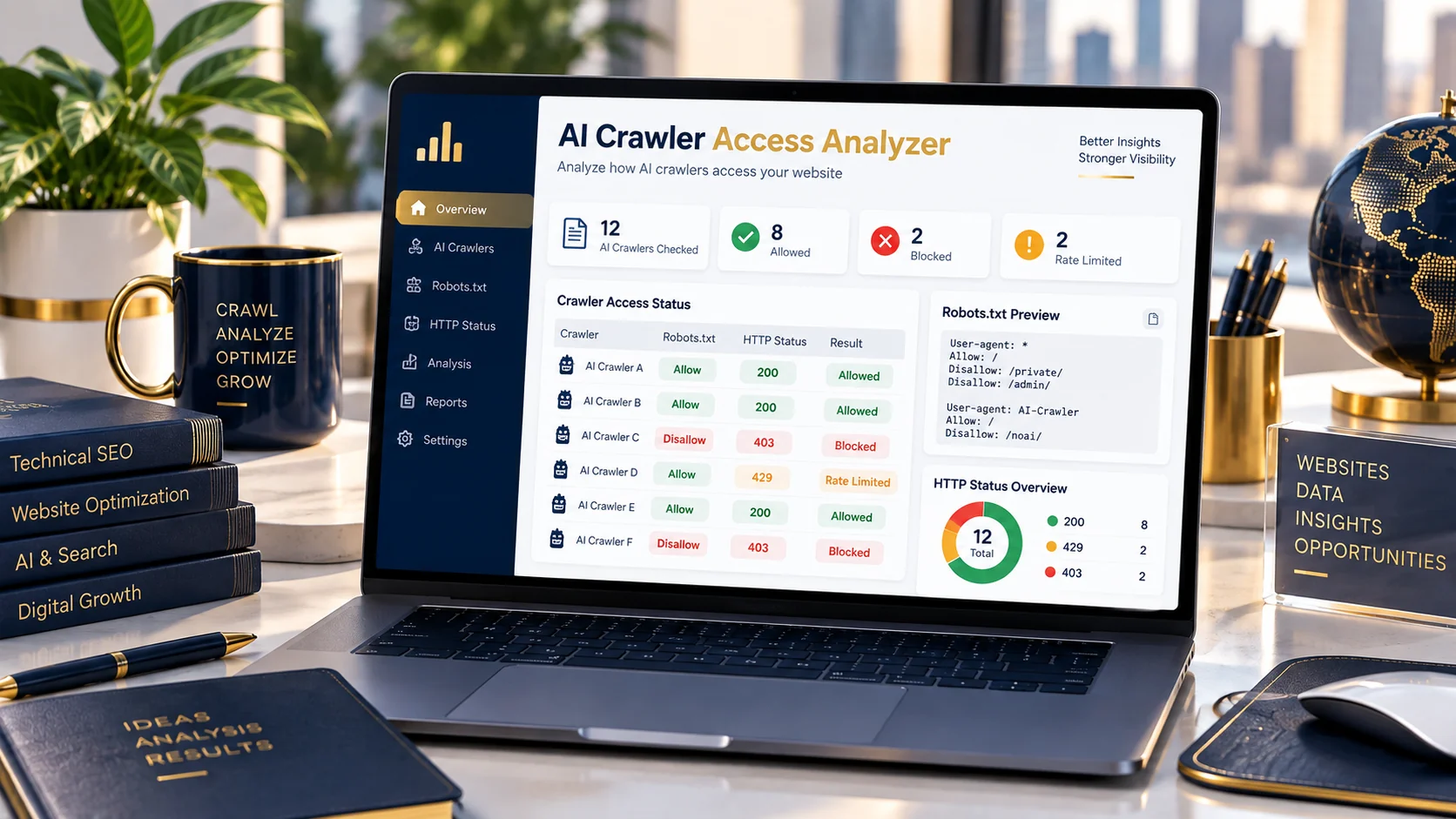
Check how your website’s robots.txt policy applies to major AI crawlers and see the HTTP responses observed by PKCapra when testing selected crawler user-agents.
AI Crawler Access Analyzer
Check robots.txt directives and observed HTTP access for selected AI crawlers.
What Does an AI Crawler Access Analyzer Do?
An AI Crawler Access Analyzer helps website owners review whether important website access signals may allow or restrict automated crawlers associated with AI services. It supports a practical review of crawler access settings so you can identify potential configuration problems before they affect content discovery. A crawl-access result does not guarantee that a page will be indexed, retrieved, or cited by an AI system.
Review Crawler Rules
Understand how robots.txt directives can permit or disallow requests from named crawler user-agent groups.
Spot Access Conflicts
Look for rules that may unintentionally restrict a crawler or apply differently than the site owner expects.
Plan Technical Fixes
Use the findings as a starting point for reviewing robots.txt, server responses, and other relevant access settings.
How AI Crawler Access Works
AI-related crawlers are automated clients that request website resources. Depending on the crawler and its purpose, requests may support search discovery, content retrieval, model-related services, or other published functions.
Website owners commonly use robots.txt to communicate crawl preferences. The file contains directives organized around user-agent groups. A crawler may identify itself with a user-agent string, then evaluate the rules that apply to its group.
Important: robots.txt is a crawler instruction mechanism, not an access-control or security system. A compliant crawler may follow its rules, but robots.txt does not technically prevent every client from requesting a URL.
Common access signals to understand
| Signal | What it means | What to review |
|---|---|---|
| User-agent group | Rules associated with a crawler or group of crawlers. | Check whether the intended crawler name and directives are present. |
| Disallow | Indicates paths that a matching crawler group is asked not to crawl. | Look for broad or unintended path restrictions. |
| Allow | Can permit a path within a broader disallowed area, where supported by the crawler’s rule interpretation. | Check the path and rule specificity; crawler implementations can differ. |
| HTTP response | The response received when a crawler requests a resource. | Investigate errors, access restrictions, redirects, or unavailable pages. |
| Page-level directives | Instructions such as robots meta tags or X-Robots-Tag may affect how content is handled. | Review separately from robots.txt crawl permission. |
A crawler-access review is most useful when it is considered alongside the site’s actual response behavior and the intended publishing policy. One file or one test cannot describe every access condition across a website.
How to Check AI Crawler Access
Use the analyzer to review the access information it provides, then verify important findings against your website’s configuration.
Choose the Website or Input
Enter the website information requested by the tool. Use a public, correctly formatted URL when URL input is supported.
Run the Access Check
Start the analysis with the tool’s available controls and wait for its results.
Review the Findings
Identify any reported crawler restrictions, access concerns, or configuration signals that need closer inspection.
Verify Before Editing
Confirm the relevant rules and server behavior before changing your live robots.txt or access configuration.
Good practice: Save a copy of your current robots.txt before making changes. After updating it, check the published file at your site’s robots.txt location and test the affected paths again.
Crawler Access vs. Indexing vs. AI Citations
These concepts are related, but they describe different stages. Allowing a crawler to request a page is only one part of making content discoverable and useful.
| Concept | Main question | What it does not guarantee |
|---|---|---|
| AI crawler access | Can a particular crawler request the relevant resource under the site’s access rules? | That the content will be indexed or used. |
| Search engine indexing | Can a search engine include the page in its index? | That the page will rank or appear for every query. |
| AI retrieval | Can an AI-powered service find or retrieve relevant content for a task? | That every accessible page will be retrieved. |
| AI citation | Does a response reference the page as a source? | That access settings alone will produce a citation. |
Access configuration is a technical prerequisite in some workflows, but it is not a ranking factor checklist or a citation guarantee. Content relevance, service-specific policies, technical availability, and the system’s own selection process can also matter.
Common AI Crawler Access Problems
1. A broad robots.txt restriction
A rule such as a site-wide disallow may prevent compliant crawlers in the matching group from accessing many paths. Check whether the restriction is intentional and applies to the crawler you are reviewing.
2. Rules placed under an unexpected user-agent group
Robots.txt directives apply according to user-agent group matching and crawler rule interpretation. Review the group structure rather than assuming every directive applies to every bot.
3. A page is allowed in robots.txt but still unavailable
Crawl permission does not override server errors, authentication, firewall rules, rate limits, or other network restrictions. A page can be permitted by robots.txt and still fail when requested.
4. Confusing crawl permission with page indexing directives
Robots.txt controls crawl instructions. Meta robots directives and X-Robots-Tag headers are separate mechanisms that can influence indexing or content handling. Review them independently.
5. Changing rules without checking the published file
A local draft does not affect crawlers until the correct file is published at the relevant website location. Check the live file and confirm that the intended directives are visible.
AI Crawler Access Review Checklist
Use this checklist when reviewing crawler access for a website or preparing a robots.txt update.
- Identify which AI-related crawlers you intend to allow or restrict.
- Review the user-agent groups and directives in robots.txt.
- Check for broad disallow rules that may affect important public pages.
- Confirm that the published robots.txt file is accessible.
- Review HTTP responses for important URLs separately from robots.txt rules.
- Check page-level robots directives and response headers where relevant.
- Keep private or sensitive content protected with proper access controls, not robots.txt alone.
- Re-test after publishing changes and document the reason for each restriction.
Privacy and security reminder: If a page must not be publicly accessed, use authentication, authorization, or suitable server-side controls. A robots.txt entry can reveal a path and does not make that path private.
Continue Your Website Access and Crawl Review
Crawler access is one part of a broader technical SEO and AI discoverability workflow. These related tools can help you examine other signals.
AI Crawler Access Analyzer FAQs
What is an AI Crawler Access Analyzer?
It is a tool intended to help website owners review access signals and crawler restrictions relevant to AI-related automated clients. Use its displayed results to identify settings that may need further verification.
Why should I check AI crawler access?
Reviewing crawler access helps you understand whether your published crawl instructions align with your website’s intended content-access policy.
Does robots.txt control every AI crawler?
No. Robots.txt is a voluntary crawler-instruction mechanism. Different crawlers may use different user-agent names or interpret rules according to their own documented behavior. It is not a technical barrier against all requests.
Does allowing an AI crawler guarantee AI citations?
No. Allowing access does not guarantee that an AI service will retrieve, select, or cite a page. Citation decisions depend on factors beyond crawl permission.
Can a page be allowed in robots.txt but still not be accessible?
Yes. Server errors, authentication, firewall restrictions, rate limits, and other network conditions can prevent access even when robots.txt does not disallow the path.
Is robots.txt a way to protect confidential pages?
No. Use authentication and appropriate access controls for confidential content. Robots.txt is public and does not prevent unauthorized clients from requesting a URL.
Should I change robots.txt immediately after a warning?
Not automatically. Confirm which crawler and path are affected, check the intended policy, and verify the live configuration before making changes.
How often should I review crawler access?
Review it after significant robots.txt changes, website migrations, changes to public content, or when investigating unexpected crawling behavior. Periodic checks can also help keep the configuration aligned with your current publishing policy.