
Count Words in a Document Online
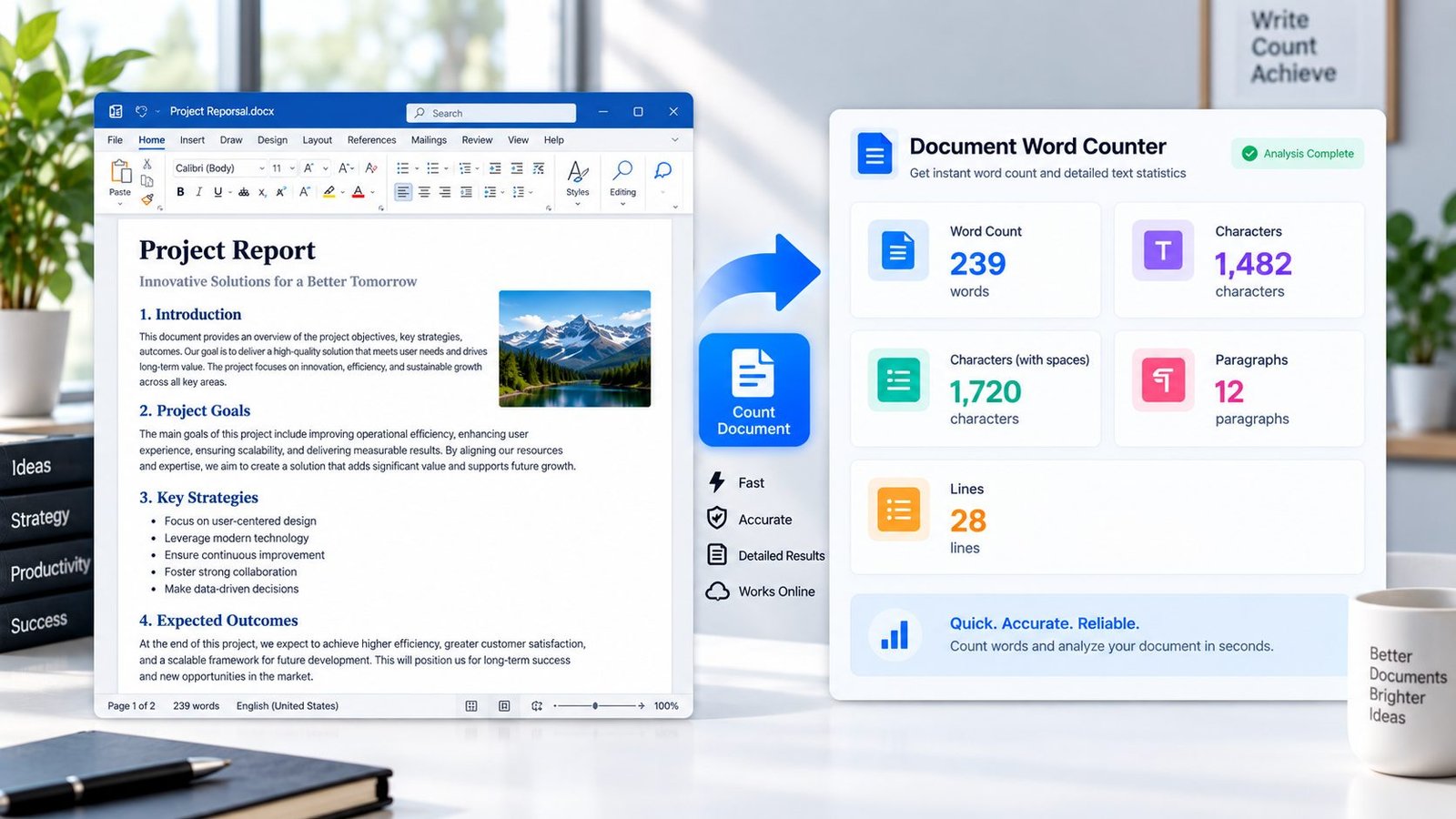
Use the Document Word Counter to quickly analyze the text inside a DOCX Word document. Upload your document and get useful statistics including word count, character count, characters with spaces, paragraph count, and line count.
PKCapra processes the selected document directly in your browser, making it easy to check document length without manually selecting and copying the entire text.
Explore PKCapra’s free online tools or visit the Documents category for more document utilities.
Document Word Counter
or drag and drop a DOCX file here
DOCX • Maximum 25 MB • Browser-based processingHow to Count Words in a DOCX Document
Counting words in a Word document is simple:
- Select or drop your DOCX file.
- Start the document analysis.
- Review the word and character statistics.
- Review the extracted text if needed.
- Copy the extracted text or reset the tool for another document.
The processing takes place in your browser.
What Is a Document Word Counter?
A Document Word Counter analyzes the textual content of a document and calculates useful text statistics.
Instead of manually counting words or opening a separate text editor, you can use the tool to quickly determine how much written content your DOCX document contains.
It can be particularly useful for articles, assignments, reports, drafts, documents, and other text-heavy Word files.
What Does the Word Counter Measure?
PKCapra’s Document Word Counter provides several measurements from the selected DOCX document:
- Word count
- Character count
- Characters with spaces
- Paragraph count
- Line count
- Extracted text
These statistics give you a quick overview of the document’s textual size.
Word Count vs Character Count
Word count and character count measure different things.
Word count represents the number of words detected in the document’s extracted text.
Character count measures the characters contained in the extracted content.
Characters with spaces includes whitespace when calculating the character total.
These measurements can be useful when content needs to meet specific length requirements.
Why Check the Word Count of a Document?
Knowing the length of a document can be useful for many everyday tasks.
For example, you may need to check word count when:
- Writing an article
- Preparing an assignment
- Creating a report
- Reviewing a draft
- Meeting a content requirement
- Preparing website content
- Editing long documents
- Comparing document lengths
- Checking the size of written content
A word counter provides the numbers quickly without requiring manual counting.
DOCX Word Counter Online
The PKCapra Document Word Counter is designed for DOCX files and processes the selected document in your browser.
The tool reads the document’s text locally and calculates the available statistics from the extracted content.
This browser-based approach means the DOCX file does not need to be sent to a remote PKCapra document-processing endpoint.
What Happens to Word Formatting?
The main purpose of this tool is text analysis, not visual reproduction of the original Word document.
The converter extracts textual content and uses that content for calculating the statistics. Formatting and page layout are therefore not the focus of the word-count process.
If you need to convert the document’s structure into web content, use the DOCX to HTML Converter after verifying that its page is live.
Document Word Counter Features
The tool provides:
- DOCX file selection
- Drag-and-drop support
- Browser-based processing
- Word count
- Character count
- Character count including spaces
- Paragraph count
- Line count
- Extracted text preview
- Copy Text
- Reset option
- Up to 25 MB file size
Who Can Use an Online Word Counter?
A document word counter can be useful for:
- Students
- Writers
- Bloggers
- Content creators
- Editors
- Researchers
- Teachers
- Businesses
- Digital marketers
- Website owners
Anyone working with Word documents can use document statistics to understand the length of their content.
Frequently Asked Questions
How do I count words in a DOCX file?
Select your DOCX file in the PKCapra Document Word Counter and start the analysis. The tool calculates the available word and character statistics from the document text.
Can I count words in a Word document online?
Yes. You can use PKCapra’s Document Word Counter to analyze a DOCX file directly in your browser.
What statistics does the tool provide?
The tool provides word count, character count, characters with spaces, paragraph count, and line count, along with the extracted text.
Does the tool count characters with spaces?
Yes. The tool provides a separate character count that includes spaces.
Does the Word Counter support DOCX files?
Yes. The tool is designed to process .docx Word documents.
Is my DOCX document uploaded?
The tool is designed for browser-based processing. The selected DOCX file is read locally in your browser rather than sent through a PKCapra document-upload conversion endpoint.
What is the maximum supported file size?
The current tool limit is 25 MB per DOCX file.
Count Your Document Words
Need to know how long your Word document is?
Use the Document Word Counter to analyze your DOCX file and quickly see its word count, character count, paragraph count, and line count.
For more document utilities, explore PKCapra’s free online tools.