
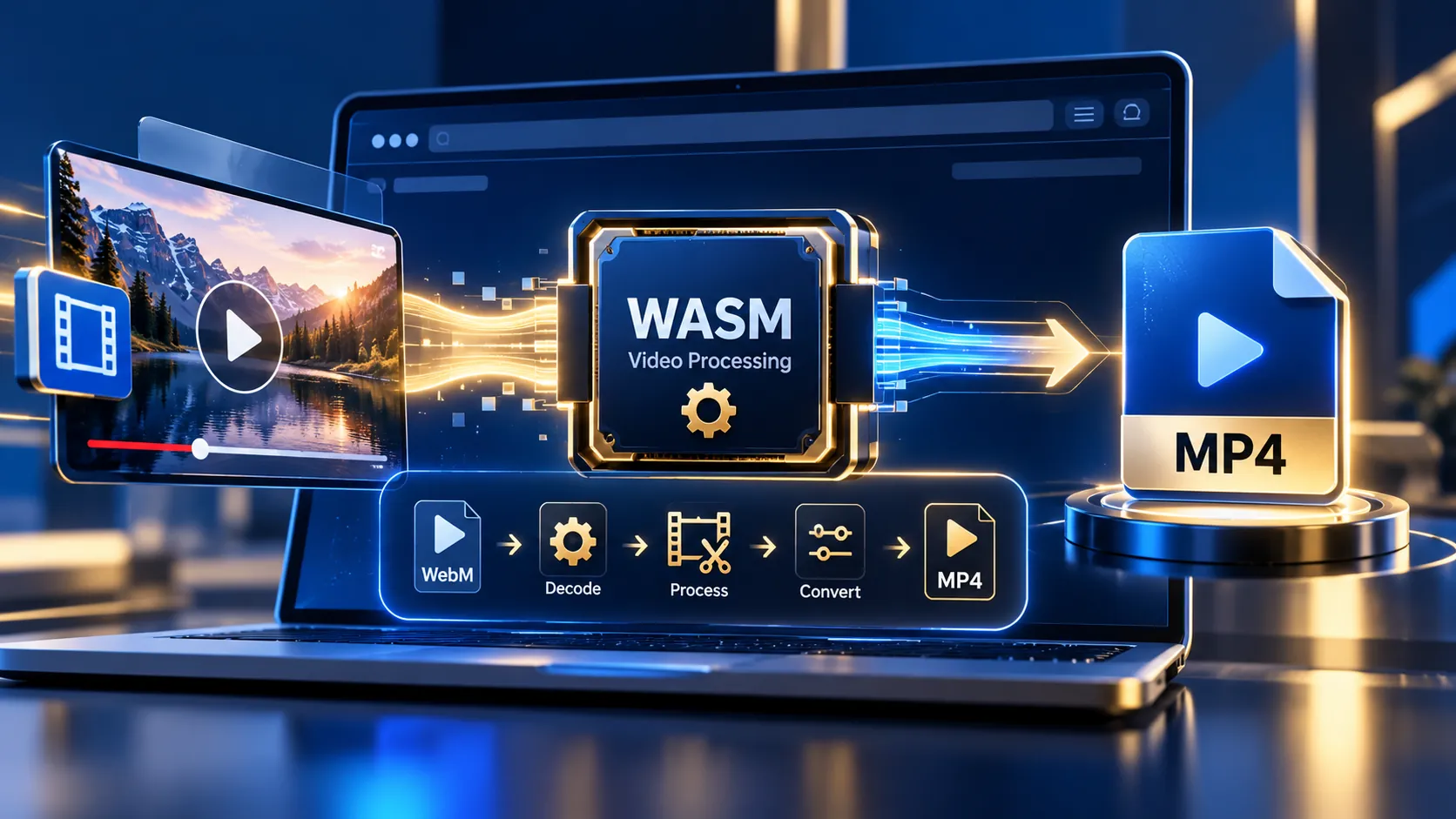
YouTube WASM Downloader Pro is a browser-based media utility for analyzing public YouTube metadata and processing authorized direct media URLs locally in the browser. It can download direct MP4 media and convert supported WebM video files to MP4 using FFmpeg WebAssembly without requiring a server-side media conversion workflow.
YouTube & Media WASM Downloader Pro
Analyze a public YouTube URL for public-facing metadata, or process an authorized direct media URL entirely inside your browser. Direct media files can be downloaded as MP4 or converted locally with FFmpeg WebAssembly.
Media remains in browser memory during processing.
MP4 is ready
The output is a local browser Blob. It was not uploaded to PKCapra.
How to Use the YouTube WASM Downloader Pro in Simple Steps
- Open the YouTube WASM Downloader Pro interface.
- Paste a public YouTube video URL or an authorized direct media URL.
- Select Analyze.
- For a public YouTube URL, the tool retrieves available public metadata such as the video title, channel information, and thumbnail where available.
- For a supported direct MP4 URL, the browser fetches the media and prepares it as a local downloadable file.
- For a supported WebM video URL, the tool loads FFmpeg WebAssembly in the browser and converts the media to MP4.
- Wait for processing to reach 100%.
- Use the generated download control to save the resulting file locally.
The YouTube URL workflow is a metadata-analysis workflow. It does not extract protected YouTube streaming URLs, decipher YouTube stream signatures, bypass access controls, or turn arbitrary YouTube URLs into downloadable MP4 files.
Technical breakdown of the tool’s competitive edge
The tool combines browser-side media handling with WebAssembly-based video processing.
Browser-side media processing
Authorized direct media files can be fetched by the browser and converted into Blob URLs for local downloading. This avoids requiring a conventional server-side FFmpeg conversion pipeline for supported direct media workflows.
FFmpeg WebAssembly conversion
When the input is a supported WebM video rather than a directly usable MP4 file, FFmpeg WebAssembly performs the conversion inside the browser environment.
The processing flow is:
Direct media URL → Browser fetch → WebAssembly processing → MP4 output → Local browser download
YouTube metadata analysis
For a public YouTube URL, the server-side metadata endpoint retrieves the public page and extracts available page metadata such as:
- Video title
- Channel information where available
- Thumbnail
- Public page URL
The current implementation intentionally does not depend on YouTube’s protected streaming-data extraction or signature-deciphering logic.
Supported practical workflows
The tool is designed for workflows such as:
- Downloading an authorized direct MP4 URL
- Converting an authorized WebM video to MP4
- Inspecting public YouTube video metadata
- Preparing media files for local browser download
- Performing supported video processing without a traditional server-side FFmpeg installation
Developer Snippets (Automate This Tool Offline)
For developers who already have an authorized local media file, FFmpeg can reproduce the same basic conversion workflow outside the browser.
Convert WebM to MP4 with FFmpeg
ffmpeg -i input.webm -c:v libx264 -c:a aac output.mp4This command converts a local WebM file into an MP4 container using H.264 video and AAC audio.
Python automation example
import subprocess

input_file = "input.webm"
output_file = "output.mp4"

subprocess.run([
    "ffmpeg",
    "-i", input_file,
    "-c:v", "libx264",
    "-c:a", "aac",
    output_file
], check=True)

print(f"Created: {output_file}")
This approach is appropriate when the media file has already been obtained through an authorized workflow.
Native software workaround integration tutorial
Native desktop software can provide an alternative when a browser-based conversion is not suitable.
VLC Media Player
VLC can open many common media formats and provides conversion functionality through its media conversion interface.
A typical workflow is:
- Open VLC.
- Select the media conversion option.
- Add the authorized local media file.
- Select an MP4-compatible output profile.
- Choose an output destination.
- Start the conversion.
YouTube Studio for your own uploads
YouTube Studio provides an official download workflow for videos uploaded to your own YouTube account. This is separate from the PKCapra browser-processing workflow.
For content belonging to another uploader, the PKCapra tool does not attempt to bypass YouTube’s download restrictions or protected streaming mechanisms.
Frequently Asked Questions
Can this tool download any YouTube video as an MP4?
No. Arbitrary YouTube stream extraction is not supported by the current implementation. A YouTube URL is used for public metadata analysis rather than protected stream extraction.
What happens when I paste a YouTube URL?
A public YouTube URL is processed through the metadata workflow. The tool can display available public information such as the title, channel information, thumbnail, and YouTube page link.
Can I download my own YouTube videos?
YouTube provides an official download workflow for videos uploaded to your own account. The PKCapra tool does not replace YouTube Studio’s account-based download system.
Can the tool convert WebM to MP4?
Yes. Supported WebM media can be processed with FFmpeg WebAssembly in the browser and exported as an MP4 file.
Can the tool download a direct MP4 URL?
Yes. An authorized direct MP4 media URL can be fetched by the browser and prepared for local download, subject to browser, server, CORS, file-size, and network limitations.
Does the tool use FFmpeg on the PKCapra server?
No. The supported WebM conversion workflow loads FFmpeg WebAssembly for browser-side processing rather than requiring a server-side FFmpeg conversion process.
Is there a file-size limitation?
Yes. The current direct-media workflow applies a 250 MB safety limit to browser-fetched media.
Why can a direct media URL fail?
Direct media processing can fail because of CORS restrictions, an inaccessible URL, an unsupported media response, network interruption, server restrictions, an invalid content type, or the configured file-size safety limit.
Does the tool bypass DRM or protected media systems?
No. The implementation does not bypass DRM, authentication, private-account controls, paywalls, protected streaming systems, or other technical access restrictions.
Does “no watermark” mean the tool removes platform watermarks?
No. Browser-side processing does not add a PKCapra watermark. It does not mean that the tool removes watermarks imposed by a source platform or content owner.
Privacy
Direct media processing is designed around browser-side fetching and processing for supported media workflows. The YouTube metadata workflow uses a PKCapra server endpoint to retrieve the public YouTube page required for metadata analysis.
Do not submit passwords, authentication cookies, private account credentials, or private media URLs containing sensitive access information.
Limitations
- Arbitrary YouTube video downloading is not supported.
- Protected YouTube streaming URLs are not extracted.
- YouTube stream signatures are not deciphered.
- DRM and technical access controls are not bypassed.
- Direct media URLs must be accessible to the browser.
- CORS configuration can prevent a direct media URL from being processed.
- The current direct-media safety limit is 250 MB.
- WebAssembly video processing depends on available browser memory and device resources.
- Large or complex media files can take longer to process.
- Browser interruptions, network failures, unsupported codecs, or malformed media can cause processing to fail.
Related Resources
Explore the PKCapra Image Tools category for additional browser-based media utilities.