
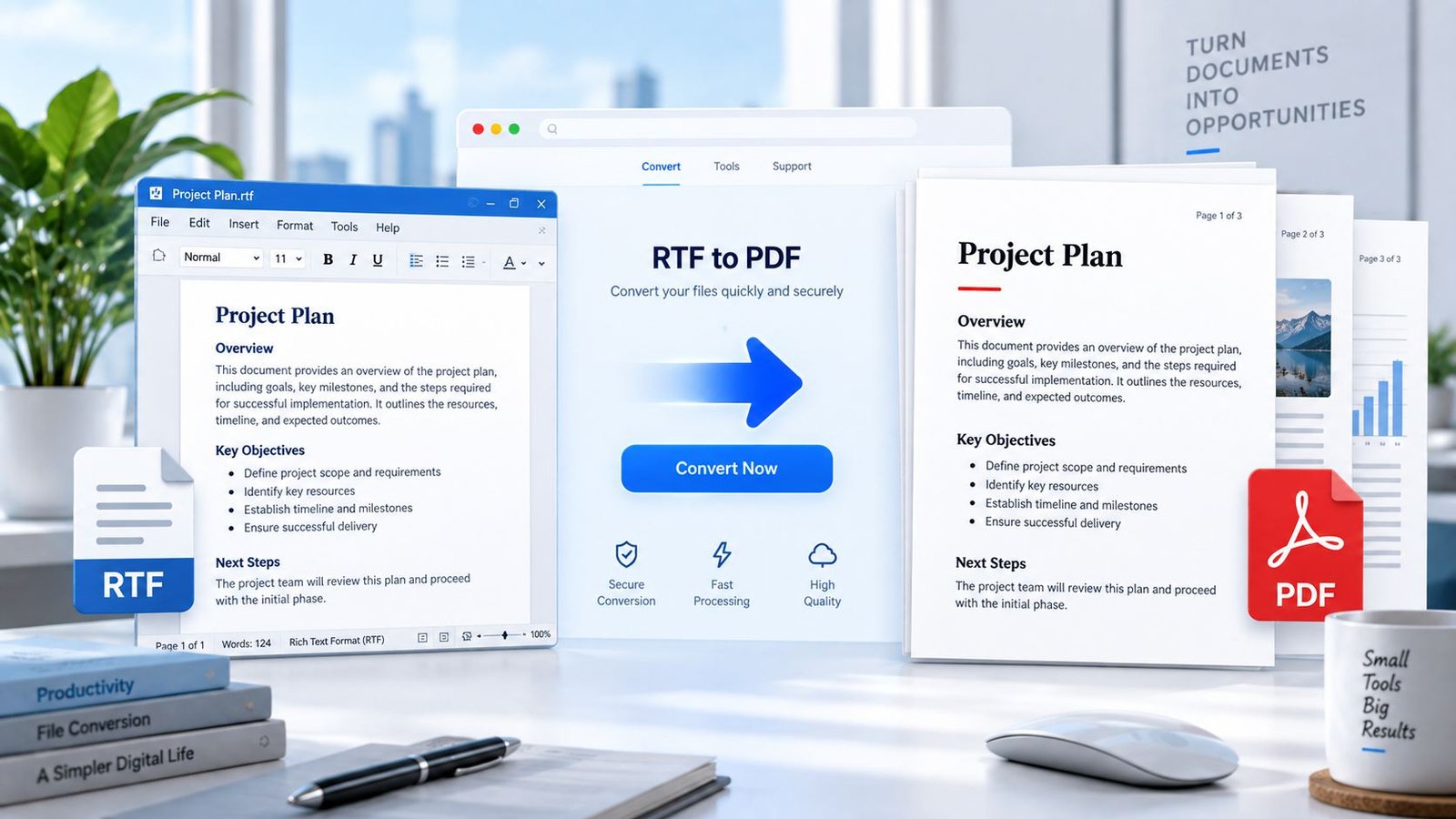
Convert an RTF file to PDF online with PKCapra. Upload your Rich Text Format document, process it directly in your browser, preview the resulting PDF, and download it when ready.
RTF to PDF Converter
Convert Rich Text Format files to PDF directly in your browser.
Convert RTF to PDF online
Turn a Rich Text Format (.rtf) document into a PDF without installing desktop software. PKCapra reads and renders the RTF in your browser, then creates a downloadable PDF.
How to convert RTF to PDF
- Select or drop an RTF file.
- The browser reads and renders the document.
- PKCapra creates a PDF from the rendered content.
- Preview the result and download the PDF.
Browser-based processing
The selected file is handled locally in your browser. The converter uses an RTF renderer and a client-side PDF generator; no PKCapra document-upload conversion endpoint is used.
Conversion limitations
RTF files can contain fonts, images, tables and older Windows drawing formats. Common text formatting is supported, but complex layouts, unavailable fonts or unusual embedded objects can look different in the PDF. Always check the preview before relying on the converted file.
Frequently asked questions
What files does this converter accept?
This tool is for files ending in .rtf. It does not accept DOC or DOCX files.
Is my RTF uploaded?
No. Conversion runs in the browser and does not use a PKCapra document-upload conversion endpoint.
What is the maximum file size?
The browser interface accepts RTF files up to 25 MB.
Will the PDF always look exactly like the RTF?
Not necessarily. Complex RTF features, uncommon embedded objects and fonts unavailable in the browser can render differently.
Convert RTF to PDF Online
RTF stands for Rich Text Format. It is a document format designed to preserve text formatting when documents are transferred between different applications and operating systems. Microsoft describes RTF as a format that controls document representation and formatting on screen and in print.
If you have an .rtf document and need a PDF version for sharing, printing, archiving, or easier viewing, PKCapra’s RTF to PDF Converter provides a simple browser-based workflow.
Use the RTF to PDF Converter to convert your document without installing desktop conversion software.
How to Convert RTF to PDF
- Select or drop your
.rtffile. - PKCapra processes the RTF document in your browser.
- The formatted document is converted into a PDF.
- Preview the generated PDF.
- Download your PDF.
What Is an RTF File?
RTF means Rich Text Format. It is a document format used to transfer formatted text between applications.
Unlike plain text files, RTF can contain formatting information such as fonts, text styles, paragraph formatting, and other document presentation details.
Microsoft lists .rtf as Rich Text Format and notes that it can be used to transfer documents between operating systems and applications.
Microsoft lists .rtf as Rich Text Format and explains that the format can transfer documents between operating systems and applications. Microsoft Office file format reference
Microsoft also documents RTF as a format for transferring formatted text between applications. Microsoft RTF documentation
Why Convert RTF to PDF?
PDF is useful when you want a document that is easier to share, print, archive, or view consistently across devices.
Common reasons to convert RTF to PDF include:
- Sharing formatted documents
- Printing an RTF document
- Creating a fixed PDF copy
- Archiving documents
- Sending documents by email
- Keeping a PDF version for records
- Viewing a document without relying on the original RTF application
RTF to PDF Without Installing Software
PKCapra provides a browser-based RTF to PDF workflow. You can select an RTF file, process it, preview the result, and download the generated PDF without installing a desktop converter.
Browser-Based RTF to PDF Conversion
The PKCapra converter processes the selected RTF document in your browser.
The tool supports RTF files up to 25 MB.
Your selected document is processed through the browser-based conversion workflow rather than being sent to a PKCapra document-upload conversion endpoint.
RTF Conversion Limitations
RTF documents can contain formatting, images, fonts, and other elements that may not always reproduce identically in every rendering environment.
For this reason, always preview the generated PDF before sharing or printing it.
Complex formatting, uncommon document elements, embedded objects, or unsupported features may produce differences from the original RTF document.
RTF vs DOC vs DOCX
RTF, DOC, and DOCX are different document formats.
.rtf→ use the RTF to PDF Converter.doc→ use the DOC to PDF Converter.docx→ use the Word to PDF Converter
If you have a modern Microsoft Word document in .docx format, use PKCapra’s Word to PDF converter instead.
Need to Convert a Word Document?
For modern Microsoft Word .docx files, use the Word to PDF Converter.
For older .doc files, use the DOC to PDF Converter.
Privacy-Focused Document Conversion
PKCapra’s RTF to PDF workflow is designed around browser-based processing. The selected document is processed in the browser rather than being uploaded to a PKCapra document conversion server.
Frequently Asked Questions
Can I convert RTF to PDF online?
Yes. PKCapra lets you select an RTF file in your browser, convert it to PDF, preview the result, and download the generated PDF.
What does RTF stand for?
RTF stands for Rich Text Format. It is a document format used for transferring formatted text between applications.
Does this tool support DOC files?
No. This converter is specifically for RTF files. Use the DOC to PDF Converter for legacy .doc files.
Does this tool support DOCX files?
No. For .docx files, use the Word to PDF Converter.
What is the maximum RTF file size?
The PKCapra RTF to PDF Converter supports files up to 25 MB.
Is my RTF file uploaded to a PKCapra server?
The tool is designed for browser-based processing rather than sending the selected document to a PKCapra document-upload conversion endpoint.
Will the PDF look exactly like the original RTF?
Not necessarily. Most supported formatting can be reproduced, but complex or uncommon RTF features may render differently. Always preview the generated PDF before using it.
Can I convert an RTF file without Microsoft Word?
Yes. PKCapra provides a browser-based RTF to PDF workflow, so Microsoft Word is not required for the conversion process.