
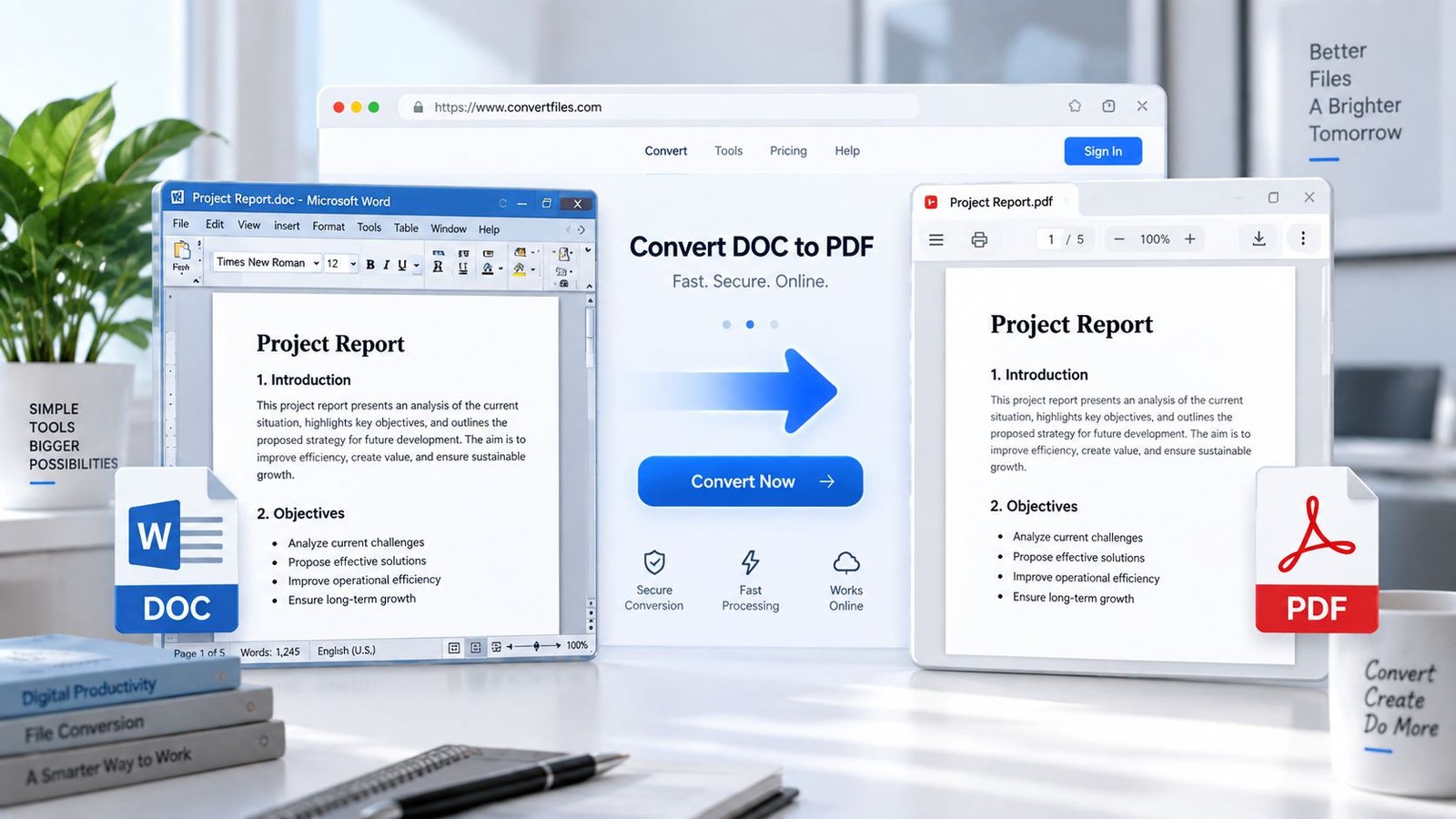
Convert an old Microsoft Word .doc file to PDF directly in your browser with PKCapra. Upload a Word 97–2003 document, let the browser process it, preview the resulting PDF, and download it without sending the document to a PKCapra conversion server.
DOC to PDF Converter
Convert legacy Microsoft Word DOC files to PDF directly in your browser.
Convert DOC to PDF online
Use this free DOC to PDF converter for older Microsoft Word documents saved in the legacy Word 97–2003 DOC format. The conversion runs in your browser and creates a PDF you can preview or download.
How to convert DOC to PDF
- Select or drop a legacy Word DOC file.
- PKCapra reads the document in your browser.
- The document is rendered into a PDF.
- Preview the PDF or download it to your device.
DOC vs DOCX
This tool is specifically for the older .doc Word format used by Word 97–2003. If your document is a modern .docx file, use PKCapra's existing Word to PDF converter instead.
Privacy-first browser processing
The selected DOC is read in your browser rather than sent to a PKCapra upload endpoint. The converter uses the open-source Ream document engine in the browser to parse the legacy Word format and generate the PDF. Browser conversion can still depend on the complexity of the source document, so highly unusual Word features may not reproduce perfectly.
Frequently asked questions
Does this converter support DOCX?
This page is focused on legacy .doc files. For DOCX, use the Word to PDF converter.
Is my DOC uploaded?
No. The document is processed in the browser by this tool; there is no PKCapra document-upload conversion endpoint.
Will every Word feature look exactly the same?
Not necessarily. Complex or uncommon legacy Word features can have conversion differences. The tool is designed to provide a useful PDF conversion while reporting conversion losses where the underlying engine identifies them.
What is the maximum file size?
The browser interface accepts DOC files up to 25 MB.
Convert DOC to PDF Online
The .doc format is the older Microsoft Word document format associated with Word 97 through Word 2003. Microsoft distinguishes it from the newer .docx format, which uses the modern XML-based Word format.
If you have an old Word document saved as .doc, converting it to PDF can make it easier to share, archive, print, and open across different devices.
PKCapra’s DOC to PDF Converter is designed specifically for these legacy .doc files.
How to Convert DOC to PDF
- Select your DOC file
Choose an old Microsoft Word.docfile from your device, or drag it into the converter. - Process the document
PKCapra reads the document directly in your browser. - Generate the PDF
The converter processes the recovered document content and creates a PDF. - Preview the result
Open the generated PDF directly in the tool to check the result. - Download the PDF
Download the converted PDF to your device.
What Is a DOC File?
A .doc file is the legacy binary Word document format used by Microsoft Word 97–2003. Microsoft continues to document the .doc format as the Word 97–2003 Document format.
It is different from .docx, the newer XML-based Word format.
This distinction matters when choosing a converter. A tool designed specifically for legacy DOC files can be useful when you have older documents that are not saved in the modern DOCX format.
DOC vs DOCX: Which Converter Should You Use?
The file extension tells you which PKCapra tool to use:
.doc→ use the DOC to PDF Converter.docx→ use the Word to PDF Converter
The older .doc format was used by Word 97–2003, while .docx is the modern XML-based Word document format.
If you are unsure which format you have, check the file extension at the end of the filename.
Why Convert DOC to PDF?
PDF is useful when a document needs to be shared or viewed without requiring the recipient to work with the original Word format. Microsoft describes PDF as a format that preserves document formatting and supports sharing and printing.
Converting an older DOC file to PDF can be useful for:
- Sharing old Word documents
- Creating a fixed document copy
- Printing legacy documents
- Archiving older files
- Sending documents to people who do not need to edit the original
- Keeping a PDF version alongside an old DOC archive
Browser-Based DOC to PDF Conversion
PKCapra processes the selected DOC file in your browser rather than sending it to a PKCapra document-upload conversion endpoint.
This browser-first approach is useful for documents where you prefer the file to remain on your device during conversion.
The converter supports DOC files up to 25 MB.
Important DOC Conversion Limitations
Legacy Word documents can contain features that are difficult to reproduce outside Microsoft Word. Complex or uncommon document elements may therefore look different in the generated PDF.
The converter is intended to provide a practical PDF conversion for legacy DOC documents, but it should not be treated as a guarantee of pixel-perfect reproduction of every historical Word feature.
For an important document, always preview the generated PDF before sharing or printing it.
Need to Convert a Modern Word File?
If your document uses the .docx extension, use PKCapra’s Word to PDF Converter instead.
The modern DOCX format is different from the legacy DOC format and should be handled by the appropriate conversion workflow.
DOC to PDF Without Installing Software
You do not need Microsoft Word installed just to use PKCapra’s browser-based DOC conversion tool.
Open the converter, select your .doc file, process it in the browser, preview the PDF, and download the result.
For users who already have Microsoft Word, Microsoft also supports exporting Word documents to PDF through its desktop applications.
Privacy-Focused Conversion
Your selected DOC is processed in your browser. PKCapra does not use a document-upload conversion endpoint for this tool.
This means the conversion workflow is designed around local browser processing rather than uploading the document to a remote PKCapra conversion server.
As with any browser-based document tool, conversion performance can depend on the document’s size and complexity.
Frequently Asked Questions
Can I convert a DOC file to PDF online?
Yes. PKCapra’s DOC to PDF Converter is designed for legacy .doc files and processes the document directly in your browser.
Does this tool support DOCX?
No. This tool is specifically focused on legacy .doc files. For .docx documents, use the Word to PDF Converter.
What version of Word uses DOC files?
The .doc format is the Word 97–2003 document format. Microsoft documents it as the binary Word format used by Word 97, Word 2000, Word 2002, and Word 2003.
Is my DOC file uploaded to PKCapra?
No. The converter processes the selected document in your browser rather than sending it to a PKCapra document conversion endpoint.
What is the maximum DOC file size?
The PKCapra converter accepts DOC files up to 25 MB.
Will the converted PDF always look exactly like the original DOC?
Not necessarily. Most useful document content can be converted, but complex or uncommon legacy Word features may not reproduce perfectly. Preview the generated PDF before relying on it for an important document.
Can I convert an old Word 97 document to PDF?
Yes. The tool is specifically designed for legacy .doc documents associated with Word 97–2003.
Why should I convert DOC to PDF?
PDF is useful for sharing, printing and archiving because it is designed to preserve document formatting across supported devices and software.
Try the DOC to PDF Converter
If you have an old Microsoft Word .doc file, you can convert it to PDF directly in your browser with PKCapra.
Convert your DOC file, preview the PDF, and download the result.