
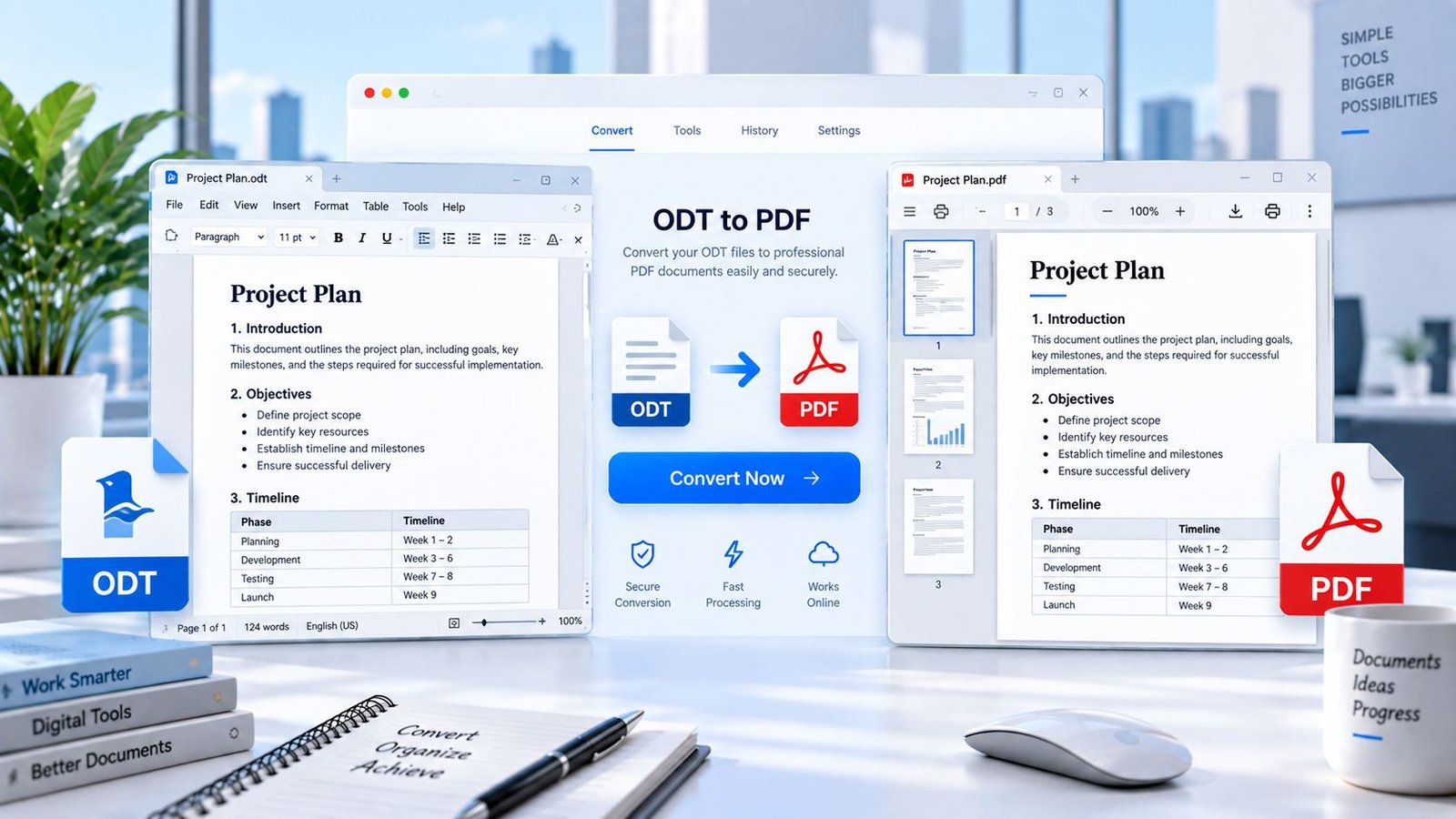
Convert an ODT file to PDF online with PKCapra. Upload your OpenDocument Text file, generate a PDF directly in your browser, preview the result, and download it without installing desktop conversion software.
or drag and drop an ODT file here
OpenDocument Text (.odt) • Maximum 25 MB • Browser-based processingConvert ODT to PDF Online
ODT stands for OpenDocument Text. It is a document format used by OpenDocument-compatible word processors, including applications such as LibreOffice and OpenOffice.
PKCapra’s ODT to PDF Converter provides a simple way to turn an OpenDocument Text file into a PDF for sharing, printing, or archiving.
Convert ODT to PDF with PKCapra →
How to Convert ODT to PDF
Converting an ODT file to PDF takes only a few steps:
- Select your
.odtfile. - Upload or drop the file into the converter.
- Let PKCapra process the document in your browser.
- Preview the generated PDF.
- Open or download the PDF.
The browser-based workflow means you can convert the document without installing a separate desktop PDF converter.
What Is an ODT File?
An ODT file is an OpenDocument Text document. The format is part of the OpenDocument family and is supported by several word-processing applications.
ODT files can contain formatted text and other document elements. Microsoft confirms that Word can open and save OpenDocument Text .odt files, although formatting can sometimes differ between applications because the supported features are not identical.
If you work with ODT documents regularly, converting a finished document to PDF can provide a convenient version for sharing or printing.
Why Convert ODT to PDF?
PDF is useful when you want to distribute a document in a fixed, widely used format.
Converting ODT to PDF can be useful for:
- Sharing documents with other people
- Preparing documents for printing
- Creating a PDF copy for archiving
- Sending a document without requiring the recipient to use the same editor
- Keeping a final version of an ODT document
- Creating a convenient format for distribution
ODT to PDF Without Installing Software
If you only need to convert an ODT document, you may not need to install additional desktop software.
PKCapra provides the conversion directly through your browser. Select your ODT file, generate the PDF, review the result, and download it.
For users working with other document formats, PKCapra also provides a broader collection of free online tools for document conversion and other everyday tasks.
Browser-Based ODT to PDF Conversion
PKCapra’s ODT to PDF workflow is designed for browser-based processing.
The selected ODT file is handled through the converter interface rather than being sent to a PKCapra document-upload conversion endpoint.
The converter accepts files up to 25 MB through the browser interface.
This makes it useful when you need a straightforward ODT-to-PDF workflow without installing another application.
ODT Formatting and Conversion Limitations
ODT documents can contain different styles, layouts, tables, images, and other formatting features.
Conversion results can vary when a document contains complex or application-specific formatting. Microsoft also documents differences in feature support between ODT and DOCX, including cases where formatting or document features may behave differently between applications.
For important documents, always preview the generated PDF before sharing, printing, or archiving it.
PKCapra does not promise pixel-perfect reproduction of every complex ODT document.
ODT vs DOCX
ODT and DOCX are different document formats.
ODT is part of the OpenDocument family, while DOCX is Microsoft’s Open XML Word document format. Both can contain formatted documents, but their feature support and rendering can differ between applications.
If your source file is a modern Microsoft Word .docx document, use the Word to PDF Converter instead of the ODT converter.
Choosing the converter that matches your original file format helps keep the workflow simple.
ODT to PDF for Sharing and Printing
A PDF version can be convenient when a document needs to be distributed to people who may not use the same word-processing application.
It can also be useful when you need a document prepared for printing or want to keep a fixed copy of a completed document.
Always review the generated PDF before treating it as the final version.
ODT and OpenDocument Compatibility
OpenDocument files are supported by multiple word-processing applications, but the exact presentation of a document can vary between software.
Microsoft specifically notes that an ODT document opened in Word may not have exactly the same formatting as it had in the application where it was originally created.
For that reason, checking the PDF preview is an important part of the conversion process.
For official information about ODT compatibility and supported features, see Microsoft’s OpenDocument Text format documentation.
Privacy-Focused ODT Conversion
The PKCapra ODT to PDF workflow is designed for browser-based processing. The selected document is handled through the browser interface rather than a PKCapra document-upload conversion endpoint.
For sensitive documents, users should still consider the security of their own device, browser, network, and any external resources involved in the browser session.
Need to Convert a Word File?
If your source document is a modern .docx Word file, use the dedicated Word to PDF Converter.
ODT and DOCX are separate document formats, so using the converter designed for the original file type provides a more direct workflow.
Explore More Document Tools
ODT to PDF is one part of PKCapra’s broader document-tool collection.
If you need another type of file conversion or document utility, you can browse the PKCapra Categories to find tools by category rather than searching through individual pages.
Frequently Asked Questions
Can I convert ODT to PDF online?
Yes. PKCapra provides a browser-based ODT to PDF conversion workflow. Select an ODT file, generate the PDF, preview it, and download the result.
What does ODT stand for?
ODT stands for OpenDocument Text. It is a document format used by OpenDocument-compatible word-processing applications.
Can I convert an ODT file without Microsoft Word?
Yes. You can use PKCapra’s ODT to PDF Converter without installing Microsoft Word.
What is the maximum ODT file size?
The PKCapra browser interface accepts ODT files up to 25 MB.
Will my ODT formatting always be identical in the PDF?
Not necessarily. Complex formatting or application-specific document features may render differently during conversion. Always preview the generated PDF before using it as a final copy.
Can Microsoft Word open ODT files?
Yes. Microsoft Word supports opening and saving OpenDocument Text .odt files. Microsoft notes that some formatting can differ because applications may support different features.
Is ODT the same as DOCX?
No. ODT and DOCX are different document formats. ODT belongs to the OpenDocument family, while DOCX is Microsoft’s Open XML Word format.
Can I convert DOCX using this ODT converter?
No. For a .docx file, use PKCapra’s Word to PDF Converter.
Should I check the PDF after conversion?
Yes. Preview the generated PDF before sharing, printing, or archiving it, especially when the source document contains complex formatting.