
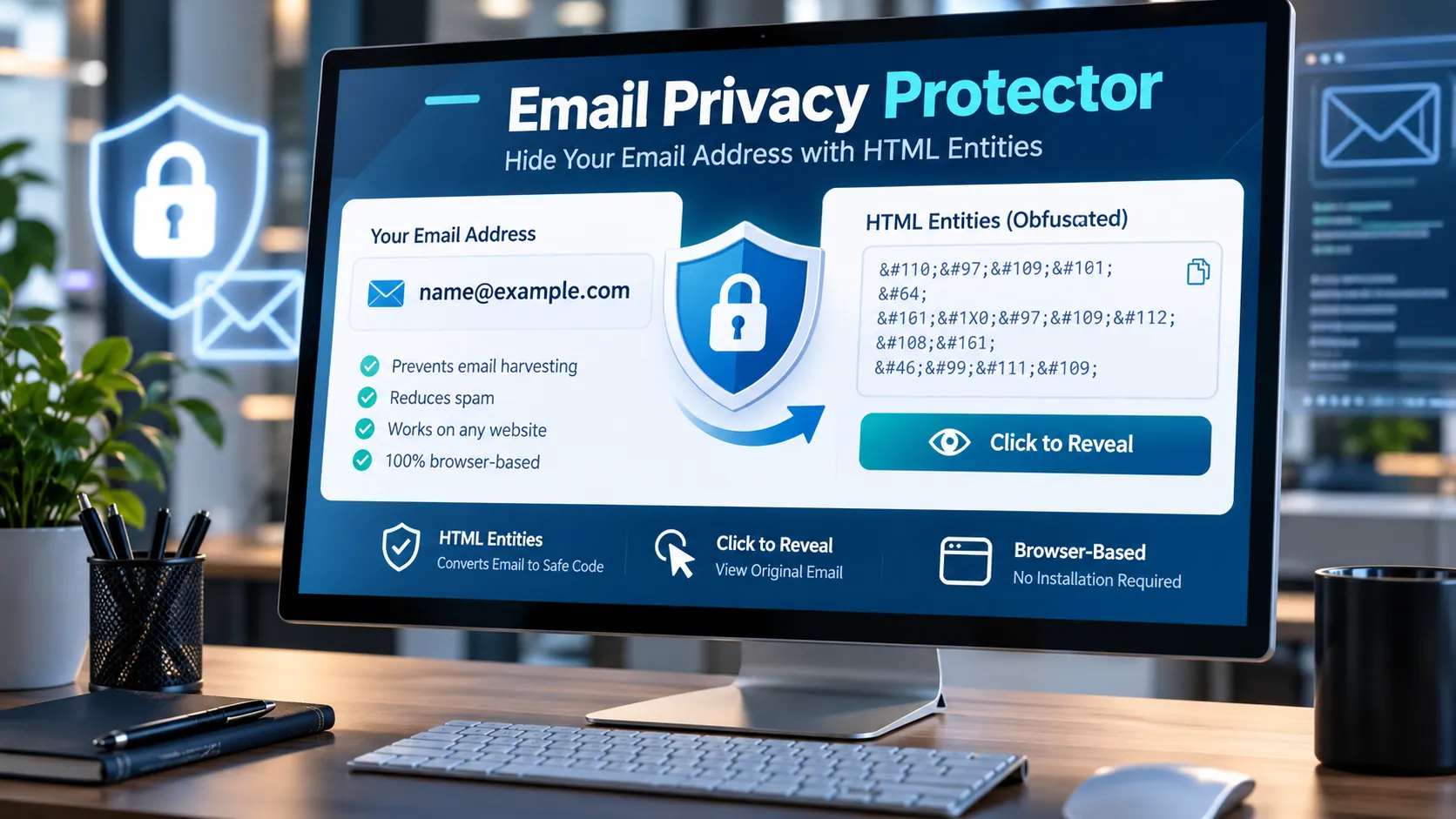
Protect Your Email Address from Basic Web Scrapers
Publishing an email address on a website makes it easier for visitors to contact you, but it can also expose the address to automated email-harvesting tools. The Email Privacy Protector helps you create alternative HTML snippets that make an email address less straightforward for basic automated scrapers to collect.
Enter the email address you intend to publish, choose a protection method, and generate a snippet you can review before adding it to your website. Everything in the tool is processed locally in your browser, without an API key or account login.
Email Privacy Protector
Obfuscate a public-facing email address, create a safer contact snippet, and copy ready-to-use HTML. Your inputs stay in this browser tab.
How to Use the Email Privacy Protector
- Enter your email address. Add only the address you want website visitors to use. Never enter your password or private mailbox information.
- Choose a protection method. Select HTML character entities, click-to-reveal, JavaScript-based link generation, or a human-readable address format.
- Customize the contact link. Optionally add visible link text, an email subject, and a message body.
- Generate the snippet. Review the HTML or text output and check that the selected method matches your website’s requirements.
- Copy or download the result. Use the available copy and HTML download options, then test the snippet on your website before publishing it.
Email Protection Methods Explained
HTML Character Entities
This method represents email characters using HTML character references. It can make the source code less immediately readable to simple text-based scrapers while allowing a browser to render the email link normally.
Best for: Basic compatibility with ordinary HTML pages.
Limitation: More advanced scrapers can decode HTML entities, so this method does not hide an address from every bot.
Click-to-Reveal
This method is designed to reveal or construct the contact link after a visitor interacts with the page. Depending on the generated snippet and browser settings, JavaScript may be required for the link to work.
Best for: Websites that want to avoid displaying the complete contact link immediately in the initial page markup.
Limitation: JavaScript restrictions, accessibility considerations, and automated browsers can affect this approach. Test the generated snippet in your actual website environment.
JavaScript-Based Email Link
This method uses JavaScript to assemble the email link in the browser instead of presenting the complete link in the same simple form as a conventional HTML anchor.
Best for: Website owners comfortable using JavaScript in their page or theme.
Limitation: JavaScript-disabled environments and restrictive Content Security Policies may prevent the link from working. JavaScript-based obfuscation is not a security guarantee.
Human-Readable Email Format
This method displays an address in a format such as name [at] example [dot] com. Visitors can understand the address, but they may need to convert the text into a usable email address manually.
Best for: Plain-text contact details or situations where a clickable link is not essential.
Limitation: It adds friction for visitors and can still be detected by scrapers that recognize common email-address patterns.
Key Features
- Multiple protection methods: Compare several ways to publish a contact address.
- Custom link text: Choose visitor-facing text such as “Email us” or “Contact support.”
- Optional email subject: Prepare a subject line for supported contact-link methods.
- Optional message body: Add a suggested message for compatible email links.
- Local snippet generation: Generate the output directly in your browser without a remote AI service or API.
- Copy and download options: Copy the generated code or download an HTML file for review.
- Contact-link preview: Inspect the generated contact link before using it.
- Practical privacy guidance: Understand the limitations of email obfuscation before publishing an address.
Does Email Obfuscation Actually Prevent Spam?
Email obfuscation can make an address less convenient for basic automated harvesting, but it cannot guarantee that spam will stop. Bots can decode HTML entities, execute JavaScript, inspect rendered pages, or recognize human-readable email patterns.
If an address is publicly available, assume a determined scraper may eventually find it. Choose a protection method based on your site’s compatibility requirements, accessibility, and the level of exposure you are comfortable with.
For stronger control over public contact requests, consider using a contact form with appropriate server-side validation, spam filtering, rate limiting, and abuse protection. A form can reduce the need to publish a direct email address, although it also needs protection against automated submissions.
Protecting your email address is an important part of maintaining a safer online presence, especially when publishing contact details on a website. Alongside email obfuscation, you can use the AI Email Writer to help draft professional email messages and explore our SEO and Website Tools for other website management and optimization tasks. Remember that email obfuscation can make addresses less accessible to basic automated scrapers, but it cannot guarantee complete protection against spam or email harvesting.
Privacy and Processing
The Email Privacy Protector generates its snippets locally in your browser. It does not require an account or an API key to create the output. Your email address is used as input for the snippet-generation task.
The generated HTML may contain the email address in an encoded or reconstructed form. Obfuscation is not encryption: anyone who can inspect or execute the published snippet may be able to recover the address.
Before publishing, review the generated code and avoid including passwords, mailbox credentials, private correspondence, or other sensitive information.
Frequently Asked Questions
What is an email privacy protector?
An email privacy protector helps website owners format or obfuscate a public email address to make basic automated harvesting less straightforward. It cannot guarantee that the address will remain undiscoverable.
Is this tool free to use?
Yes. The tool is designed for free browser-based use and does not require an API key or account login.
Is my email address uploaded to a server?
The snippet-generation process runs locally in your browser. The tool does not need a remote API to generate its output. This describes the tool’s processing design and does not make a claim about unrelated website infrastructure or browser extensions.
Which protection method should I choose?
HTML character entities are a straightforward option for compatibility. Click-to-reveal and JavaScript-based methods may make the address less obvious in the initial markup but can introduce compatibility and accessibility considerations. Human-readable formatting works when a clickable link is unnecessary.
Will email obfuscation stop all spam?
No. It may deter basic scrapers, but sophisticated bots can decode or recognize obfuscated addresses. Use additional spam controls when you need stronger protection.
Can I use the generated snippet on WordPress?
You can review the generated HTML and use a suitable WordPress HTML or code block if your editor and security settings allow the required markup. JavaScript-based methods may be restricted by your editor, theme, security plugin, or Content Security Policy. Test the result on the published page.
Why does the contact link not open my email app?
A mailto: link normally asks the browser or operating system to open a configured email application or handler. If none is configured, or if the browser blocks the handoff, the link may not open an app. Test it on the target device and browser.
Does the tool encrypt my email address?
No. HTML entities and JavaScript obfuscation change how an address is represented; they do not encrypt it or provide access control. A published address should be treated as potentially discoverable.
Publish Your Contact Address More Carefully
Choose a method, generate the snippet, and review the output before adding it to your website. Test the final link on desktop and mobile, confirm that visitors can use it, and remember that obfuscation is only one layer of email-spam prevention.