
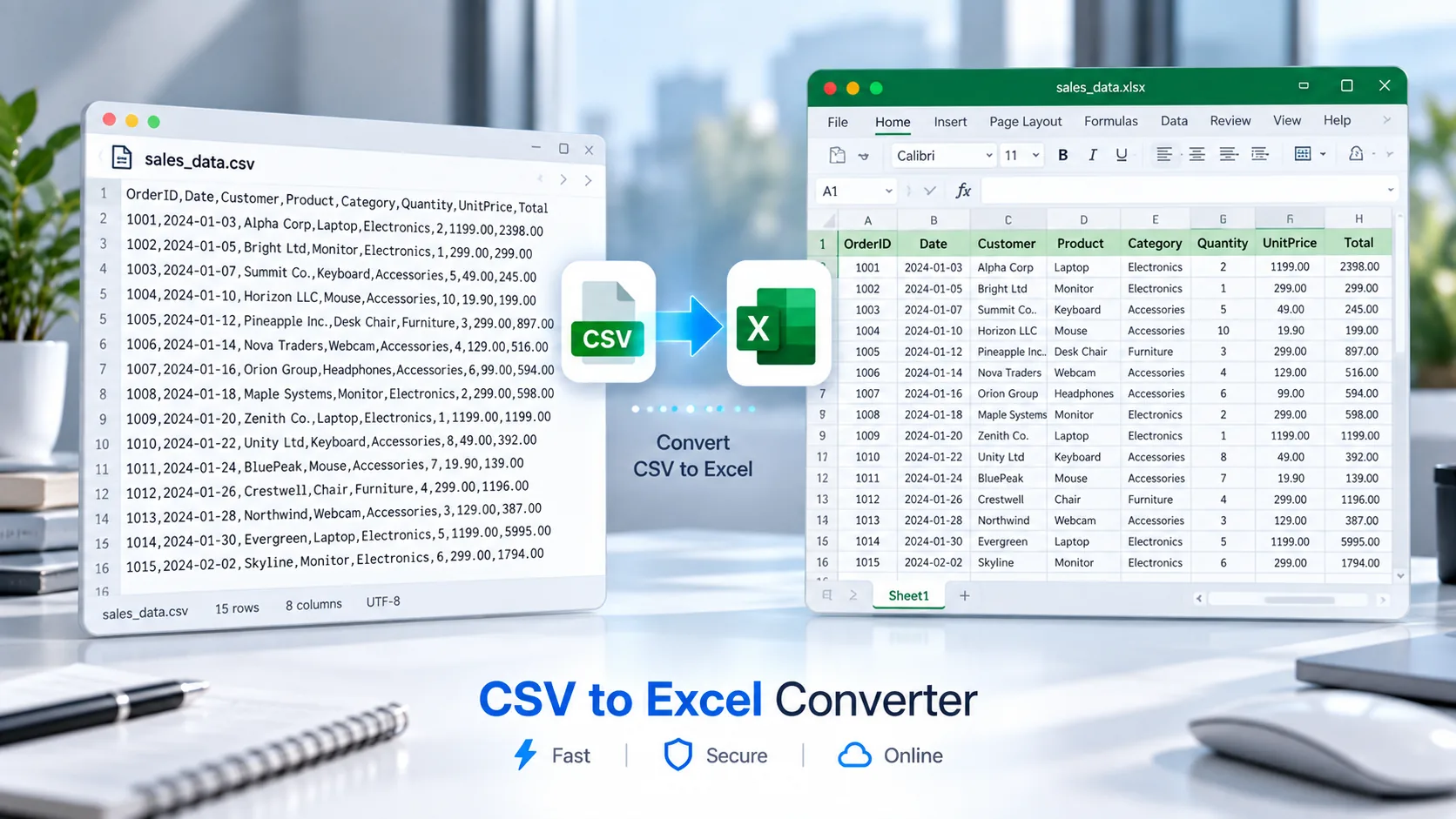
Convert CSV to Excel Online
Need to turn a CSV file into an editable Excel workbook? PKCapra’s CSV to Excel Converter lets you convert CSV data into an .xlsx Excel file directly in your browser.
Upload your CSV file, review the data, convert it into an Excel workbook, and download the resulting file. The tool is designed for everyday tables, lists, exports, and structured data.
You can also explore PKCapra’s All Free Online Tools for more file and data utilities, or browse the PKCapra Categories to find related tools.
CSV to Excel Converter
Convert a CSV file into a downloadable Excel workbook directly in your browser.
CSV Preview
The preview shows up to 40 data rows. The generated workbook contains the complete supported dataset.
How to Convert CSV to Excel
Converting CSV to Excel is simple:
- Open the CSV to Excel Converter.
- Upload your
.csvfile or drag and drop it into the tool. - Preview the imported CSV data.
- Start the conversion.
- Download the generated
.xlsxExcel file.
The resulting Excel workbook can then be opened and edited using compatible spreadsheet software.
What Is a CSV to Excel Converter?
A CSV to Excel Converter changes data stored in a comma-separated values file into an Excel workbook.
CSV is a simple text-based format that stores structured information in rows and columns. Excel workbooks use the .xlsx format and provide a richer environment for working with tables, calculations, formatting, sorting, filtering, and other spreadsheet operations.
Converting CSV to Excel is useful when you need to move data from a simple text-based format into a spreadsheet application.
Why Convert CSV to Excel?
Edit Data More Easily
Excel provides a convenient environment for editing rows and columns. After conversion, you can continue working with your data in a spreadsheet application.
Work With Spreadsheet Features
An .xlsx workbook can be used for spreadsheet tasks such as calculations, sorting, filtering, formatting, and organizing information.
Preserve Table Structure
CSV data is already organized into rows and columns. The converter transfers that tabular structure into an Excel workbook.
Use CSV Exports in Excel
Many websites, business systems, databases, and applications provide CSV exports. Converting those exports to Excel can make them easier to work with.
CSV to Excel for Business Data
CSV files are commonly used to exchange structured data between different systems.
For example, you may receive CSV data containing:
- Product catalogs
- Inventory records
- Sales information
- Customer lists
- Order data
- Employee records
- Price lists
- Website exports
- Marketing data
Instead of manually copying the information into a spreadsheet, you can use the CSV to Excel Converter to create an .xlsx workbook from the CSV file.
If you need to create a PDF from spreadsheet data instead, you can use the Excel to PDF Converter on PKCapra.
CSV vs Excel
CSV and Excel are both useful for working with tabular data, but they serve different purposes.
CSV is a lightweight text-based format. It is useful for transferring structured data between applications and systems.
Excel XLSX is a spreadsheet workbook format designed for working with data in a richer spreadsheet environment.
CSV is often preferable for simple data exchange, while Excel is generally more suitable when you need to edit, organize, calculate, format, or analyze data in a spreadsheet application.
For technical information about Microsoft Office file formats, you can refer to Microsoft’s Office file format documentation.
Features of the CSV to Excel Converter
PKCapra’s CSV to Excel Converter provides practical features for converting CSV files:
- CSV upload
- Drag-and-drop support
- CSV data preview
- CSV to XLSX conversion
- Automatic column-width optimization
- Browser-based processing
- Quoted CSV value support
- Commas inside CSV fields
- Multiline CSV field support
- Excel workbook download
- Mobile-friendly interface
The current converter uses browser-side limits to keep processing practical.
Is My CSV Uploaded to PKCapra?
The CSV data is processed directly in your browser. The source CSV is not uploaded to PKCapra’s server as part of the conversion process.
This approach can be useful when you want to convert a CSV without sending the source file to a server-based processing service.
For confidential or regulated information, always follow your organization’s data-handling requirements.
Can CSV Data With Commas Be Converted?
Yes. CSV files can contain commas inside individual fields when those values are properly quoted. The converter is designed to handle quoted CSV values and fields containing commas.
It also supports multiline CSV fields, which can occur when a single CSV value contains line breaks.
What Can You Do After Converting CSV to Excel?
Once you download the .xlsx workbook, you can open it in compatible spreadsheet software and continue working with the data.
Depending on the spreadsheet application, you can perform tasks such as:
- Edit cells
- Sort records
- Filter tables
- Add calculations
- Format columns
- Create charts
- Review business data
- Prepare reports
The conversion tool focuses on creating the Excel workbook from the CSV rather than modifying the source data itself.
Frequently Asked Questions
Can I convert CSV to Excel online?
Yes. PKCapra’s CSV to Excel Converter lets you upload a CSV file, preview its data, convert it into an Excel .xlsx workbook, and download the result.
Does the converter create an XLSX file?
Yes. The output is an Excel workbook in .xlsx format.
Can I convert CSV to XLSX?
Yes. CSV to XLSX is the same basic conversion workflow because .xlsx is the modern Excel workbook format.
Is the CSV processed in my browser?
Yes. The CSV conversion is performed in your browser rather than uploading the CSV data to PKCapra’s server.
Can CSV files containing commas be converted?
Yes. The converter supports quoted CSV values, including fields containing commas.
Can multiline CSV fields be converted?
Yes. The converter supports CSV fields containing line breaks.
What is the maximum CSV file size?
The current tool supports CSV files up to 25 MB, with additional limits of 2,000 data rows and 50 columns.
Can I edit the converted Excel file?
Yes. After downloading the .xlsx file, you can open it in compatible spreadsheet software and edit the workbook.
Convert CSV to Excel
Ready to turn your CSV data into an Excel workbook?
Open the CSV to Excel Converter and convert your CSV file to .xlsx directly in your browser.