
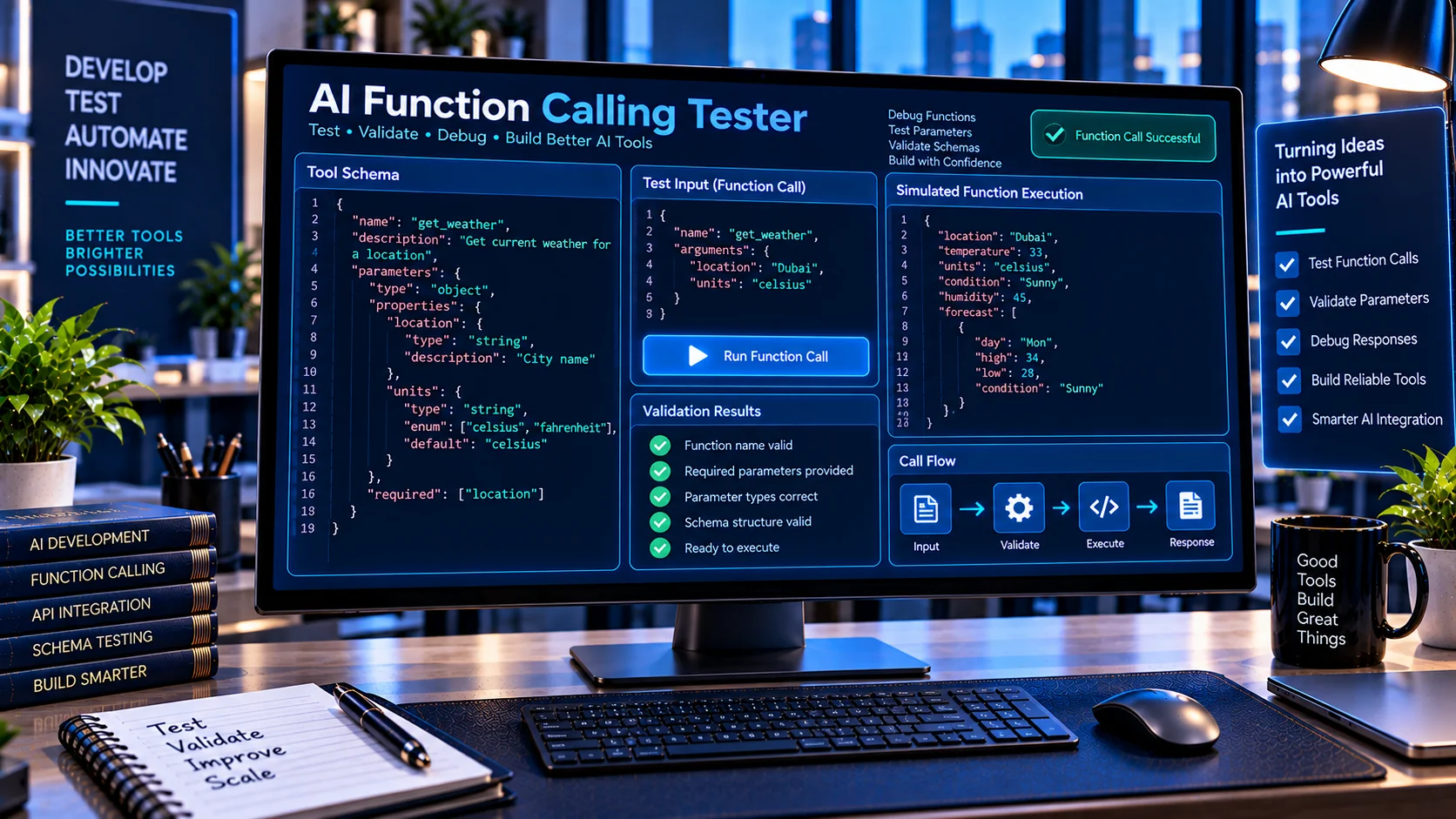
AI Function Calling Tester helps developers test AI-generated function calls before they reach a real application, API, or automated workflow. Validate tool arguments against your function schema, check required parameters and data types, detect invalid values and unexpected properties, and preview simulated function calls—all directly in your browser without sending your test data to an external AI service.
Why Test AI Function Calls?
AI function calling allows a model to select a tool and provide arguments that your application can execute. Even when the tool schema is valid, the generated arguments can still contain missing fields, incorrect data types, invalid enum values, unexpected properties, or malformed nested structures.
The AI Function Calling Tester helps developers test these function-call payloads before connecting them to real application logic. You can provide a tool schema and function arguments, validate them against each other, and inspect the simulated function call without sending data to an external AI service.
This makes it useful for debugging AI agents, tool-calling workflows, structured outputs, and API integrations.
What the AI Function Calling Tester Checks
The tester evaluates the relationship between your declared function schema and the arguments supplied to that function.
It can help identify:
- Missing required parameters
- Incorrect parameter types
- Unexpected properties
- Invalid enum values
- Invalid constant values
- Nested object errors
- Array validation problems
- String constraints
- Number constraints
- Array length constraints
- Schema-related inconsistencies
- Invalid JSON formatting
- Argument paths where an error occurs
For example, if a function requires:
{
  "name": "create_customer",
  "arguments": {
    "name": "John",
    "email": "john@example.com",
    "age": "thirty"
  }
}
while the schema specifies that age must be a number, the tester can identify the mismatch before the function is actually executed.
Test AI Tool Arguments Before Execution
One of the most useful applications is testing function arguments independently from your production application.
Instead of allowing an incorrect AI-generated argument to reach an API, database, or business workflow, you can test the payload first.
A typical workflow is:
- Define your function or tool schema.
- Enter the function arguments.
- Validate the arguments against the schema.
- Review any validation errors.
- Correct the payload or schema.
- Preview the simulated function call.
- Use the validated structure in your application.
This provides an additional validation layer between an AI model and the function that receives its output.
Validate Required Parameters
Function calls frequently fail because a required argument is missing.
The AI Function Calling Tester checks required properties and identifies missing values so you can catch these problems during development.
This is particularly useful for tools that require multiple parameters, such as:
- Customer creation
- Search functions
- Database queries
- API requests
- Order processing
- Appointment systems
- Internal business tools
Testing required parameters before execution can make tool-calling workflows easier to debug.
Check Parameter Data Types
AI-generated arguments must use the data types expected by the function.
The tester can identify common mismatches such as:
- String instead of number
- Number instead of string
- String instead of boolean
- Object instead of array
- Array instead of object
For example, a schema may require:
{
  "age": 30,
  "active": true
}
while an invalid function call might contain:
{
  "age": "30",
  "active": "yes"
}
The tester helps expose these differences before they reach your application.
Test Nested Objects and Arrays
Modern AI tools often use structured arguments rather than simple flat parameters.
For example:
{
  "customer": {
    "name": "John",
    "address": {
      "city": "Dubai",
      "country": "UAE"
    }
  }
}
The tester can inspect nested structures and report errors at their relevant paths.
This makes debugging larger function-call payloads easier because you can identify where a problem occurs instead of manually inspecting the entire JSON document.
Check Enums and Allowed Values
Schemas can restrict parameters to a defined set of values.
For example:
{
  "status": "pending"
}
may be valid when the schema permits:
["pending", "approved", "rejected"]but an unsupported value such as "completed" should be rejected.
The tester helps identify these invalid values before the function call is processed.
Review Simulated Function Calls
The tool can also provide a simulated function-call representation so developers can inspect what would be passed to a function.
This is useful when building:
- AI agents
- Function-calling applications
- Tool-use workflows
- API integrations
- Automation systems
- Structured AI interfaces
The simulation is intended for testing and inspection. It does not execute your real function or send the request to an external service.
Browser-Based Testing
The AI Function Calling Tester is designed for browser-side validation.
Your schema and test arguments can be processed directly in the browser without requiring an external AI API for the validation itself.
This makes it useful for developers who want to inspect or test function-call structures without sending their development payloads to a third-party validation service.
For additional schema work, you can also use the AI Tool Schema Validator to validate the underlying tool definition, or the AI Tool Response Validator when you need to validate returned tool data.
If you are converting existing API specifications into AI-compatible tools, the OpenAPI to AI Tool Schema Converter can generate tool definitions from OpenAPI operations.
AI Function Calling Testing Workflow
A practical development workflow is to separate three different validation stages:
1. Validate the tool schema
Make sure the function definition itself is structurally correct.
2. Test the function arguments
Check whether the supplied arguments satisfy that schema.
3. Validate the function response
After the function executes, validate its returned data against the expected response structure.
This approach creates a clearer testing process for AI-powered applications because schema problems, argument problems, and response problems can be investigated separately.
Common Function Calling Problems
Missing required fields
The model produces a function call without one of the required parameters.
Incorrect data types
A parameter expected to be a number, boolean, object, or array is returned using another type.
Invalid enum values
The argument contains a value that is not included in the schema’s allowed values.
Unexpected properties
The function call contains parameters that the declared schema does not permit.
Incorrect nested structures
A nested object or array does not match the expected structure.
Schema and arguments disagree
The function definition may expect one structure while the application or test payload uses another.
Testing these cases before production execution can reduce debugging time when developing tool-calling systems.
AI Function Calling Tester for Developers
The AI Function Calling Tester is intended as a practical development utility for testing the connection between AI tool definitions and the arguments supplied to them.
It works particularly well alongside other PKCapra AI developer utilities. You can validate a tool schema, generate or convert schemas, test function arguments, and validate responses as separate stages of the development workflow.
This makes the tester useful for developers working with AI agents, function calling, structured JSON, API integrations, and automated tool-use systems.
Frequently Asked Questions
What is an AI Function Calling Tester?
An AI Function Calling Tester is a development utility for testing whether function or tool arguments conform to a declared schema before the function is executed.
Can it test required parameters?
Yes. It can identify missing required parameters in the supplied function arguments.
Can it detect incorrect data types?
Yes. The tester checks supplied values against the expected schema data types.
Can I test nested JSON arguments?
Yes. Nested objects and arrays can be inspected as part of the function-call validation process.
Does the tool execute my real function?
No. It provides simulated testing and validation rather than executing your production function.
Does it require an AI API?
No external AI API is required for the browser-side validation functionality.
Who can use this tool?
It is designed for developers building AI agents, function-calling applications, API integrations, automation workflows, and other systems that use structured AI tool calls.
Test Your AI Function Calls
Use the AI Function Calling Tester to inspect tool arguments, identify schema mismatches, test structured parameters, and preview simulated function calls before connecting them to real application logic.