
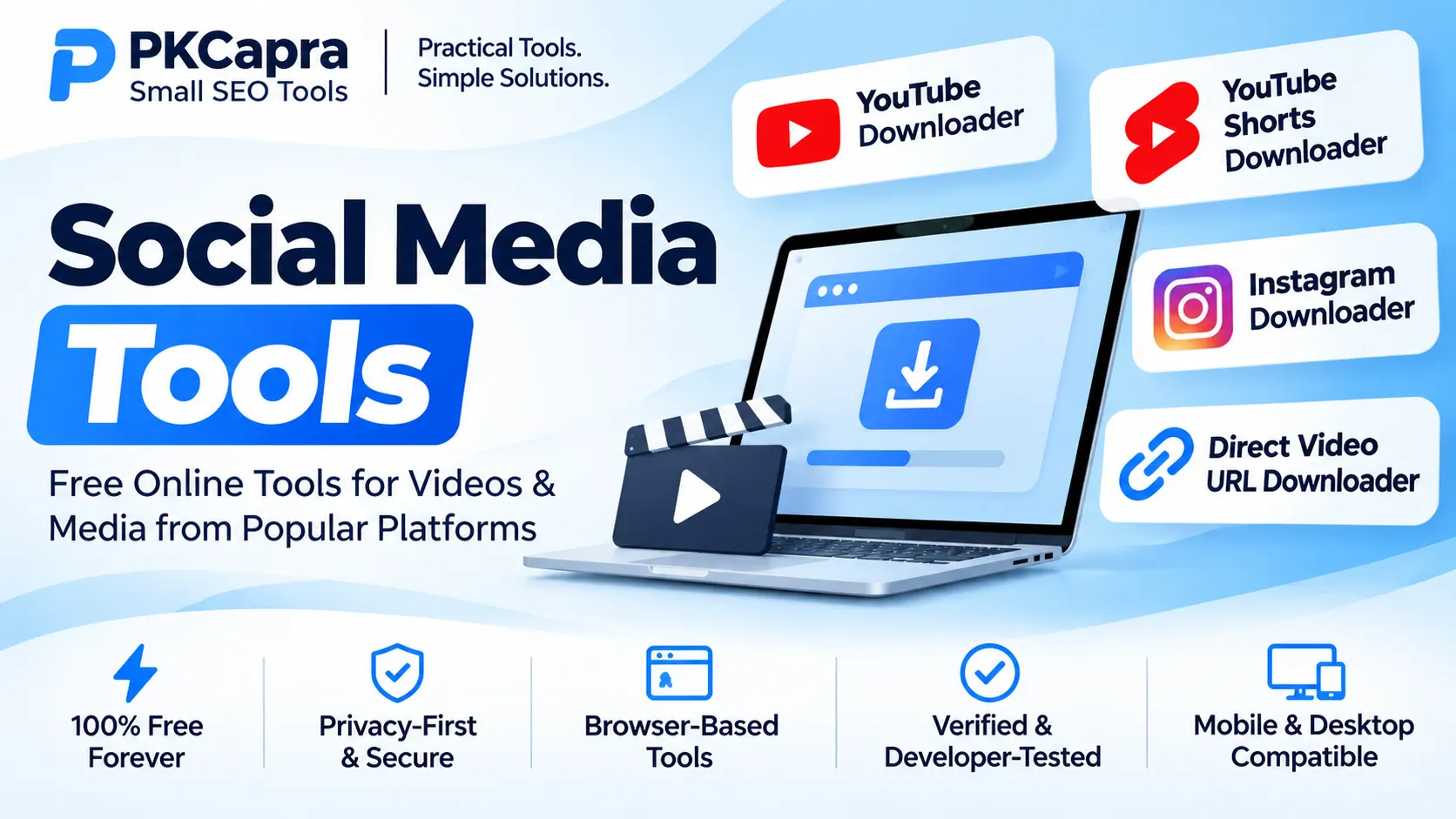
Social Media Tools
Find practical online tools for selected social media video and content workflows. Explore utilities for YouTube videos, YouTube Shorts, Instagram content, and direct video URLs in one place.
What to Consider When Using Social Media Tools
Social media content can have different formats, access requirements, and usage restrictions. Before using a tool, consider the source of the content and how you intend to use the resulting file.
- Check the source URL: Make sure the link belongs to the platform or content type supported by the selected tool.
- Respect content rights: Download or reuse content only when you have permission or the applicable rights to do so.
- Review platform limitations: Some content may be private, restricted, unavailable, or unsupported.
- Choose the right utility: A YouTube video, a Short, an Instagram URL, and a direct video link may require different workflows.
- Verify the result: Check the downloaded or processed file before using or sharing it.
How to Choose the Right Tool
Start by identifying the platform and type of content you are working with. Then select the matching utility from the tool collection above. Use the instructions on the individual tool page and confirm that the source URL is supported.
If your task involves video file processing rather than retrieving social media content, explore the available PKCapra online tools to find utilities for your video or file workflow.
Frequently Asked Questions
What are social media tools?
Social media tools are online utilities designed to assist with selected tasks involving social platform content, URLs, and media workflows.
Which social media tools are available on this page?
This page lists PKCapra tools for YouTube videos, YouTube Shorts, Instagram content, YouTube WASM downloading, and direct video URLs.
How do I choose the correct downloader?
Identify the platform and content type first. Select the tool intended for that workflow, then follow its instructions and check whether your URL is supported.
Why might a video URL not work?
A URL may fail because the content is private, restricted, unavailable, unsupported, or subject to changes in the source platform. Results depend on the tool and source.
Can I use downloaded social media content anywhere?
Not necessarily. Content may be protected by copyright, platform terms, or other usage restrictions. Make sure you have the necessary permission or rights before downloading, reusing, or distributing it.
Are YouTube videos and YouTube Shorts the same workflow?
They are different content formats. PKCapra lists separate tools for YouTube videos and YouTube Shorts so you can choose the utility that matches your source.
Where can I find more PKCapra utilities?
Visit the All Free Online Tools page to explore other tool categories and utilities.
Find the Right Tool for Your Media Workflow
Explore the available PKCapra utilities and choose a tool that matches your source URL and task.
Explore All Free Online Tools →
Choose a Social Media Tool
Select a tool according to the platform or video workflow you need. Availability and results may depend on the source URL, platform restrictions, content permissions, and the capabilities of the selected utility.
YouTube Video Downloader
Use the available YouTube video utility for supported video URL workflows.
Open YouTube Video Downloader →YouTube Shorts Downloader
Access a dedicated utility for supported YouTube Shorts video links.
Open Shorts Downloader →Instagram Downloader
Explore the Instagram downloader utility for supported Instagram content URLs.
Open Instagram Downloader →YouTube WASM Downloader Pro
Explore the WebAssembly-based YouTube downloader tool for its supported workflows.
Open WASM Downloader Pro →Direct Video URL Downloader
Work with direct video URLs when the source and format are supported by the tool.
Open Direct Video Downloader →