
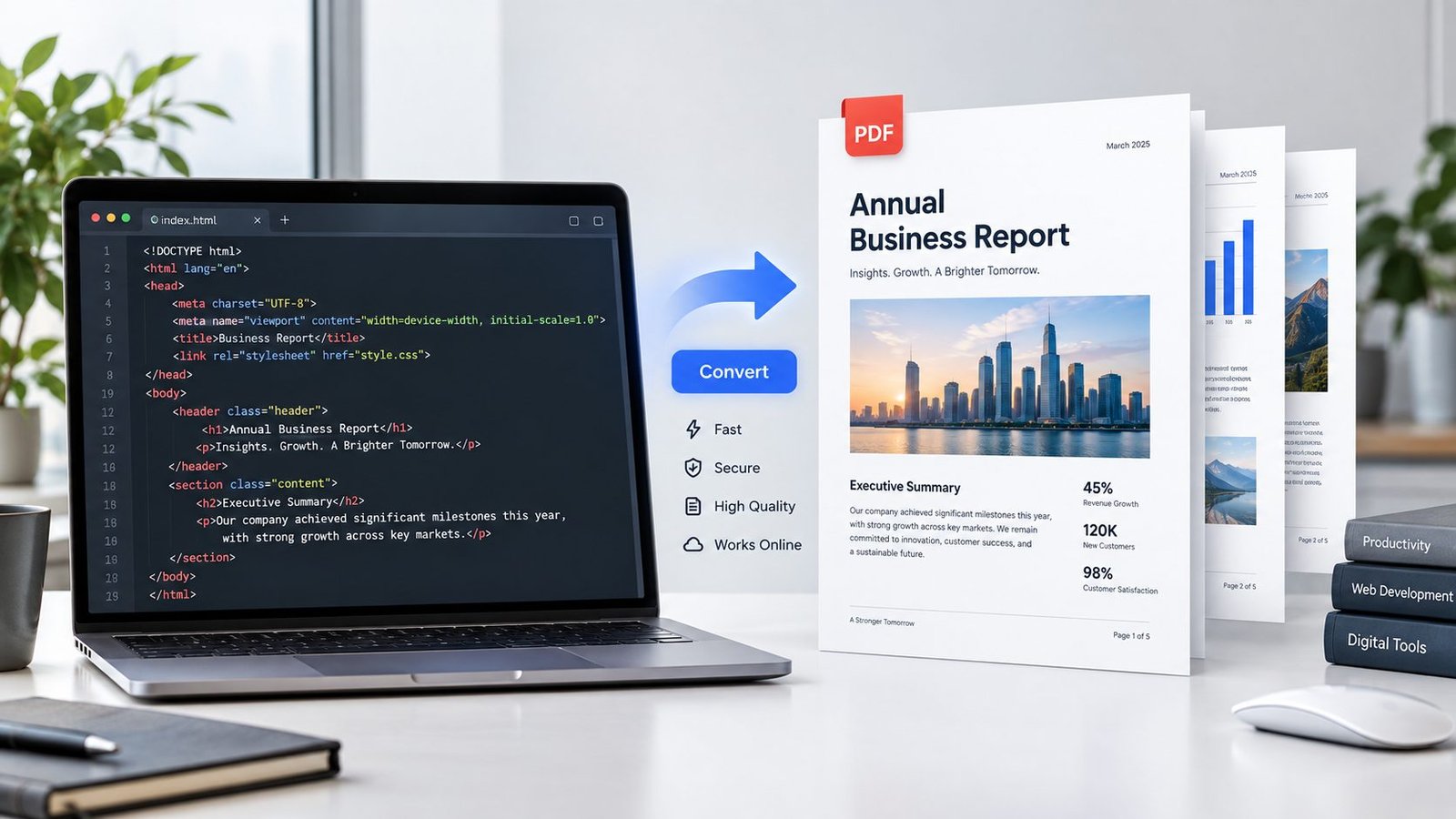
Convert HTML to PDF Online
Convert an HTML file into a downloadable PDF with the HTML to PDF Converter from PKCapra. Upload your .html or .htm file, preview the content, convert it to PDF, and download the finished document.
The tool is designed for HTML documents that contain common text, headings, lists, tables, links, blockquotes, and basic formatting.
For more free utilities, explore PKCapra’s free online tools. You can also browse the PKCapra categories to find other document and file-conversion tools
HTML to PDF Converter
Convert an HTML file to a readable PDF directly in your browser.
or drag and drop an HTML file here
HTML / HTM • Maximum 25 MB • Browser-based processingConvert HTML to PDF online
Turn an HTML or HTM file into a PDF without uploading the document to a conversion server. PKCapra reads the selected file in your browser and creates a readable PDF from common HTML text, headings, lists, links and tables.
How to convert HTML to PDF
- Select or drop an HTML file.
- Review the sanitized HTML preview.
- Click Convert to PDF.
- Preview or download the generated PDF.
What HTML to PDF supports
The converter is designed for common document-style HTML. It handles headings, paragraphs, bold and italic text, ordered and unordered lists, simple tables, links, blockquotes and basic alignment. Data-URI images can be preserved where practical.
Privacy and browser processing
Processing happens in your browser. Scripts, forms, frames and other active HTML content are removed before the document is rendered for preview and PDF generation.
HTML to PDF limitations
This is a document-style HTML converter, not a full browser printing engine. Complex CSS, JavaScript applications, external resources, advanced layouts, web fonts, animations and interactive elements are not reproduced as a live webpage. External images are not fetched for PDF generation.
Frequently asked questions
Can I convert an HTML file to PDF online?
Yes. Select an HTML or HTM file and generate a PDF in the browser.
Is my HTML uploaded?
No. The selected file is processed locally in the browser.
Does it execute JavaScript from my HTML file?
No. Active scripts and other executable content are removed before rendering.
Can I convert an HTM file?
Yes. Both .html and .htm files are accepted.
Will complex website layouts look identical?
No. The converter focuses on readable document-style output rather than pixel-perfect reproduction of an arbitrary website.
How to Convert HTML to PDF
Converting an HTML file to PDF takes only a few steps:
- Open the HTML to PDF Converter.
- Select your
.htmlor.htmfile. - Review the HTML preview.
- Click the convert button.
- Preview the generated PDF.
- Download the PDF to your device.
The conversion happens in your web browser, so the HTML file is processed locally rather than being uploaded to a remote conversion server.
What Is an HTML to PDF Converter?
An HTML to PDF converter changes the contents of an HTML document into a PDF document.
HTML is primarily designed for displaying structured content in web browsers. PDF, on the other hand, is useful when you need a document that can be downloaded, shared, printed, or archived.
Converting HTML to PDF can therefore be useful for documentation, reports, simple web documents, printable content, and offline copies of HTML files.
Why Convert HTML to PDF?
PDF offers several practical advantages when you need to share or preserve document content.
Easier Sharing
A PDF can be shared across different devices without requiring the recipient to open the original HTML file.
Better for Printing
PDF documents are commonly used for printing because the document format is designed for fixed-page presentation.
Useful for Archiving
Saving important HTML content as PDF can provide a convenient document copy for later reference.
Simple Download and Storage
A PDF can be stored locally and opened with many desktop and mobile PDF readers.
If your source is already a PDF and you need its HTML representation instead, you can use PKCapra’s PDF to HTML tool.
What HTML Elements Does the Tool Support?
The PKCapra HTML to PDF converter is designed primarily for document-style HTML.
It can handle common elements such as:
- Headings
- Paragraphs
- Bold and italic text
- Ordered lists
- Unordered lists
- Tables
- Blockquotes
- Preformatted text
- Horizontal rules
- Basic links
- Supported embedded images
This makes it suitable for many simple HTML documents and structured text files.
HTML to PDF Conversion Limitations
The tool is not intended to be a complete browser-engine rendering system.
Complex websites can contain JavaScript applications, external stylesheets, web fonts, animations, interactive components, embedded media, and other browser-dependent features.
These advanced elements may not appear in the generated PDF exactly as they appear in a full web browser.
The converter is therefore best suited to document-style HTML rather than complex interactive websites.
If you need to save an actual accessible webpage, PKCapra also provides a Web Page to PDF tool, which opens the webpage in your browser and uses the browser’s native Print → Save as PDF workflow.
Browser-Based HTML to PDF Conversion
PKCapra processes the selected HTML document directly in your browser.
This approach can be useful when working with documents that you do not want to send to a remote conversion service.
The tool also provides a preview before you download the resulting PDF, allowing you to check the generated document first.
For general information about browser file handling and HTML technologies, you can also consult MDN Web Docs.
HTML to PDF vs Web Page to PDF
These two tools serve different purposes.
HTML to PDF is intended for an HTML file that you already have on your device.
Web Page to PDF is intended for an accessible webpage URL that you want to open and then save through your browser’s print functionality.
Choose the HTML converter when you already have an .html or .htm file. Choose the web-page workflow when your content exists as an online webpage.
Privacy and File Processing
The HTML to PDF conversion is performed in your browser.
Your selected HTML document does not need to be uploaded to a PKCapra server for the conversion process. This browser-based approach can be particularly useful for users working with private documents or locally stored HTML files.
As always, review the generated PDF before sharing it, especially when the source HTML contains sensitive information.
HTML to PDF Features
Browser-Based Processing
Process your HTML document directly in your browser.
HTML File Support
Upload common .html and .htm files.
PDF Preview
Review the generated PDF before downloading it.
Simple Workflow
Upload, convert, preview, and download without complicated settings.
No Software Installation
Use the online converter from a modern web browser without installing desktop conversion software.
Document-Focused Output
Designed for structured HTML containing text, headings, lists, tables, and basic formatting.
Frequently Asked Questions
Can I convert an HTML file to PDF online?
Yes. Upload an .html or .htm file to the PKCapra HTML to PDF Converter and convert it directly in your browser.
Does PKCapra upload my HTML file to a server?
The HTML to PDF conversion is designed to run in your browser. The selected file is processed locally for conversion.
Can I convert an HTM file to PDF?
Yes. The tool supports both .html and .htm files.
Can I convert a complete website to PDF?
This tool is intended for HTML files rather than full interactive websites. Complex JavaScript applications, external resources, advanced CSS, and interactive elements may not reproduce exactly.
For an accessible online webpage, use the Web Page to PDF tool and follow the browser’s Print → Save as PDF workflow.
Can HTML with tables be converted to PDF?
Yes. The converter supports document-style HTML tables.
Can HTML with images be converted to PDF?
Supported embedded PNG and JPEG image data can be included. External image resources may not be preserved.
Is HTML to PDF conversion free?
Yes. PKCapra provides this online conversion tool as part of its free online tools ecosystem.
What if I need to convert PDF back to HTML?
You can use the PDF to HTML converter when you need an HTML representation of PDF content.