
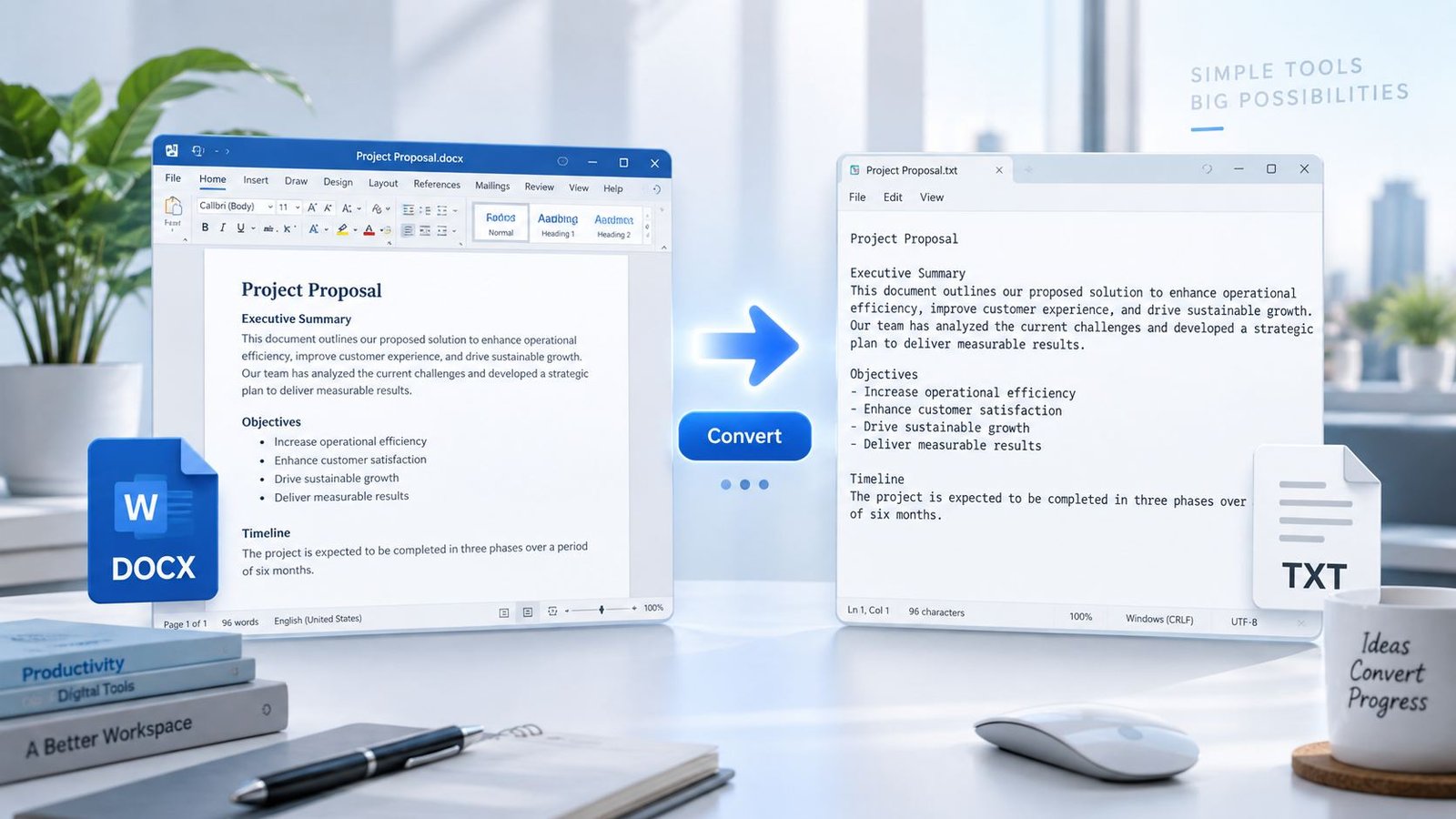
Convert DOCX files to clean plain text with PKCapra’s free DOCX to TXT Converter. Extract readable text from Microsoft Word documents directly in your browser and download it as a TXT file without installing additional software.
DOCX to TXT Converter
Convert a Word DOCX document into clean plain text directly in your browser.
Convert DOCX to plain text online
Use this free DOCX to TXT converter when you need readable text from a Microsoft Word document without Word formatting. The converter extracts document text and creates a standard UTF-8 TXT file in your browser.
How to convert DOCX to TXT
- Select or drop a DOCX file.
- Let PKCapra extract the document text in your browser.
- Review the plain-text preview.
- Copy the text or download the TXT file.
What happens to Word formatting?
TXT is a plain-text format, so fonts, colors, page layout, images, and other Word styling are not preserved. Paragraph content is retained as readable text, while formatting is intentionally removed.
Why use a DOCX to TXT converter?
- Extract readable text from Word documents.
- Create lightweight text files for scripts and text-processing workflows.
- Remove Word formatting when you only need the content.
- Keep the selected document in the browser during conversion.
Frequently asked questions
Does PKCapra upload my DOCX?
No. This converter performs the extraction in your browser. It does not send the selected DOCX to a PKCapra conversion endpoint.
Will images be included in the TXT file?
No. TXT stores plain characters, not embedded Word images.
Will the original Word formatting be preserved?
No. The purpose of this conversion is to produce clean plain text rather than preserve Word page design.
What DOCX file size is supported?
The browser interface accepts DOCX files up to 25 MB. Very complex or unusually structured documents may not extract every Word feature perfectly.
Convert DOCX to TXT Online for Free
A DOCX file is useful when you need a fully formatted Word document, but sometimes you only need the words inside it. Converting DOCX to TXT removes the need to work with Word-specific formatting and gives you a simple plain-text version of your document.
PKCapra’s DOCX to TXT Converter is designed for exactly that purpose. Select a DOCX file, let the converter extract its text, review the result, and download a TXT file when you’re ready.
Microsoft describes DOCX as the XML-based Word document format, while Plain Text (.txt) stores document content without formatting. This makes TXT useful when you need portable, simple text rather than a visually formatted document. Microsoft’s official file-format documentation
How to Convert DOCX to TXT
Converting a Word document to plain text takes only a few steps:
- Open the DOCX to TXT Converter.
- Select your
.docxfile or drag it into the converter. - Let PKCapra extract the readable text from the document.
- Review the extracted text in the preview area.
- Copy the text if you need it somewhere else.
- Download the converted
.txtfile.
You don’t need Microsoft Word installed on your computer to use the converter.
What Does DOCX to TXT Conversion Do?
DOCX and TXT are designed for different purposes.
A DOCX document can contain formatting, fonts, colors, page layouts, images, tables, and other Word document features. A TXT file is much simpler: it contains plain text without the visual formatting of a Word document.
When you convert DOCX to TXT, the goal is therefore to extract the useful written content rather than reproduce the original page design.
This can be helpful when you need to:
- Extract text from a Word document
- Create a plain-text copy of a document
- Remove Word formatting
- Prepare document text for another application
- Analyze or process text
- Archive the written content in a simple format
- Copy document content into systems that accept plain text
- Work with text without depending on Word formatting
Why Use a DOCX to TXT Converter?
Get clean plain text
If formatting is getting in the way, TXT gives you a simpler version of the document that focuses on the actual text.
No Microsoft Word required
You can convert a supported DOCX file through your browser without opening the document in Microsoft Word.
Browser-based processing
PKCapra processes the DOCX directly in your browser. The conversion does not require sending the document to a PKCapra file-conversion server.
Easy preview before downloading
You can review the extracted text before downloading the final TXT file.
Useful for text-based workflows
Plain text is convenient for editing, searching, analysis, archiving, scripting, and moving content between applications.
DOCX vs TXT: What’s the Difference?
The biggest difference is formatting.
A DOCX file is designed to preserve the structure and presentation of a Word document. A TXT file is designed to store text without document formatting.
That means converting a DOCX file to TXT is useful when you care primarily about the words rather than the original visual appearance.
If you need to keep the document’s formatting while converting it to another widely used format, you may prefer PKCapra’s Word to PDF Converter instead.
Does DOCX to TXT Preserve Formatting?
No. Plain-text TXT files do not preserve Word’s visual formatting.
Depending on the document, elements such as fonts, colors, page layout, images, and other Word-specific presentation features will not be reproduced as they appear in the original DOCX file.
This is not a problem when your goal is simply to extract the document’s written content. In fact, removing formatting is often the main reason people convert Word documents to TXT.
Is DOCX to TXT Conversion Private?
PKCapra’s DOCX to TXT Converter is designed for local browser-based processing. Your selected DOCX file is processed by the browser rather than being uploaded to a PKCapra conversion endpoint.
This can be useful when working with documents that you would rather process locally instead of sending to a remote file-conversion service.
As with any browser-based document tool, you should still use appropriate caution with highly sensitive files and keep your browser and operating system up to date.
What Files Does the Converter Support?
The converter is designed for Microsoft Word .docx files.
The current browser interface supports DOCX files up to 25 MB.
Very complex Word documents may contain features that do not have a direct equivalent in plain text. The purpose of this converter is to extract readable document text rather than reproduce every Word-specific feature.
What Happens to Images and Design Elements?
TXT is a text-only format, so images, colors, fonts, page backgrounds, and other visual design elements are not carried over as visual elements.
If your document contains important images, diagrams, or visual layouts that you need to preserve, a plain-text conversion is probably not the right format for that particular purpose.
If you need to work with images contained in PDF documents, you can also use PKCapra’s PDF Image Extractor.
What Can You Do With the TXT File?
Once your DOCX document has been converted, the resulting TXT file can be used in many simple text workflows.
You can open it in a basic text editor, search through the content, copy sections into another application, process it with text-analysis software, or keep it as a lightweight archive of the document’s written content.
If the source document is already a PDF and you need its text instead, PKCapra also provides a PDF to TXT converter and a PDF Text Extractor.
DOCX to TXT for Content Extraction
Converting a Word document to plain text can be particularly useful when the next step in your workflow is text processing rather than document design.
For example, you may want to extract the written content before analyzing it, moving it into a text-based application, cleaning it up, or preparing it for another workflow.
Because TXT does not carry the same visual formatting as DOCX, the resulting file is generally much simpler to work with when only the written content matters.
A Simple Way to Extract Text From Word Documents
You don’t always need a complicated document-conversion workflow.
If you already have a DOCX file and simply want the readable text, a dedicated DOCX to TXT converter can save time by handling the extraction for you.
PKCapra keeps the process straightforward: choose your Word document, review the extracted content, and download the plain-text result.
For more document and file utilities, explore PKCapra’s All Free Online Tools or browse the available tool categories.
Frequently Asked Questions
What is a DOCX to TXT converter?
A DOCX to TXT converter extracts readable text from a Microsoft Word DOCX document and saves that content as a plain-text TXT file.
Can I convert DOCX to TXT for free?
Yes. PKCapra provides a free browser-based DOCX to TXT converter.
Do I need Microsoft Word to convert DOCX to TXT?
No. You can use PKCapra’s DOCX to TXT Converter directly from a supported modern web browser.
Does converting DOCX to TXT remove formatting?
Yes. TXT is a plain-text format, so Word-specific formatting and visual page design are not preserved.
Does the converter upload my DOCX file?
PKCapra’s DOCX to TXT tool is designed to process the selected document directly in your browser rather than uploading it to a PKCapra conversion server.
What is the maximum DOCX file size?
The current converter supports DOCX files up to 25 MB.
Can I convert a PDF to TXT with PKCapra?
Yes. If your source is a PDF rather than a Word document, you can use PKCapra’s PDF to TXT converter or PDF Text Extractor.
Will images from my DOCX appear in the TXT file?
No. TXT is designed for plain text, so images and visual design elements are not preserved as images.
What is the difference between DOCX and TXT?
DOCX is a structured Word document format that can contain formatting and other document features. TXT is a plain-text format designed to store text without formatting.
Is TXT useful for text analysis?
Yes. Plain text is often convenient for searching, processing, analyzing, and moving written content between different applications.
More Free Document Tools
PKCapra is building a growing collection of browser-based tools for documents, PDFs, images, data, SEO, and everyday file workflows.
If you need to convert a Word document into a PDF, use the Word to PDF Converter.
If you need to extract text from a PDF, try the PDF Text Extractor.
For a broader selection of free browser-based utilities, visit All Free Online Tools.
PKCapra’s goal is simple: provide useful online tools that are easy to understand, practical to use, and honest about what they can and cannot do.