
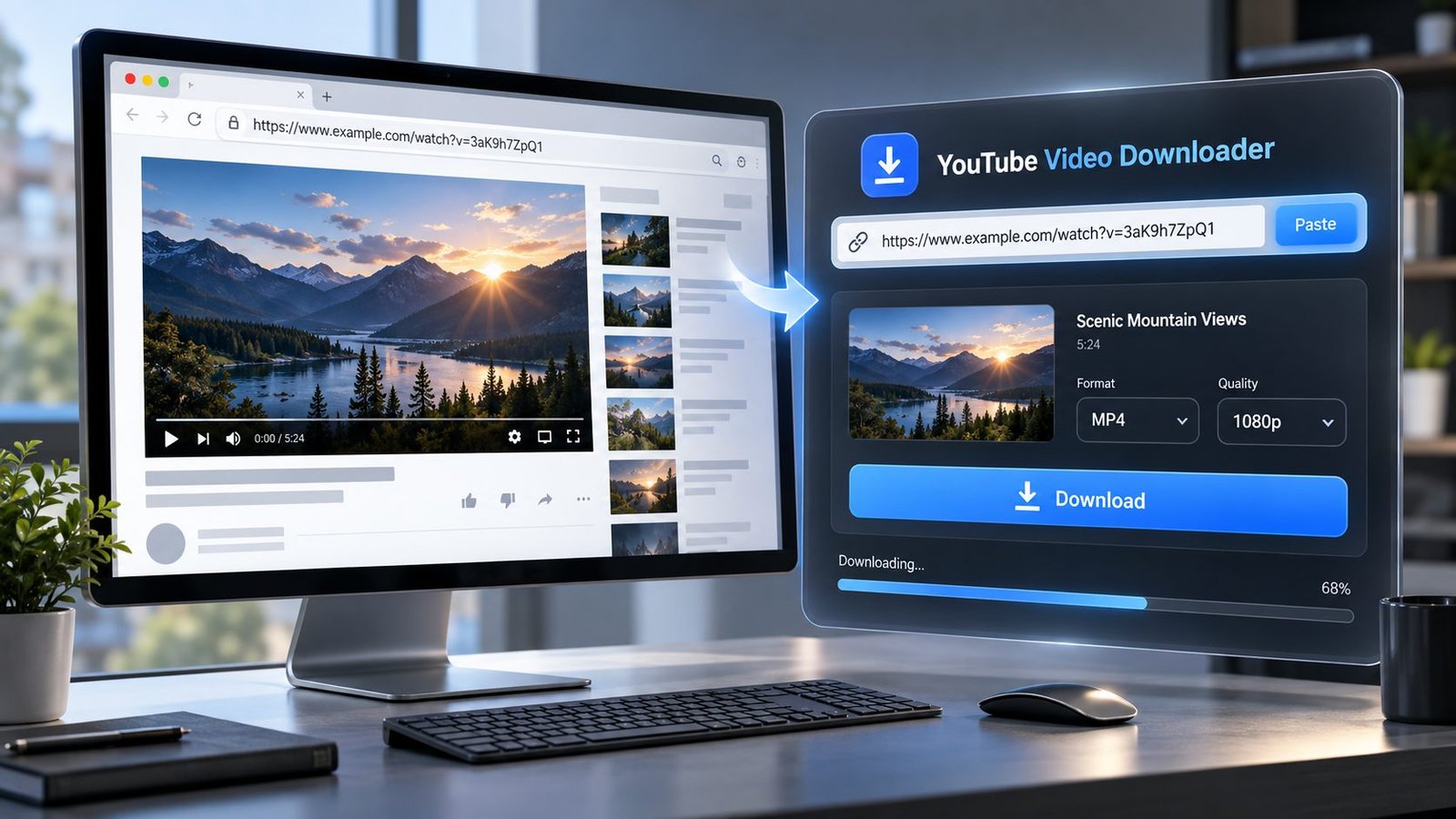
Download YouTube videos in the quality and format available for the video. Paste a public YouTube video URL, choose an available format or quality, and download the file directly from your browser.
No account is required to use the downloader. No software installation is needed.
Use this tool only for videos you have permission to download or content that YouTube and the copyright holder allow you to download.
YouTube Video Downloader
Paste a public YouTube video link, fetch the available video formats, choose your quality, and download the selected format directly. PKCapra does not store the video file.
YouTube video
Use this tool only for videos you are authorized to download or otherwise permitted to save. PKCapra does not support private/login-required content, DRM, paywall or access-control bypass.
Download YouTube Videos Online
Need to save a YouTube video for offline use?
With PKCapra’s YouTube Video Downloader, you can paste a public YouTube video link and check the available download options directly from your browser.
The downloader is designed to keep the process simple:
Copy the YouTube link → Paste it → Get available formats → Choose your download → Save the file.
Depending on the video and what the extraction service can provide, available options may include different video resolutions and file formats.
There is no need to install a desktop downloader or browser extension.
How to Download a YouTube Video
1. Copy the YouTube video URL
Open YouTube and copy the URL of the video you want to download.
For example, a normal YouTube video URL may look like:
2. Paste the URL
Paste the video link into the PKCapra YouTube Video Downloader.
3. Let PKCapra check the video
The downloader processes the public video URL and retrieves the download options that are available for that video.
4. Choose a format or quality
If multiple options are available, select the one that suits you.
Depending on the source video, you may see options such as different resolutions or video formats.
5. Download the video
Choose your preferred option and start the download.
That’s it.
What Can You Download?
The available options depend on the particular YouTube video and the formats returned by the download service.
A video may have options such as:
- Different video resolutions
- MP4 video
- Other supported video formats when available
- Audio options when supported
- Different file sizes
- Different quality levels
Important: A 1080p, 1440p or 4K option cannot be created if that quality is not available through the source or extraction service.
PKCapra shows the options it can actually obtain rather than pretending that every YouTube video is available in every resolution.
Can I Download YouTube Videos in 1080p or 4K?
Sometimes.
The available resolution depends on the particular video and the formats returned by the extraction service.
If 4K is available, you may see a 4K option. If the highest available option is 1080p, 720p or another resolution, PKCapra cannot legitimately turn that source into a higher-quality video.
This is why two YouTube videos can show completely different download options.
YouTube Video Downloader for MP4
MP4 is one of the most convenient formats for everyday video use because it is widely supported by computers, phones, tablets and many media players.
When MP4 is available for the selected video, you can choose the corresponding MP4 option and download the file.
The exact resolution and file characteristics depend on what is available for that video.
Does the Downloader Work on Mobile?
Yes, the tool is designed to work from a modern web browser, so you can use it from a phone, tablet or computer.
You don’t need to install a separate downloader application just to use PKCapra.
On mobile:
- Open the YouTube app or website.
- Copy the public video link.
- Open the PKCapra downloader.
- Paste the link.
- Select an available download option.
- Save the resulting file.
Your browser may handle downloaded files differently depending on the device and operating system.
Do I Need to Install Software?
No.
PKCapra’s YouTube Video Downloader works through your web browser.
You don’t need:
- A desktop application
- A browser extension
- Command-line software
- Python
- A separate media player
Just open the tool and paste the video URL.
Why Are Some YouTube Videos Not Available?
Not every YouTube URL can necessarily be processed.
A download can fail when the source cannot be accessed or the extraction service cannot obtain a usable media stream.
Possible reasons include:
- The video is unavailable
- The URL is incorrect
- The content is private
- The content requires authentication
- The video has access restrictions
- The extraction service temporarily cannot process the video
- A particular format is not available
- The source has changed its delivery method
- The requested video is temporarily unavailable
If one attempt fails, check the URL first and try again later.
Why Don’t I See Every Video Quality?
Because PKCapra does not invent download formats.
YouTube videos can have different source qualities, codecs, containers and delivery methods. The extraction service may also return only a subset of the formats that exist at the source.
For example, one video might provide several resolutions while another might return only one usable MP4 option.
The available choices shown by the downloader are therefore video-specific.
Is There a Maximum Video Length?
There isn’t a universal promise that every YouTube video, regardless of length, will always process successfully.
Longer videos can require substantially more processing time and can be affected by temporary extraction or network limitations.
If a particular video fails:
- Verify that the URL is correct.
- Try the video again later.
- Try another available format if one is offered.
- Test a shorter public video to determine whether the issue is specific to the original video.
A failure with one video does not necessarily mean the downloader is unavailable.
Is PKCapra a YouTube Service?
No.
PKCapra is an independent web tool. It does not represent YouTube and is not affiliated with or endorsed by YouTube.
YouTube is a trademark of its respective owner.
Is It Safe to Use a YouTube Downloader?
The safest approach is to use a downloader only with content you are authorized to download.
Don’t use the tool to bypass:
- Private-account restrictions
- Login requirements
- DRM
- Paywalls
- Access controls
- Other technical protections
PKCapra is intended for publicly accessible content and legitimate downloading use cases.
Do I Need a YouTube Account?
No PKCapra account is required to use the downloader.
However, this does not mean that private or login-protected YouTube content can be downloaded.
The tool is intended for public content that can be legally and technically processed without bypassing access restrictions.
Does PKCapra Store My YouTube Videos?
PKCapra’s downloader is designed around processing the URL and providing a downloadable media result.
We do not present the service as a permanent video-hosting platform or personal cloud storage system.
For privacy-sensitive material, don’t submit URLs or content that you are not comfortable processing through a third-party service.
YouTube Video Downloader vs. Screen Recording
Downloading and screen recording are not the same thing.
A downloader attempts to retrieve an available media file or stream from the source.
Screen recording captures whatever is displayed on your screen.
For a video you are authorized to save, downloading can provide a much cleaner result because you’re obtaining the available media file rather than recording your display in real time.
Why Use PKCapra YouTube Video Downloader?
Simple
Paste the URL and check the available download options.
Browser-based
Use it from a modern browser without installing dedicated downloader software.
Format-aware
The tool shows the formats and qualities that can actually be obtained for the selected video.
Mobile-friendly
Use the downloader from your phone, tablet or desktop.
No unnecessary account
You can start with the video URL instead of creating another account just to test a download.
Honest about availability
If a particular quality isn’t available, PKCapra doesn’t pretend that it is.
YouTube Video Download Problems? Try This
If your download isn’t working, start with these checks:
1. Check the URL
Make sure you copied the complete YouTube video URL.
2. Make sure the video is public
Private or restricted videos may not be processable.
3. Try again
Temporary extraction failures can happen.
4. Try another format
If several formats are displayed, another option may work better.
5. Test another video
This helps determine whether the problem is with the particular video or the service.
6. Avoid restricted content
PKCapra isn’t designed to bypass authentication, DRM or other access controls.
Frequently Asked Questions
What is a YouTube Video Downloader?
A YouTube video downloader is a web tool that processes a YouTube video URL and provides a downloadable media file when the video and available formats can be legally and technically processed.
How do I download a YouTube video?
Copy the public YouTube video URL, paste it into PKCapra, wait for the available formats to appear, choose an option and start the download.
Can I download YouTube videos without installing software?
Yes. PKCapra works through a web browser, so there is no dedicated downloader application required.
Can I download YouTube videos on iPhone or Android?
You can use the PKCapra downloader from a modern mobile browser. The exact way the downloaded file is saved depends on your device and browser.
Can I download YouTube videos in 1080p?
If a 1080p format is available for the particular video and can be retrieved by the extraction service, it can appear as a download option.
Can I download YouTube videos in 4K?
If a compatible 4K format is available for the particular video, the downloader may provide it. 4K is not available for every YouTube video.
Why is only one quality available?
The extraction service may only return one usable format for a particular video. PKCapra cannot display formats that it cannot actually retrieve.
Why did my YouTube download fail?
The video may be unavailable, restricted, temporarily inaccessible, unsupported by the extraction service, or the service may have encountered a temporary processing problem.
Can I download private YouTube videos?
No. PKCapra is not intended to bypass private-video access, authentication or other access restrictions.
Is downloading YouTube videos legal?
It depends on the content, your rights to use it, the copyright holder’s permissions and the applicable terms and laws. Download videos only when you have permission or the download is otherwise permitted.
Does PKCapra remove YouTube watermarks?
No. PKCapra does not add a watermark to your downloaded file, but it is not a tool for bypassing protections or removing attribution from copyrighted content.
A Better Way to Think About YouTube Downloads
A good downloader should not promise something that the source cannot provide.
If a video is available in 720p, the downloader should show 720p.
If 1080p is available, it should show 1080p.
If only one usable format can be retrieved, it should say so.
That’s the approach behind PKCapra: show the download options that are actually available instead of filling the page with promises that don’t match the video.
Before You Download
Only download content that you are authorized to save and use.
Respect the copyright owner’s rights and the applicable rules governing the content you access.
PKCapra does not provide a way to bypass private access, DRM, authentication, paywalls or other technical restrictions.